.svg)
 Healthcare
 Finance
 Retail
 SaaS & Digital
 eCommerce
 Education
 Salesforce
  HubSpot
 Pipedrive
 Mailchimp
 Zendesk
  Intercom
 Freshdesk
 HelpScout
  Front
Front Jira
Jira Slack
Slack  MS Teams
 Zoom
Zoom Google Sheets
  Zapier
  Integrately
 Make
Make  Webhooks




 MS Teams
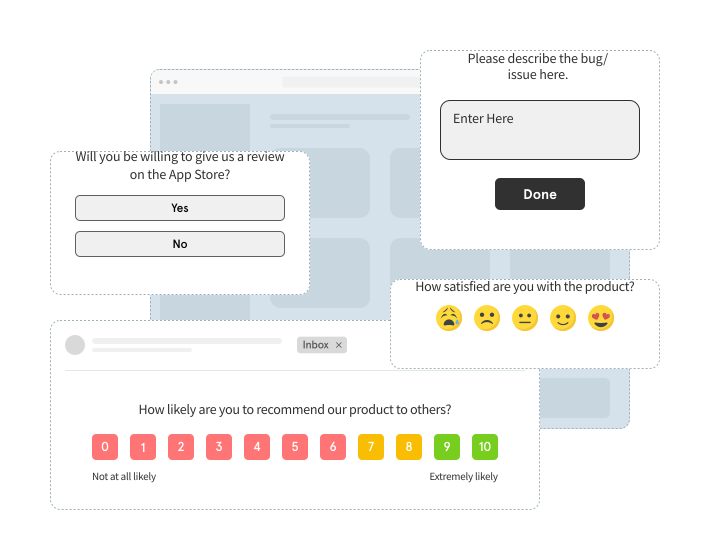


Product survey tools are platforms that help product teams design, trigger, and analyze structured surveys (NPS, CSAT, CES, PMF, and custom microsurveys) to measure user sentiment, usability, and feature satisfaction at every stage of the user journey. The best ones combine contextual in-product delivery, behavioral targeting, and AI-powered analysis so teams can act on feedback without manual effort. Top picks for 2026 include Zonka Feedback, Refiner, Survicate, Sprig, and Qualaroo.
TL;DR
- Product survey tools help product teams collect structured, quantitative feedback (NPS, CSAT, CES, PMF, and microsurveys) from users at the right moment, not on a generic schedule.
- The best tools combine in-product delivery, behavioral triggering, and AI analytics so survey responses drive decisions, not just dashboards.
- This guide covers 10 product survey tools for 2026, evaluated on survey flexibility, targeting depth, CX metric coverage, AI analysis, integrations, and pricing.
- Top picks by use case: Zonka Feedback (multichannel + AI closed-loop workflows), Refiner (in-product microsurveys for SaaS), Survicate (event-triggered CX metrics), Sprig (AI insights paired with session data), Qualtrics (enterprise research programs).
- This guide covers survey-first tools only. Feature request boards, roadmapping tools, bug reporting, and SDK-native in-app survey platforms are outside the scope here.
Most teams pick a survey tool the same way. They Google "best survey tool," find something familiar, set up an NPS email blast, and call it a feedback program.
Three months later, they're sitting on 800 open-text responses nobody has read. A product manager is manually tagging comments in a spreadsheet. The NPS score moved. Nobody knows why. And the feature built in response to "customer feedback" didn't land.
The problem isn't the survey. It's the tool.
Product teams need surveys that fire when a user finishes onboarding, not on the 15th of every month. They need a one-question microsurvey that triggers when feature usage drops, before the cancellation email arrives. They need something that reads 600 open-text responses and tells you that 38% of detractors mentioned checkout friction, without a single analyst spending a Tuesday doing it manually.
That's what dedicated product survey tools are built for. This guide covers the 10 best in 2026, evaluated on in-product delivery, behavioral targeting, CX metric coverage, AI analysis, integrations, and pricing, so you can pick the right one for your team's actual use case.
Best Product Survey Tools Compared
| Tool | Best For | Key Feature | Starting Price |
| Zonka Feedback | Multichannel surveys + AI closed-loop | AI thematic and sentiment analysis across all channels | Custom pricing |
| Refiner | In-product microsurveys for SaaS | Behavioral event triggering + custom CSS widget branding | $79/mo |
| Survicate | Event-triggered CX metric tracking | No-code trigger setup + Segment/HubSpot integration | $99/mo |
| Sprig | AI insights + session data in one platform | Survey responses linked directly to session replay clips | $175/mo |
| Qualaroo | Contextual in-product nudge surveys | IBM Watson sentiment analysis on open-text responses | Contact |
| SurveySparrow | Conversational multi-question surveys | Chat-style format that reduces abandonment on longer surveys | Contact |
| Pendo | Survey data correlated with user behavior | NPS scores tied directly to feature adoption data | Contact |
| Hotjar | Web surveys alongside heatmaps and recordings | Heatmap and survey data in a single workspace | $39/mo |
| Typeform | Long-form research surveys and user studies | Advanced conditional branching for complex survey flows | $25/mo |
| Qualtrics | Enterprise research and predictive analytics | Text IQ NLP + conjoint and MaxDiff analysis | Contact |
What Is Product Survey Software?
Product survey software is a platform built to help product teams create, deploy, and analyze structured surveys, specifically inside or alongside the product, at moments that matter in the user journey.
That last part is the differentiator. Generic survey tools distribute forms by email link, wait for responses, and hand you a spreadsheet. Product survey tools do something different: they trigger a survey when a user completes a specific action, abandons a feature, or hits a support flow. They deliver it as a widget inside your web app or mobile app. They segment responses by cohort, plan tier, or behavioral pattern. And increasingly, they analyze open-text responses with AI so you're not manually reading 500 comments to find the three themes worth acting on.
You get a different kind of data as a result. Not "we emailed our user list and 12% responded." But: "we surveyed the 340 users who activated this feature in the last 30 days, and here's what the 40% who stopped using it after week one told us."
What product survey software doesn't cover: feature request boards, public roadmaps, bug reporting tools, and session replay tools. Those belong in the broader product feedback tools category. This blog is specifically about survey-first platforms, tools built around structured questions, defined metrics, and quantitative response analysis.
What Types of Surveys Do Product Teams Run?
Not all product surveys measure the same thing. Before choosing a tool, it's worth being clear on which survey types your team actually needs, because the right tool depends partly on this.
- NPS (Net Promoter Score): Measures relationship loyalty: "How likely are you to recommend us?" Run at onboarding milestones, quarterly check-ins, and renewal windows. Maps to long-term retention, not single interactions.
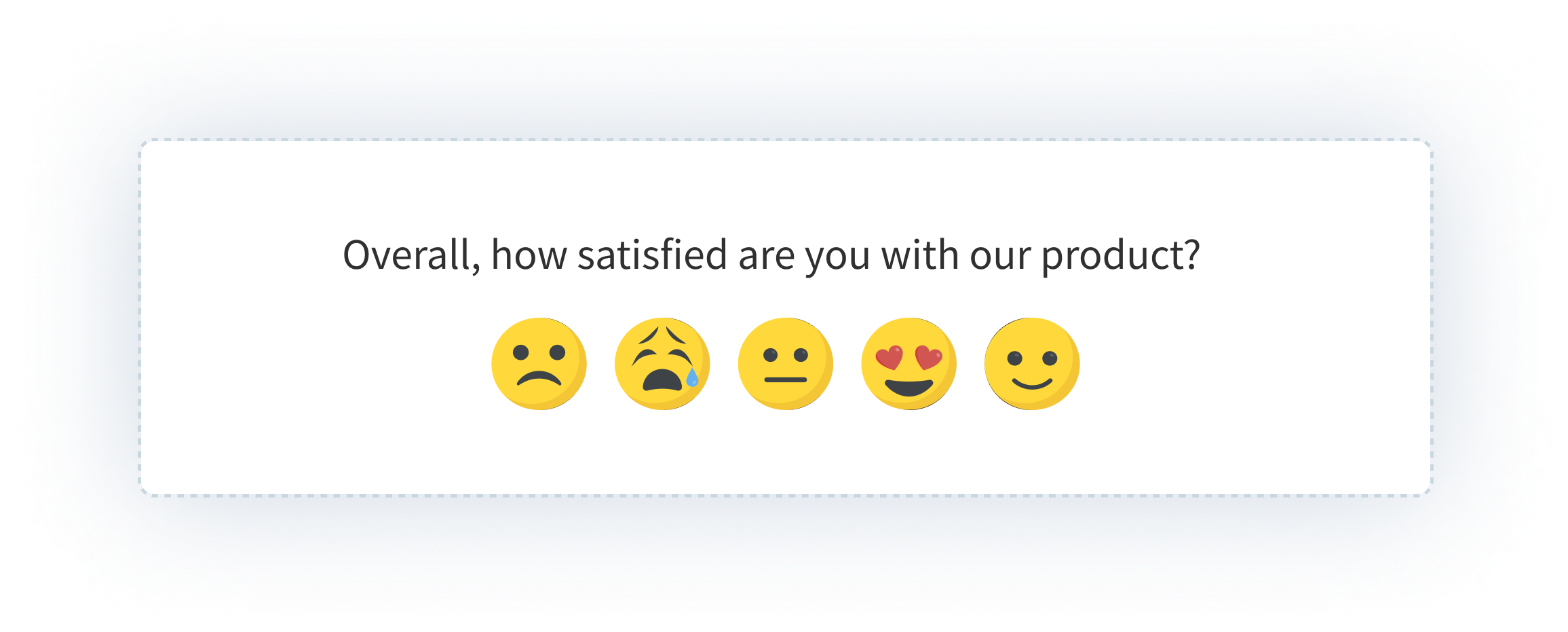
- CSAT (Customer Satisfaction Score): Measures satisfaction with a specific interaction or feature. Run post-task, post-support contact, or after onboarding is complete.
- CES (Customer Effort Score): Measures friction: "How easy was it to do X?" Most useful at support touchpoints and complex product flows where effort predicts churn better than satisfaction does.
- PMF (Product-Market Fit) Survey: Built around Sean Ellis's question: "How disappointed would you be if this product no longer existed?" Teams benchmark against the 40% threshold. See product-market fit survey for the full methodology.
- Feature Adoption Survey: Checks whether users understand and use a specific feature after it ships. Catches low-adoption signals early, before they show up as churn.
- Onboarding Survey: Captures friction and intent during the first session or first 7 days. Often the highest-value survey a SaaS team can run.
- Churn / Cancellation Survey: Captures the reason for leaving at the exact moment of cancellation, while motivation to respond is still high.
- Usability Survey: Open-ended research on confusion, friction, or task completion difficulty. Feeds UX decisions rather than metric dashboards.
For full question banks by survey type, see product survey questions.
Why Do Product Teams Need Dedicated Survey Tools?
The honest answer: most teams don't, until the workaround stops working.
A Google Form and a monthly email blast technically collect feedback. So does a Typeform link dropped in a Slack channel. But generic tools have a ceiling, and product teams hit it fast.
Here's where the gap shows up.
In-product surveys get 3–4x the response rate of email surveys. Userback's data puts email survey response rates at 10–15% on a good day. In-product surveys run 30–50% because users are already in the product, already in context, and the friction is close to zero. When you move from email to in-product delivery, you don't just get more responses. You get responses from users who matter, at the moment that matters.
Behavioral targeting changes what feedback you can actually collect. With an email list, you segment by plan or signup date. With event-based triggers, you survey users 24 hours after they activate a specific feature, or when they haven't logged in for 14 days, or immediately after they contact support. That specificity is the difference between noisy feedback and signal worth acting on.
Metric standardization across the journey requires a dedicated system. NPS at onboarding, CSAT after feature use, CES at support contact, PMF at the 30-day mark: tracking all four consistently, with comparable data across cohorts and time periods, requires a tool designed for it. Spreadsheets and ad hoc forms cannot give you that.
The real work happens after the response comes in. Routing a detractor score to the right CS rep. Creating a Jira ticket from a bug signal. Flagging an urgent response for immediate follow-up. None of this happens automatically with a generic builder. With a dedicated product survey platform, it is built into the workflow.
What Features Should You Look for in a Product Survey Tool?
The right features depend on your team's stage and use case. But these eight capabilities separate purpose-built product survey tools from general-purpose builders.
1. In-product and in-app delivery
The tool should support widget delivery inside the product (slide-in, modal, banner) plus SDK options for iOS, Android, and React Native if you have a mobile app. A tool that only sends surveys by email link isn't a product survey tool.
2. Behavioral event triggering
Surveys should fire based on what users do, not just when a scheduler says so. Look for triggers on specific user actions, lifecycle stages, page visits, and inactivity signals. Time-delay-only triggering is a generation behind.
3. CX metric coverage
Native support for NPS, CSAT, CES, and PMF with appropriate question formats, not generic rating scales you configure yourself. Good tools have templates for all four built in.
4. User segmentation
Target by plan tier, device, behavior, cohort, lifecycle stage, and prior survey response. The ability to ask different users different questions, and to exclude users who responded recently, is what separates useful data from noise. See user segmentation for how this works in product contexts.
5. AI-powered response analysis
Sentiment detection, theme clustering, and auto-tagging on open-text responses. If you collect hundreds of open-text responses, you need something that surfaces patterns without manual review. See sentiment analysis on customer feedback for how this works in practice.
6. Reporting and trend tracking
Score trends over time, filterable by segment and cohort. The ability to see "NPS for users on the Enterprise plan who joined in Q3" is what makes product surveys useful for decisions, not just presentations.
7. Integration and routing
Connect to Jira, Slack, HubSpot, Salesforce, Mixpanel, and Segment. Route low scores and urgent responses to the right team automatically. Feedback that stays inside a survey dashboard doesn't change anything.
8. Survey frequency controls
Suppression windows, per-user throttling, and frequency caps. Without these, users who engage with surveys will eventually stop responding to all of them. The tool should protect your response rates as actively as it helps you collect them.
How Do You Choose the Right Product Survey Tool for Your Team?
Six questions that determine which tool actually fits:
| Factor | What to Ask |
| Team size and maturity | Are you running ad hoc surveys, or building a systematic feedback program across multiple metrics? |
| Primary use case | NPS tracking only? Microsurvey research? Enterprise conjoint analysis? PMF measurement? |
| Delivery channel | In-product only, or multichannel (email, SMS, in-app, and web widget simultaneously)? |
| Budget | Starting at free, $79/mo, $175/mo, or enterprise custom. Where does your program fit? |
| Analytics depth | Self-serve reporting, AI-powered text analysis, or advanced statistical research methods? |
| Integration requirements | Jira, Salesforce, Segment, Mixpanel, HubSpot: which are non-negotiable for your stack? |
If you are a SaaS startup with a limited budget: Start with Refiner or Survicate. Both have free tiers, both are designed for in-product use from day one, and both handle NPS/CSAT/CES without engineering overhead.
If you need multichannel delivery plus AI analysis plus closed-loop workflows: Zonka Feedback. It's the only tool in this list that covers all three without requiring separate platforms for each.
If you want survey data correlated with behavioral data: Sprig or Pendo. Sprig links survey responses to session clips; Pendo ties them to feature adoption metrics.
If you're a web-based product team already using Hotjar: Add Hotjar surveys before adopting another tool. The heatmap context alongside survey data is genuinely useful, and consolidating saves both cost and tooling complexity.
If you're running periodic user research studies, not always-on metric tracking: Typeform. The survey design quality and conditional logic handling are better than anything else in this list for research-grade questionnaires.
If you're a large enterprise running cross-functional research programs: Qualtrics. The predictive analytics, Text IQ, and statistical analysis capabilities justify the complexity and cost at scale.
How We Evaluated These Product Survey Tools
We evaluated 10 tools against a consistent set of criteria: in-product delivery options, trigger and targeting depth, CX metric coverage, AI and analytics capabilities, integration ecosystem, pricing transparency, and G2 rating with review volume.
One scope clarification: survey-first platforms only, tools built primarily to create, deploy, and analyze structured surveys. Tools focused on feature voting, roadmapping, or visual bug reporting are outside this list.
Full disclosure: Zonka Feedback is our product. It is included because it belongs in this category, evaluated by the same criteria as every other tool on this list. If you think the write-up is too generous or too minimal, the G2 reviews will tell you what independent users actually think.
What Are the Best Product Survey Tools in 2026?
The 10 tools below are ordered from most full-featured to most specialized. Zonka Feedback leads because it covers the widest range of survey programs (multichannel delivery, AI analysis, and closed-loop automation) in a single platform. From there, tools get progressively more specialized toward specific use cases: SaaS microsurveys, enterprise research, web UX, and long-form qualitative studies.
The right tool depends on where you sit in that spectrum. Read the descriptions, not just the names.
1. Zonka Feedback: Best for Multichannel Product Surveys, AI Analysis, and Closed-Loop Workflows
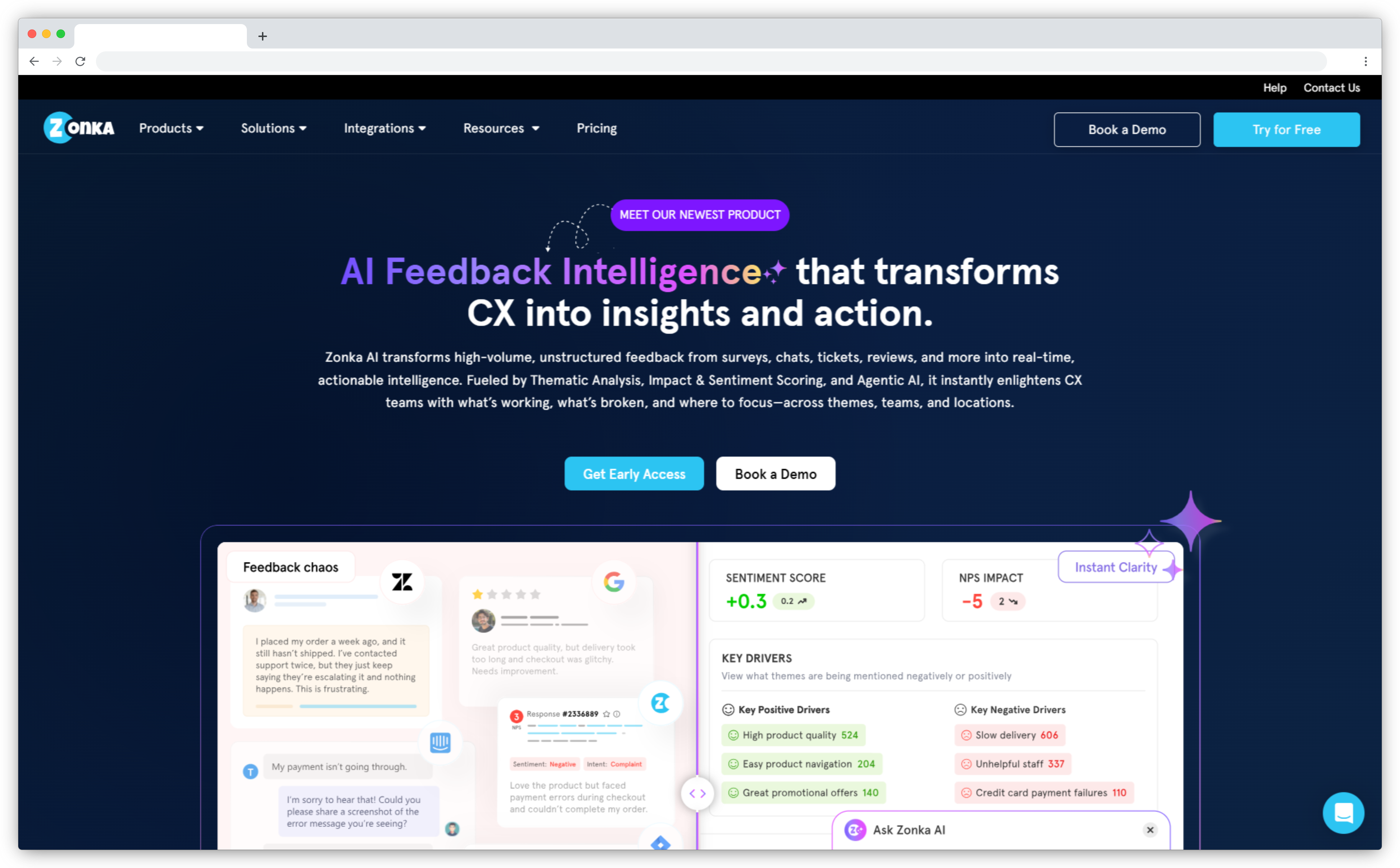
Most product survey tools make you choose: either you collect in-product, or you collect everywhere else. Zonka Feedback doesn't force that choice. It delivers surveys inside the product, by email, by SMS, on WhatsApp, through website widgets, and offline, and all of it feeds into the same analytics layer. For product teams running NPS programs that span web app, mobile app, and post-support email simultaneously, that's not a nice-to-have. It's the difference between a complete picture and a partial one.
What separates Zonka from tools that collect well but analyze manually is the AI feedback intelligence layer. When 400 open-text responses come in after a feature launch, Zonka's thematic analysis groups them by topic, detects sentiment per theme, and surfaces the patterns worth acting on, without anyone spending time on manual tagging. Product managers see "32% of responses mention the new export feature, predominantly negative, centered on performance" rather than a raw export file. That's a different quality of insight.
Zonka also handles the part most teams skip: what happens after the feedback arrives. Low NPS scores auto-create tasks. Detractors route to the account manager. Urgent responses trigger Slack alerts. The product feedback loop closes because the tool is wired to close it — not because someone remembered to check the dashboard.
Key Features
- Multichannel survey delivery: in-product widget, email, SMS, WhatsApp, web widget, kiosk, and offline
- NPS, CSAT, CES, and custom survey types with native templates
- AI thematic analysis, sentiment detection, and urgency scoring on open-text responses
- Behavior-based triggering and user segmentation by plan, lifecycle stage, device, and cohort
- Closed-loop routing: auto-create Jira tickets, Slack alerts, and follow-up tasks from responses
- Role-based dashboards for product, CX, and leadership teams
Zonka Feedback Pros
- Genuine multichannel reach without adding a separate tool per channel
- AI analysis surfaces themes from open-text without manual tagging
- Closed-loop automation is built in, not a separate workflow to configure
- Fast setup; templates cover most standard product survey programs out of the box
Zonka Feedback Cons
- No industry benchmark data for NPS/CSAT comparison against sector averages
- Advanced AI features are locked to higher-tier plans; the base plan covers surveys and basic reporting
- Custom pricing with no public tiers listed; requires contacting sales to get a quote
Zonka Feedback Pricing
- Custom pricing available based on business requirements
- Free trial for paid features available for 14 days
G2 Rating: 4.7/5 on G2
Best Use Case: Product teams that need NPS, CSAT, and CES programs running across multiple channels simultaneously, with AI analysis to handle high-volume open-text and automation to close the feedback loop without manual process.
2. Refiner: Best for In-Product Microsurveys and Behavioral Targeting in SaaS
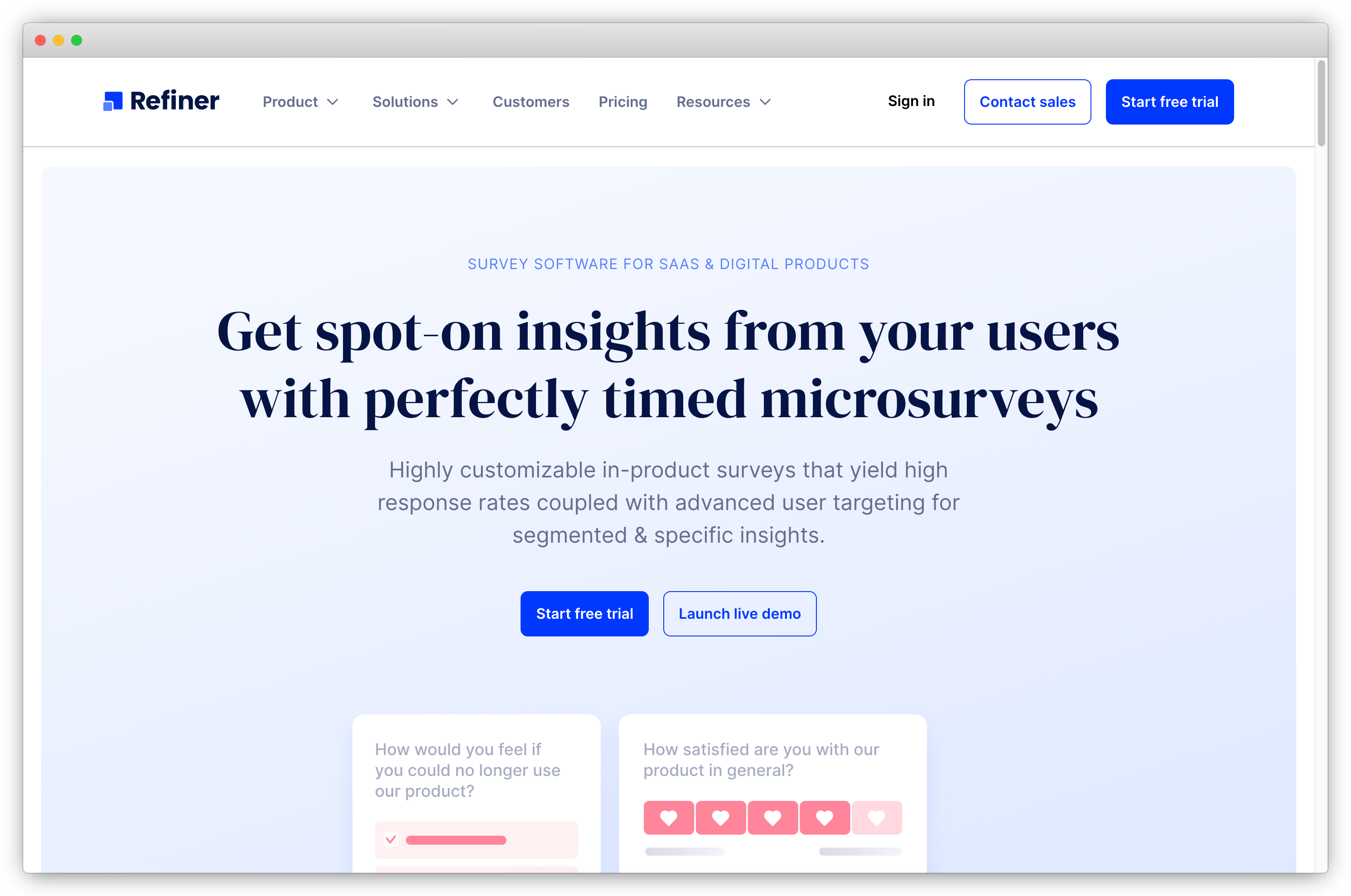
Refiner was built for one thing: getting the right survey in front of the right SaaS user at the exact right moment. Not close to the right moment. The exact one — after a specific event, for a specific cohort, with a suppression window so the same user doesn't see another survey for 30 days. That precision is the defining feature, and it shows in how everything about the product is designed.
Widget customization here is unusually deep. Custom CSS, brand fonts, corner radius, widget type (slide-in, modal, banner). Refiner surveys don't look like third-party overlays. They look like part of the product. That matters more than it sounds: branded, non-intrusive surveys in context get higher completion rates than generic pop-ups. Refiner consistently delivers that.
Where Refiner is limited is outside the product. Email survey distribution exists but it's secondary. No SMS, no WhatsApp, no kiosk mode. If your feedback program extends beyond the web app or mobile app, Refiner covers the in-product layer well and leaves the rest uncovered. For pure SaaS teams whose users live entirely inside the product, that tradeoff is fine. For multichannel programs, it's a real gap worth factoring into the evaluation.
Key Features
- In-product survey delivery via JS client, plus iOS, Android, React Native, and Flutter SDKs
- 12 question types covering NPS, CSAT, CES, PMF, and custom formats
- Behavioral event triggering with advanced segmentation by traits, behavior, device, and prior response
- Recurring survey support for continuous NPS and CSAT tracking over time
- Segment and Rudderstack integration for importing behavioral user data
- AI-powered response tagging on open-text fields
Refiner Pros
- Best-in-class behavioral targeting precision for SaaS; no other tool in this list matches it
- Widget customization means surveys look genuinely native to the product UI
- Solid analytics dashboard without requiring manual configuration
- Transparent pricing that scales predictably with usage
Refiner Cons
- Limited to email for surveys outside the product; no SMS, WhatsApp, or kiosk delivery
- No standalone AI text analysis layer for large-volume open-text processing
- Less suited to multichannel feedback programs that extend beyond web or mobile
Refiner Pricing
- Starts at $79/month
- Free trial available
G2 Rating: 4.6/5 on G2
Best Use Case: SaaS product teams that want precisely targeted, on-brand microsurveys inside the web app or mobile app, with minimal engineering overhead and strong behavioral segmentation.
3. Survicate: Best for Event-Triggered Product Surveys and CX Metric Tracking
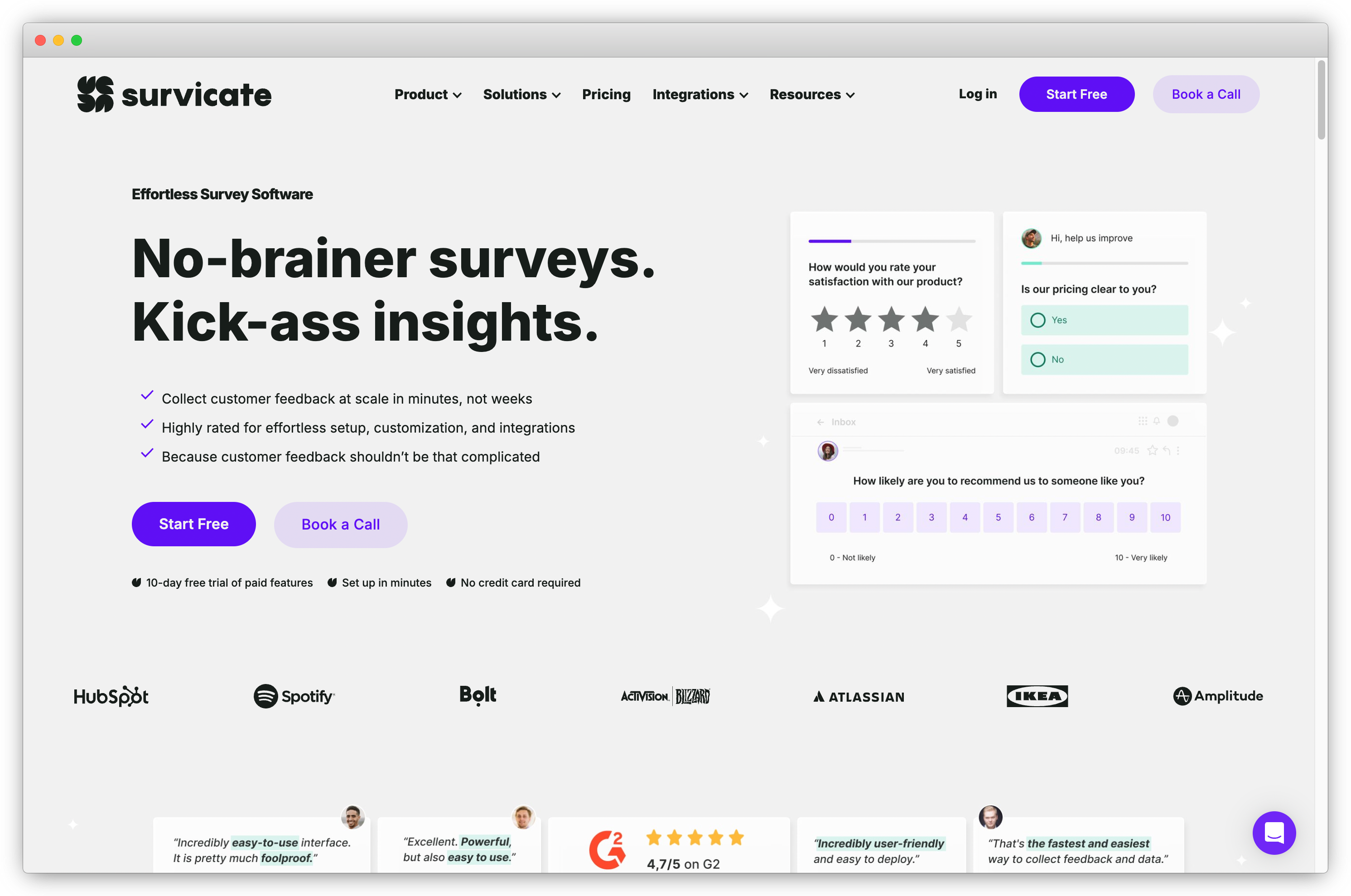
Survicate started as a website survey tool and grew into a solid choice for product teams, specifically because of how it handles no-code event-triggered surveys. For most tools in this category, setting up a survey that fires when a user completes a specific in-product action requires developer involvement. With Survicate, the trigger editor handles common product events through a visual interface. The survey for "user completed onboarding" or "user visited the pricing page three times this week" takes minutes to configure, not a sprint ticket.
That speed matters for teams moving quickly. A new feature ships. Within an hour, a CSAT survey is live for everyone who activates it. A cohort of users hasn't logged in for two weeks. A churn-prevention survey fires. Survicate handles this without engineering involvement, which is genuinely rare at this price point.
Analytics depth is functional rather than sophisticated. Reporting dashboards, response filtering, and respondent-level analytics cover standard NPS and CSAT program needs. For teams that need AI-powered open-text analysis at scale, Survicate isn't the answer. But for teams running standard CX metric programs and connecting them to HubSpot, Salesforce, Intercom, or Segment, the integration depth is strong and the setup is fast.
Key Features
- Event-triggered surveys via visual no-code trigger editor; no developer required for standard events
- NPS, CSAT, CES, and custom survey types with pre-built templates
- In-product, email, and web widget distribution channels
- User segmentation by behavior, demographics, cookies, and visit properties
- Native integrations with HubSpot, Salesforce, Intercom, Segment, Mixpanel, and Amplitude
- Respondent-level analytics and response filtering
Survicate Pros
- Fastest no-code setup for event-triggered surveys in this list
- Strong integration depth with CX and product analytics tools
- Free tier available for teams that need to start small
- Handles large response volumes reliably without performance issues
Survicate Cons
- No AI text analysis on lower plans: open-text at volume requires manual review or upgrading
- Complex behavioral event mapping can require developer involvement for non-standard triggers
- Reporting is solid but not deep enough for enterprise research programs
Survicate Pricing
- Starts at $99/month
- Free version available (up to 25 responses)
G2 Rating: 4.6/5 on G2
Best Use Case: Product teams that need reliable, event-triggered NPS and CSAT surveys with strong CX tool integrations and want to avoid engineering overhead for standard survey program setup.
4. Sprig: Best for AI-Driven Product Insights with Survey and Session Data Combined
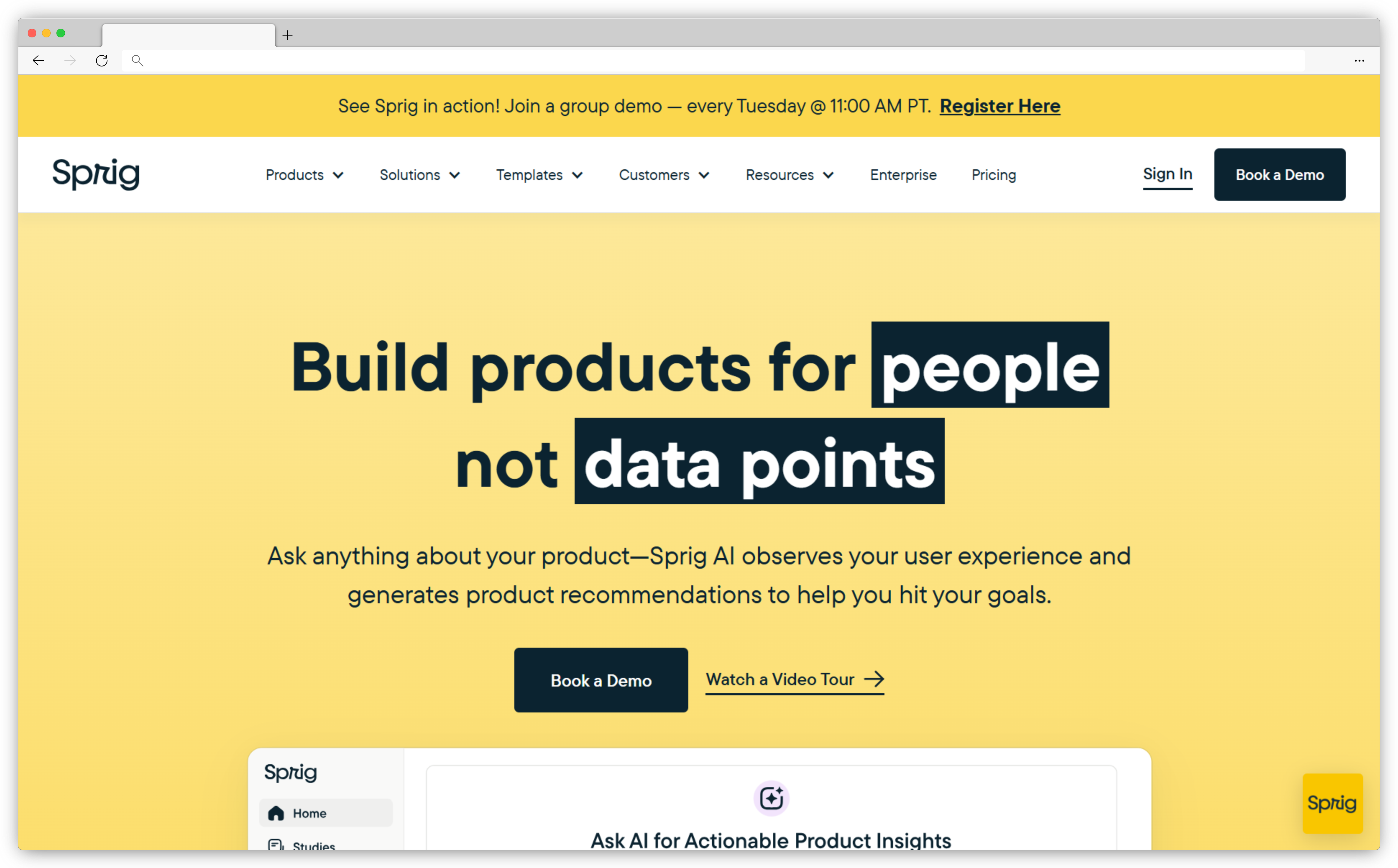
Sprig makes a specific bet: that combining surveys, session replays, and heatmaps in one platform will replace the three-tool stack most product teams currently run. Whether that pays off depends on how much you value context alongside responses. When a user rates a feature 3 out of 10 in a Sprig survey, you can click through to the session clip and see exactly what they were doing when they gave that score. That's a different quality of information than a score and a comment field.
Its AI study creator is the other genuine differentiator. Rather than starting from a blank survey template, Sprig analyzes your product usage data and recommends what to ask: which cohorts show unexplained behavior patterns, which features have low adoption relative to activation, where the drop-off happens in the onboarding flow. For teams that struggle with the blank-page problem ("what should we survey this quarter?"), this is a meaningful time gain.
Cost is real here. At $175/month for the entry tier, Sprig is the most expensive specialized tool in this list. For teams that already have Hotjar or FullStory and just need surveys, the session replay overlap is redundant spend. For teams building their analytics stack from scratch, the consolidation argument is stronger.
Key Features
- In-product surveys, session replays, and heatmaps in one platform
- AI study creator that generates recommended survey questions from product usage data
- AI-generated insights linking survey response patterns to session behavior
- Integrations with Mixpanel, Amplitude, Segment, Optimizely, and Slack
- Real-time in-product feedback collection with behavioral targeting
- Automated insight summaries from combined survey and replay data
Sprig Pros
- Linking survey responses to session clips produces richer context than surveys alone
- AI study recommendations reduce the blank-page problem in research planning
- Single platform for surveys, heatmaps, and replays reduces tool sprawl
- Real-time collection and AI summaries shorten the insight-to-decision cycle
Sprig Cons
- Starts at $175/month, the highest entry price in this list for teams that only need surveys
- Session replay and heatmap features are redundant cost if you already run a separate tool for that
- Limited for multichannel or offline survey programs outside the product
Sprig Pricing
- Starts at $175/month
- Free version available (limited features)
G2 Rating: 4.4/5 on G2
Best Use Case: Product teams building their analytics stack from scratch who want survey data with behavioral context, or teams where the "why" behind low scores matters as much as the scores themselves.
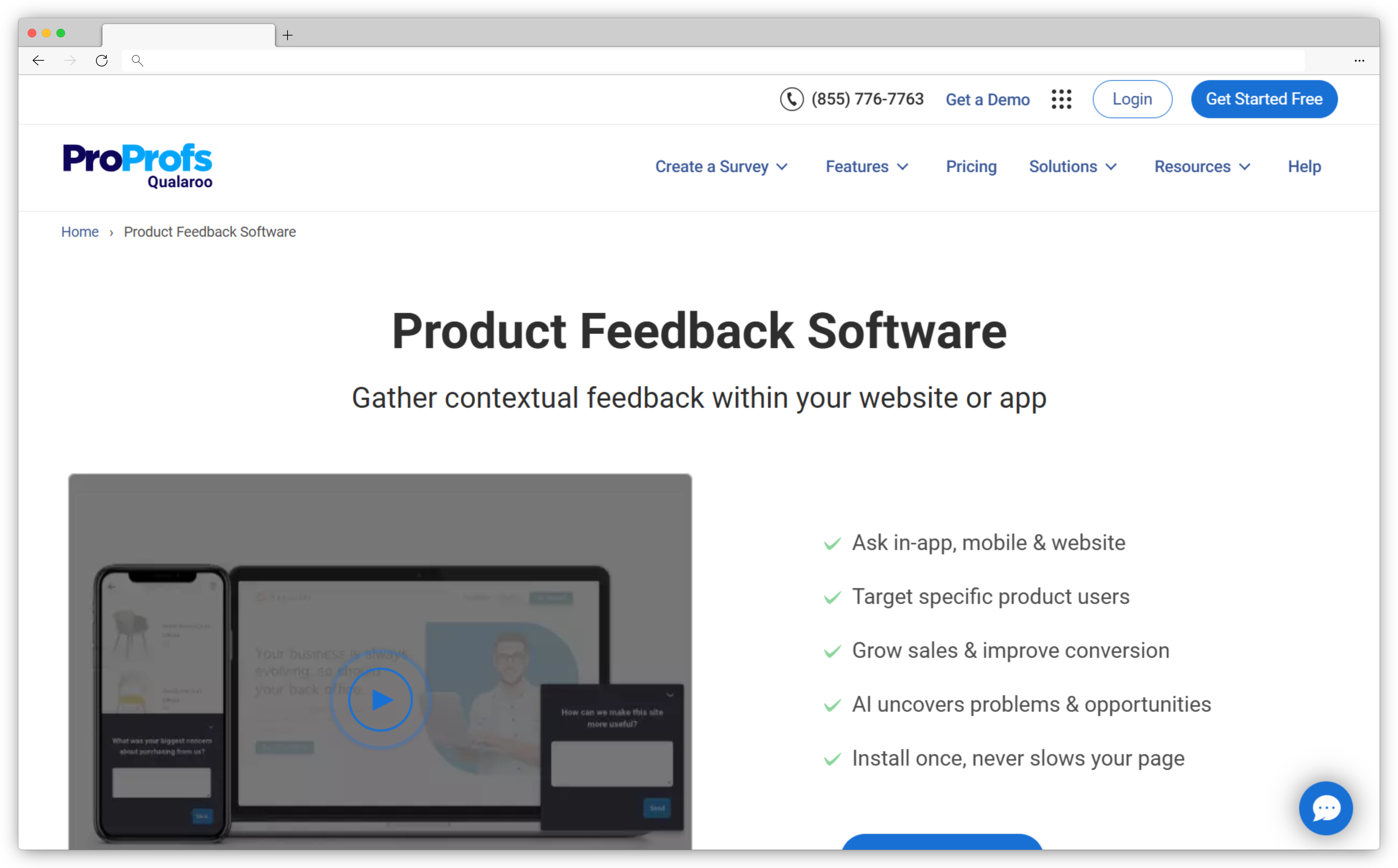
5. Qualaroo: Best for Contextual In-Product Surveys and Sentiment Analysis
Qualaroo built its reputation on Nudges: small, targeted survey prompts that appear inside the product at high-intent moments without the visual weight of a full modal. The size matters. A Nudge appearing at the bottom of a pricing page asking "What's stopping you from upgrading?" feels like a question. A full-screen overlay at the same moment feels like an obstacle. That format difference drives meaningful response rate differences on sensitive questions.
IBM Watson sentiment analysis is what adds real depth to open-text responses. Where most tools give you a response and leave the analysis to you, Qualaroo categorizes feedback by sentiment, surfaces word clouds, and identifies recurring themes without manual tagging. It's not as sophisticated as Zonka Feedback's AI layer, but it covers the core analysis need for teams without dedicated data resources.
Qualaroo's limits show up at scale and on mobile. Question types are more restricted than full-featured survey platforms, and the analytics layer isn't designed for enterprise research programs. For teams that want exit surveys, pricing page surveys, and cancellation flows with sentiment analysis built in, it covers the use case well. For teams running complex multi-step research programs or needing mobile SDK delivery, it will feel limiting quickly.
Key Features
- In-product Nudge surveys in a non-intrusive prompt format at high-intent moments
- IBM Watson-powered sentiment analysis and word cloud generation on open-text responses
- Targeting by user behavior, demographics, and journey stage
- Website and in-product delivery with customizable design and branding
- Pre-built templates for NPS, exit surveys, pricing friction, and churn moments
- Free plan available for low-volume programs
Qualaroo Pros
- Nudge format produces higher completion rates than modals on sensitive, high-stakes questions
- IBM Watson sentiment analysis adds meaningful depth without manual tagging
- Good fit for exit, churn-moment, and pricing friction surveys specifically
- Free plan lowers the barrier to start
Qualaroo Cons
- More restricted question types than full-featured survey platforms
- Analytics layer is not designed for enterprise-scale or statistical research programs
- Pricing for higher tiers is not publicly listed; requires contact
Qualaroo Pricing
- Contact for paid plan pricing
- Free version available (up to 50 responses)
G2 Rating: 4.3/5 on G2
Best Use Case: Product and growth teams that want low-friction, high-yield surveys at specific high-intent moments: exit intent, pricing page, and cancellation flow, with basic AI sentiment analysis included.
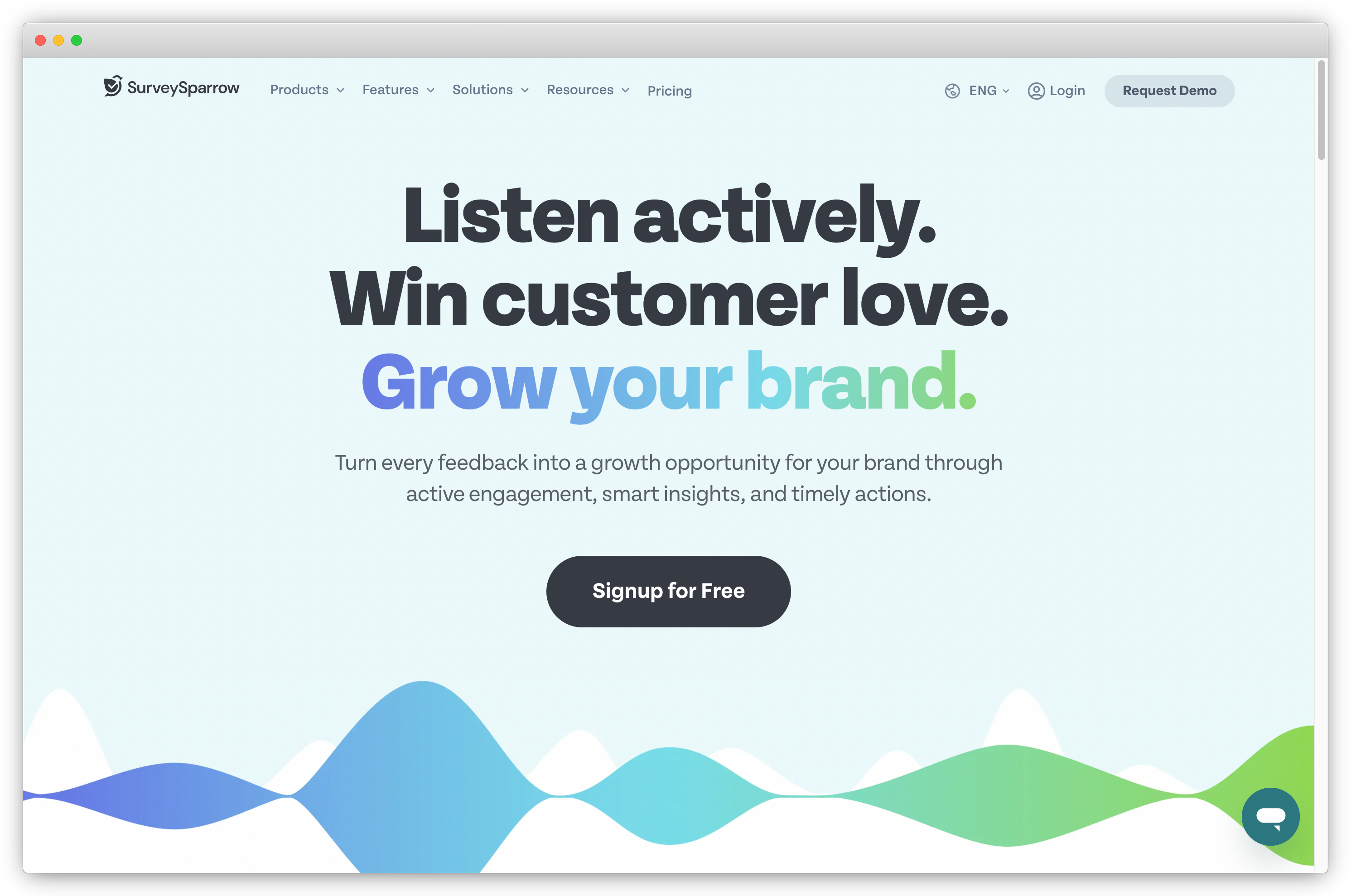
6. SurveySparrow: Best for Conversational Product Surveys and High Completion Rates
SurveySparrow's central idea is that completion rates drop sharply when users see a long form all at once. Their answer is the conversational interface: one question at a time, in a format that looks and feels like a messaging thread. For microsurveys of 1–3 questions, this doesn't change much. For product research surveys of 5–10 questions (post-onboarding studies, feature validation surveys, quarterly user research), the completion rate difference is real. G2 reviewers consistently flag it as the standout reason they chose SurveySparrow over traditional form-based tools.
Where SurveySparrow performs most distinctly is periodic, longer research surveys rather than always-on NPS/CSAT tracking. Product teams running structured user research once a quarter, or post-launch feature validation studies, find that the conversational format keeps users engaged through questions they'd abandon in a standard form. Mobile optimization is also strong: surveys render and behave well across screen sizes without custom configuration.
What SurveySparrow doesn't do well is real-time in-product microsurveys with advanced behavioral triggering. The integration path for complex in-product environments requires developer involvement, and the event-based triggering is less precise than Refiner or Survicate. If always-on NPS tracking and behavioral targeting are primary requirements, the conversational format advantage matters less than the targeting gap.
Key Features
- Conversational one-question-at-a-time interface for higher completion on multi-question surveys
- NPS, CSAT, CES, and custom survey types with native templates
- AI-generated question suggestions and sentiment analysis on responses
- Mobile-optimized survey design across all screen sizes without manual configuration
- Recurring survey automation for periodic research programs
- Visual dashboards with trend tracking and performance reporting
SurveySparrow Pros
- Conversational format measurably improves completion rates on surveys of 5+ questions
- Strong mobile experience without manual optimization required
- Good fit for structured user research studies, not just always-on metric tracking
- AI-generated question suggestions reduce survey design time
SurveySparrow Cons
- Integrating surveys into complex in-product environments requires developer involvement
- Behavioral event triggering is less precise than Refiner or Survicate
- No public pricing listed; requires contacting sales
SurveySparrow Pricing
- Contact for pricing
- Free trial available
G2 Rating: 4.4/5 on G2
Best Use Case: Product teams running periodic longer research surveys: post-onboarding studies, feature validation, and quarterly user research, where completion rates on multi-question surveys matter more than always-on behavioral triggering.
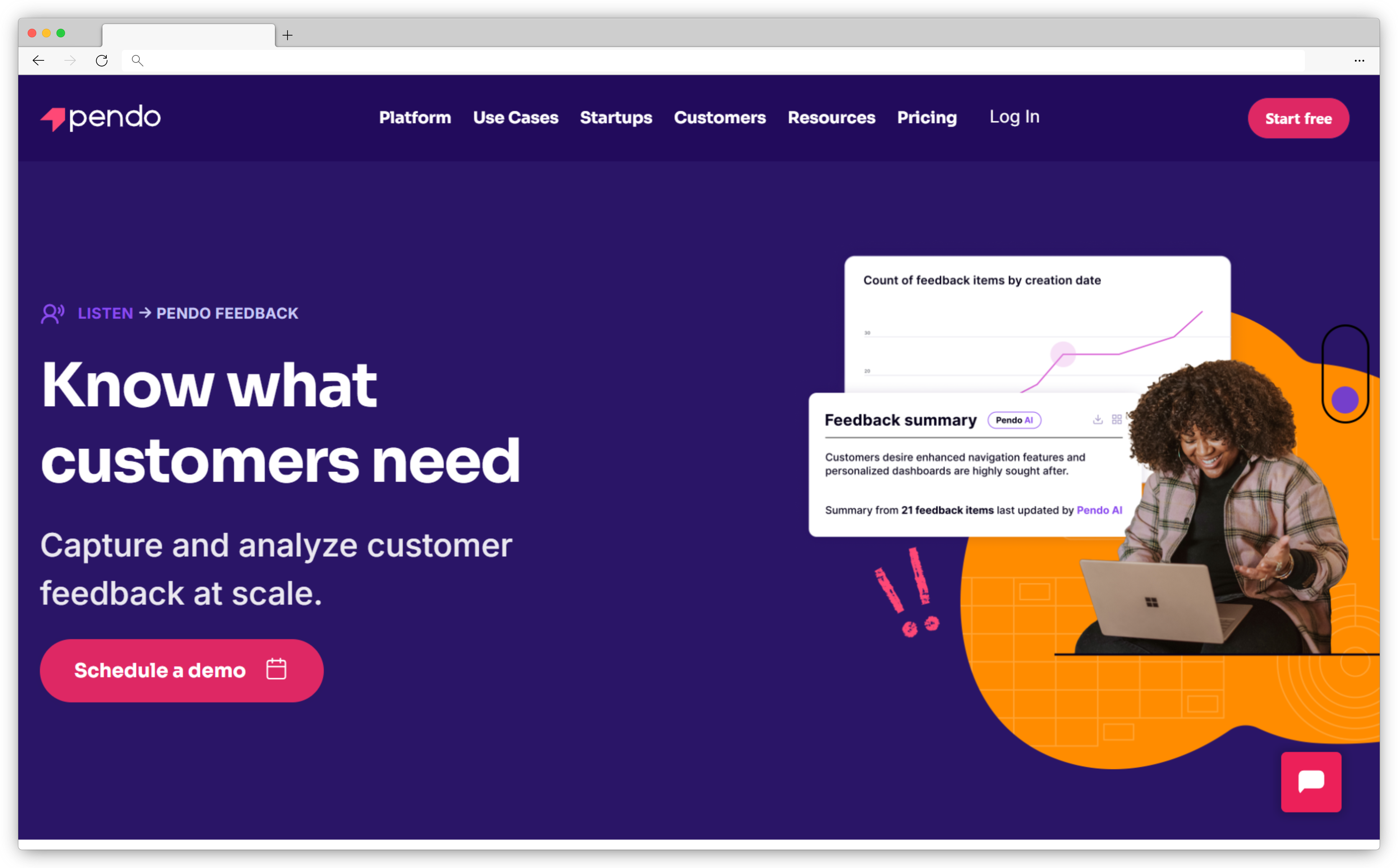
7. Pendo: Best for Correlating In-App Survey Responses with User Behavior Data
Pendo's core product is a product analytics and onboarding platform. The survey capability is one layer within a broader system. That context explains why Pendo surveys do something no standalone survey tool can: they sit in the same data environment as feature adoption metrics, user session data, and product analytics. When you run an NPS survey in Pendo, you can immediately ask "which users in our low-NPS cohort have also had low feature activation rates this month?" and get an answer without exporting anything.
For teams already on the Pendo platform, this correlation is genuinely valuable. Product managers can connect detractor feedback to specific behavioral patterns — not just "this user gave us a 4" but "this user gave us a 4, has never activated the collaboration feature, and has been on the platform for 90 days without hitting the retention milestone." That's a different quality of diagnostic information.
Pendo as a standalone survey tool is harder to justify. Pricing is enterprise-tier, survey design customization is limited compared to purpose-built survey platforms, and there's no multichannel delivery beyond in-app. For teams already invested in the Pendo ecosystem, though, the survey layer becomes significantly more valuable than it appears at first glance.
Key Features
- In-app survey widget tied directly to Pendo's product analytics and usage data
- NPS survey with segmentation by feature adoption, plan tier, and behavioral cohort
- AI-powered feedback summarization for open-text responses
- Priority scoring that weights responses by user segment and usage patterns
- Integration with Salesforce, Zendesk, and other enterprise tools
- Real-time workaround messaging and guided feature adoption alongside survey data
Pendo Pros
- Behavioral data and survey data in the same environment; no data wrangling or exporting
- Segmentation by product usage makes targeting more precise than standalone tools
- Feedback correlation with adoption metrics is unique among survey platforms
- Strong fit for product-led growth teams tracking activation and retention together
Pendo Cons
- Pricing is enterprise-tier and not publicly listed; requires contact
- Limited survey design customization compared to dedicated survey tools
- No multichannel delivery beyond in-app: no email, SMS, or web widget
- Full value only accessible if you're already using the broader Pendo platform
Pendo Pricing
- Contact for pricing
- No free version available
G2 Rating: 4.4/5 on G2
Best Use Case: Product teams already using Pendo for analytics and onboarding who want to add in-app NPS and feature feedback surveys without introducing a separate platform.
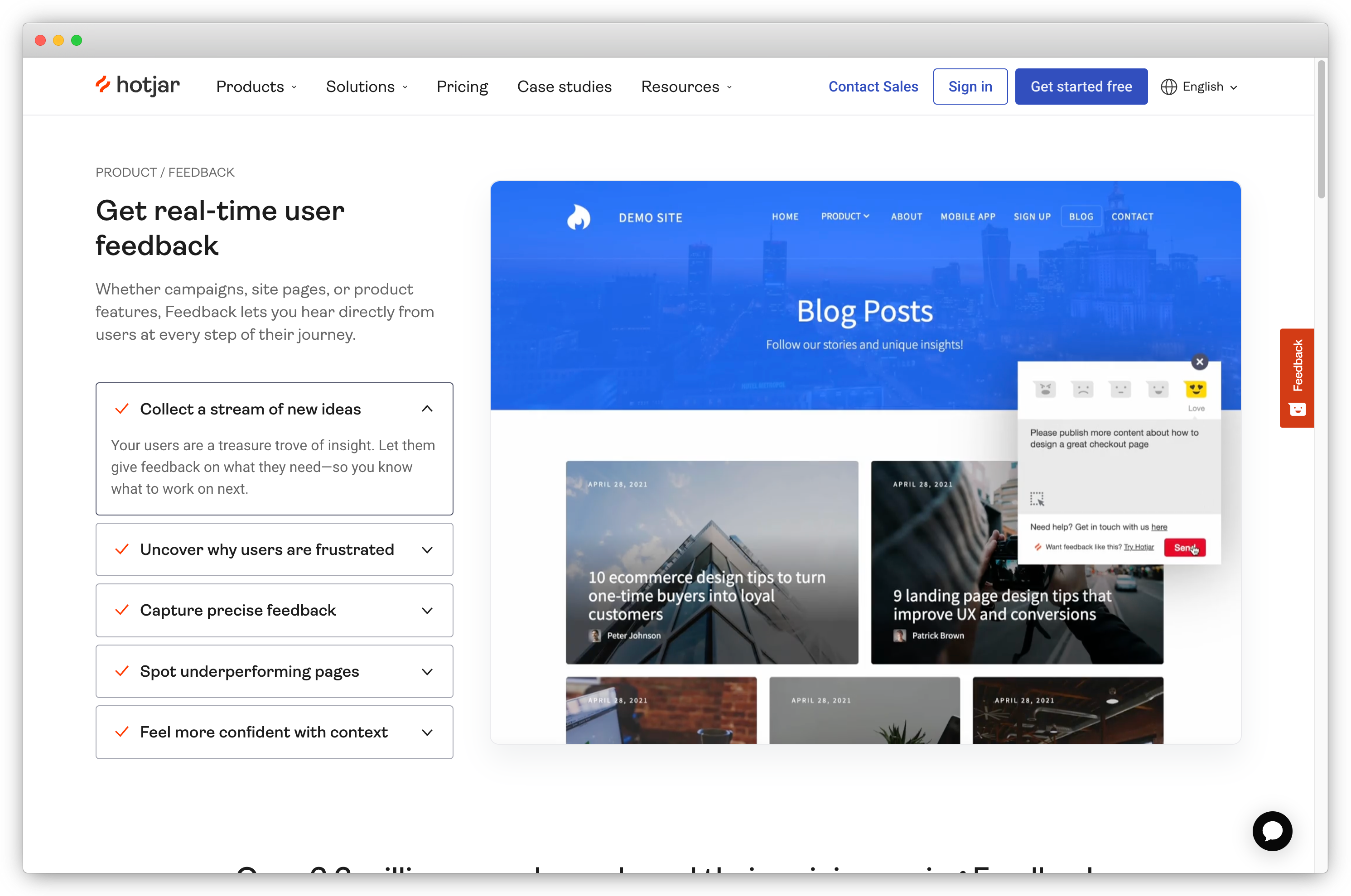
8. Hotjar: Best for Web-Based Product Surveys Alongside Heatmaps and Recordings
Hotjar's heatmap and session recording capabilities are well known. The survey layer is less discussed, but for web product teams, the combination is genuinely useful. On-site surveys triggered by page visit, scroll depth, exit intent, or user action sit in the same workspace as heatmap and session data. A user rates a page 3 out of 10 in a CSAT survey. You pull the heatmap for that page and the session recording of other users who gave low scores and see what's actually happening. No second tab, no data export.
The limitation is scope. Hotjar is built for web products. There's no mobile SDK, no in-app overlay for native apps, and no email or SMS delivery. Behavioral triggering is lighter than dedicated survey tools: page-level targeting, scroll depth, and time on page cover most web use cases, but event-based triggering at the granularity Refiner or Survicate offers isn't available. For web-first product teams, this is fine. For teams with significant mobile user bases, Hotjar surveys cover one channel and leave the rest uncovered.
Pricing here is also the most accessible in this list at $39/month entry with a free tier available. For teams already using Hotjar for UX research who want to add NPS or CSAT surveys without adopting another tool, the consolidation makes obvious sense.
Key Features
- On-site survey widget triggered by page visit, exit intent, scroll depth, or click event
- NPS, CSAT, and custom survey types with visual design customization
- Heatmap and session recording data in the same workspace as survey responses
- Targeting by device type, behavior, and user demographics
- Hotjar AI for summarizing open-text survey responses
- Free plan with basic survey functionality included
Hotjar Pros
- Heatmap data alongside survey responses adds context that standalone surveys can't provide
- Easy to set up for web products without developer involvement
- Most accessible price point in this list with a functional free tier
- High adoption in product and UX teams means most stakeholders are already familiar with it
Hotjar Cons
- No mobile SDK or native app survey delivery; web products only
- Behavioral triggering is lighter than dedicated product survey tools
- Survey feature depth is secondary to Hotjar's core heatmap and recording product
Hotjar Pricing
- Starts at $39/month
- Free version available
G2 Rating: 4.3/5 on G2
Best Use Case: Web product teams already using Hotjar for UX research who want to add NPS or CSAT surveys without adding another tool, and for whom combining survey responses with heatmap context is a meaningful advantage.
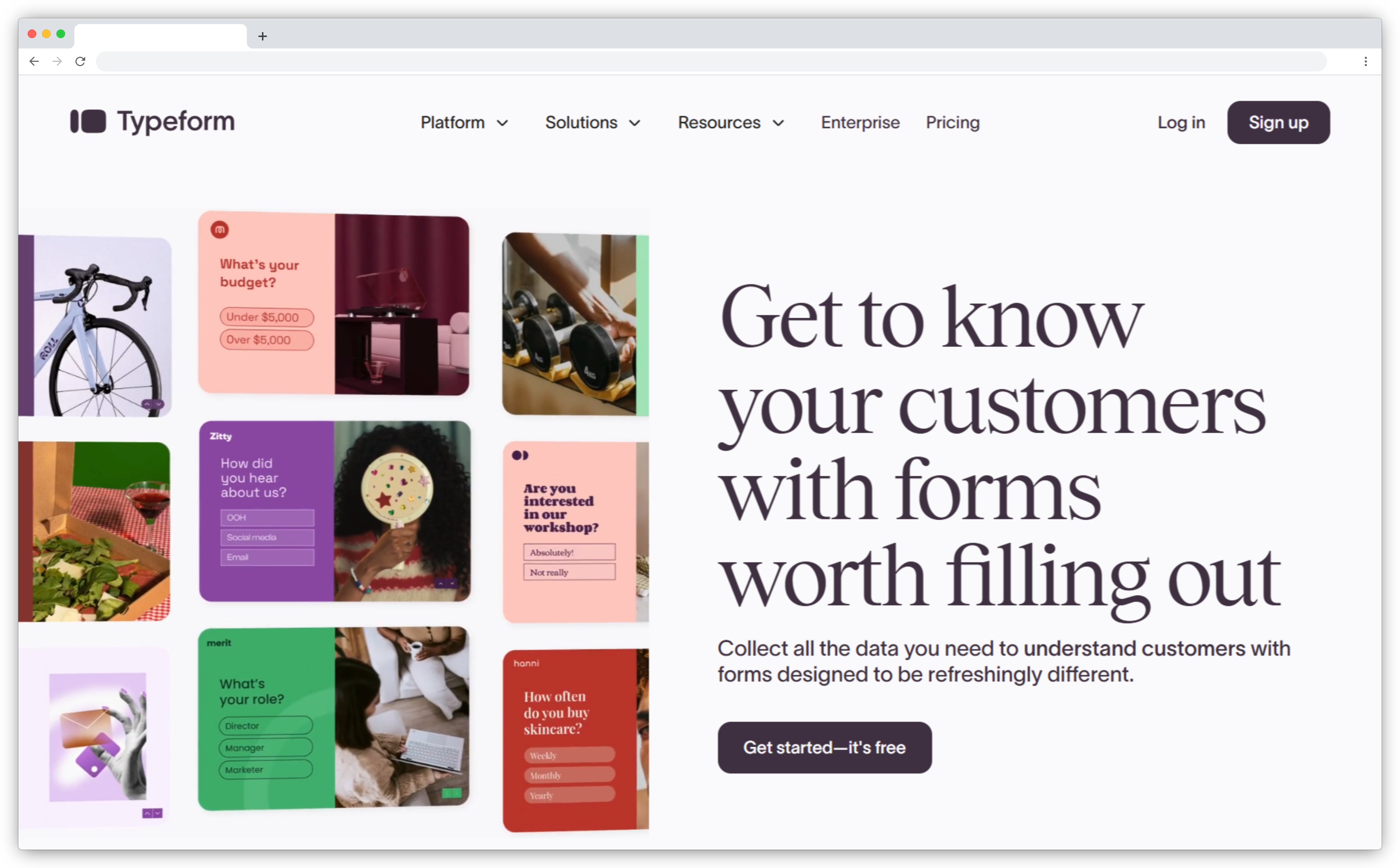
9. Typeform: Best for Long-Form Product Research Surveys and User Study Recruitment
Typeform's strength is survey design quality and conditional logic handling, the two things that matter most when the survey is long and response quality drives the decision. The one-question-at-a-time interface reduces cognitive load on respondents. The Logic Jump system enables complex branching: users who answer "yes" to using a specific feature see a different path than users who haven't, without the survey feeling like a form. The result is research-grade surveys that feel simple to the respondent.
For product teams running user research studies — concept validation, pricing research, feature prioritization — Typeform handles complex flows most survey tools in this list weren't designed for. The branded experience is the most polished of any tool here: custom fonts, full brand theming, and multimedia support make it the right choice when survey aesthetic affects response quality.
Where Typeform falls short is in always-on operational surveys. There's no native NPS or CSAT tracking dashboard, no behavioral triggering for in-product delivery, and per-response pricing on higher tiers gets expensive for continuous tracking programs. It's the right tool for periodic research studies where you send a survey to a user segment and analyze the results. It's the wrong tool for always-on NPS tracking where responses come in every week.
Key Features
- Conversational one-question-at-a-time interface with full brand theming and multimedia support
- Logic Jump conditional branching for complex, personalized survey flows
- Integrations with HubSpot, Salesforce, Airtable, Notion, and Zapier
- Video question support for qualitative research and user study screening
- Response piping and hidden fields for personalized survey experiences
- Broad template library for product research, UX studies, and concept testing
Typeform Pros
- Best survey design quality and conditional logic handling in this list by a clear margin
- Polished respondent experience that improves response quality on research-grade surveys
- Strong integrations with product management and CRM tools
- High respondent completion rates; the format is familiar and trusted
Typeform Cons
- Not designed for in-product delivery or always-on NPS/CSAT tracking programs
- No native NPS/CSAT dashboard for ongoing metric monitoring across cohorts
- Per-response pricing on higher tiers gets expensive for continuous, high-volume programs
Typeform Pricing
- Starts at $25/month
- Free version available (limited responses)
G2 Rating: 4.5/5 on G2
Best Use Case: Product teams running periodic user research studies, concept validation, pricing research, or qualitative studies where survey design quality and complex conditional logic matter more than in-product delivery or always-on metric tracking.
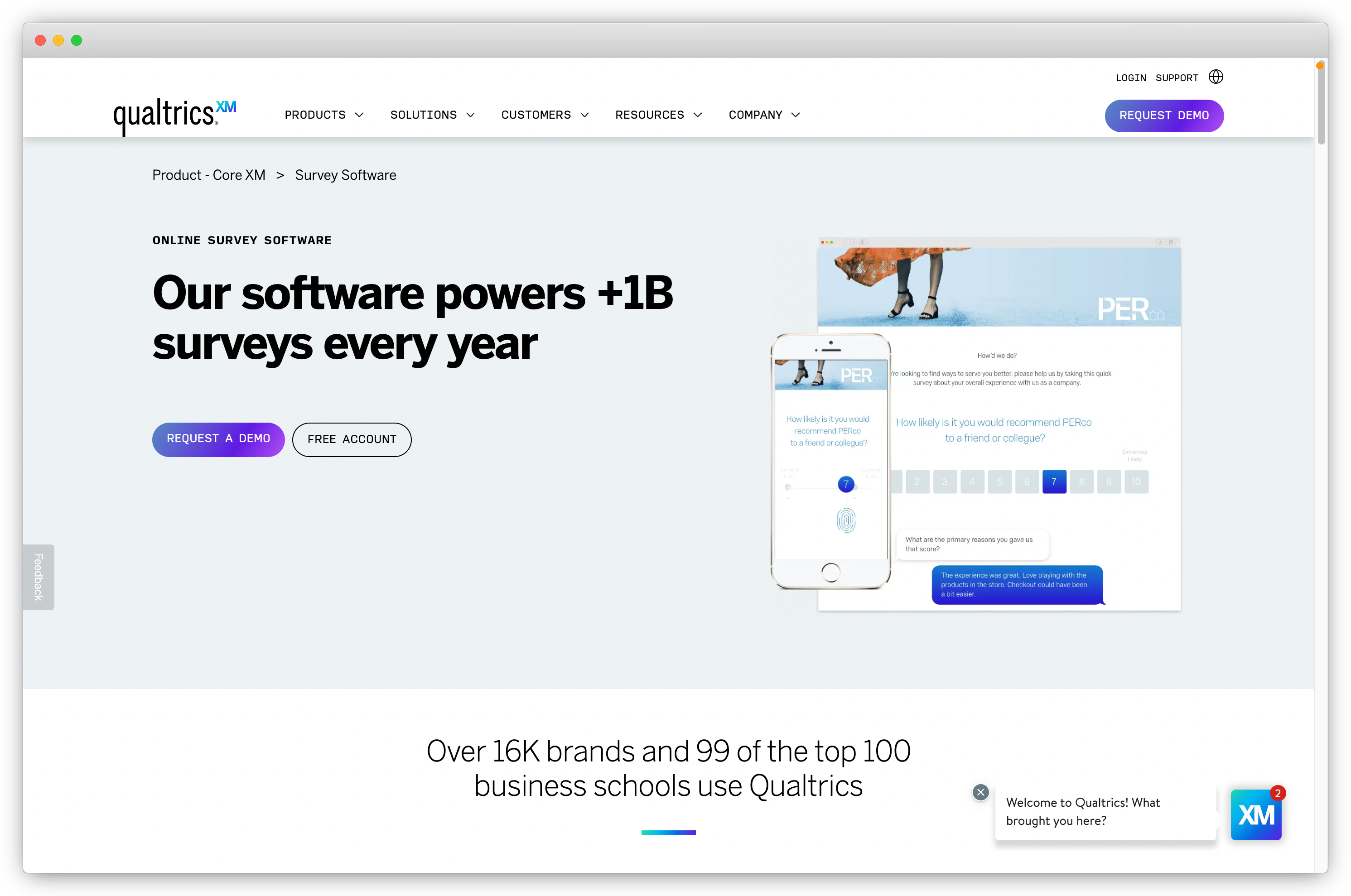
10. Qualtrics: Best for Enterprise-Grade Product Research and Predictive Analytics
Qualtrics is the industry standard for enterprise research programs, not because it's the easiest tool to use, but because the analytical depth is genuinely different from everything else in this list. Conjoint analysis for feature prioritization. MaxDiff for identifying which product attributes matter most to users. Text IQ, Qualtrics's NLP engine, for processing thousands of open-text responses with statistical rigor. Predictive analytics that model what sentiment predicts about future behavior. No other tool in this list comes close to that research depth.
That tradeoff is worth naming honestly. Qualtrics requires training. Most teams need a dedicated platform admin. Pricing is enterprise-tier with no public listing, and typically requires organizational procurement processes. There is no free trial. The survey builder is powerful but the learning curve reflects that. Teams running simple NPS tracking who adopt Qualtrics will spend months configuring a platform they're using at 10% of capacity.
For large product organizations running systematic cross-functional research programs, where the insights from quarterly feature prioritization studies feed directly into roadmap decisions and are presented to executive stakeholders, Qualtrics is the right tool. The analytical rigor and brand credibility matter in that environment. For everyone else, one of the earlier tools on this list will get you further, faster.
Key Features
- Predictive analytics and advanced statistical methods: conjoint, MaxDiff, and regression analysis
- Text IQ NLP engine for processing large volumes of open-text at statistical scale
- Survey distribution across email, SMS, QR code, web, and in-product channels
- Advanced branching logic and hundreds of question types for complex research designs
- Integration with SAP, Salesforce, and enterprise BI and data warehouse tools
- Role-based access, enterprise security, and regulatory compliance (GDPR, HIPAA)
Qualtrics Pros
- Most analytically sophisticated platform in this list by a significant margin
- Handles large-scale, cross-functional research programs with multiple stakeholders
- Strong regulatory compliance and data security for enterprise procurement requirements
- Industry-recognized brand adds credibility to research findings presented to leadership
Qualtrics Cons
- Significant learning curve: most teams need dedicated training and a platform admin to manage it
- Pricing is opaque, enterprise-tier, and requires organizational procurement processes
- No free trial or free version available for evaluation
- Feature depth includes many research capabilities most product teams will never use
Qualtrics Pricing
- Contact for pricing
- No free version or trial available
G2 Rating: 4.4/5 on G2
Best Use Case: Large product organizations running systematic research programs: feature prioritization studies, cross-functional feedback analysis, and executive-facing research reports, where statistical rigor and analytical depth justify the complexity and cost.
How Product Surveys Have Changed in 2025–2026
Every tool on this list has a 2023 version somewhere. Some of those versions are still running. Three shifts separate what the best product survey tools needed to do then versus what they need to do now.
AI turned the comment field into the most valuable part of the survey.
For years, most product teams ran NPS programs, collected hundreds of open-text comments, and left them largely unread. Not because the comments weren't useful — because nobody had time to read 600 responses. The score was the metric. The comment was evidence nobody processed.
AI sentiment and theme detection changed that equation. Tools now surface "47% of this month's NPS detractors mentioned checkout friction" without a single manual tag. The open-text response went from a data debt problem to a signal source. Teams that built AI analysis into their survey workflow early (Zonka Feedback, Sprig, Qualaroo) gained a qualitative insight capability that teams still doing manual review simply don't have.
Event-based triggering replaced scheduled email blasts as the baseline.
The old model: export a user list, send an NPS email on the 15th of every month. Response rate: 10–12% on a good day.
The new model: a CSAT survey fires 30 minutes after a support ticket closes. An NPS microsurvey appears 24 hours after a user completes onboarding. A churn-prevention survey triggers when usage drops below threshold for 14 consecutive days. Response rate: 30–50%, because context drives completion. Tools that still rely primarily on email distribution have lost significant ground to platforms built around event-based in-product delivery.
PMF became a continuous metric, not a one-off validation study.
Product-market fit surveys used to be run once, at Series A, as a checkpoint. In 2025–2026, product-led growth teams run PMF as a recurring tracked metric, segmented by cohort, plan tier, and feature usage. The logic is straightforward: PMF isn't a binary milestone. It shifts as the product evolves, as the user base changes, as competitors move. Teams that track it continuously detect PMF erosion before it shows up in churn numbers. The ones who don't find out in the retention data three months later.
These three shifts define what a capable product survey tool needs to do in 2026. Tools that were strong in 2023 haven't all kept pace.
See also: in-app surveys
Which Product Survey Tool Is Right for Your Team?
The right answer depends on where your team is in building a product feedback program, not on which tool has the longest feature list.
Starting out with in-product NPS and CSAT and a limited budget: Refiner or Survicate will get you there faster and cheaper than anything else on this list. Running a multichannel feedback program that spans web, mobile, email, and support, and needing AI analysis to process the volume: Zonka Feedback is the only tool here that covers all of it without additional platforms.
Already have Hotjar? Add surveys there before adding another tool. Already on Pendo? The survey layer is more valuable than it appears from the outside. Running periodic user research studies with external respondents? Typeform's design quality matters more than in-product delivery. An enterprise team where research rigor drives roadmap decisions? Qualtrics is the correct answer despite the complexity.
The pattern across all of these: the best tool is the one that matches the program you're actually running.
Book a demo with Zonka Feedback to see how the multichannel, AI-powered approach works for your use case.





.svg)