.svg)
 Healthcare
 Finance
 Retail
 SaaS & Digital
 eCommerce
 Education
 Salesforce
  HubSpot
 Pipedrive
 Mailchimp
 Klaviyo
 Zendesk
  Intercom
 Freshdesk
 HelpScout
  Front
Front Jira
Jira Slack
Slack  MS Teams
 Zoom
Zoom Google Sheets
  Zapier
  Integrately
 Make
Make  Webhooks




 MS Teams


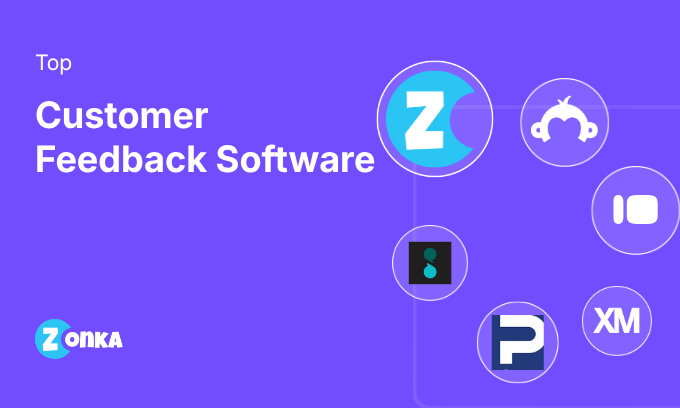
The best customer feedback tools in 2026 include Zonka Feedback, Qualtrics, AskNicely, Typeform, and Refiner. The right choice depends on your use case: omnichannel CX programs, enterprise VoC, NPS-driven frontline coaching, conversational surveys, or in-app SaaS feedback.
TL;DR
- Covers 23 customer feedback tools across five use-case categories.
- Each tool is evaluated on collection channels, AI analysis, closed-loop workflows, integrations, and pricing.
- GetFeedback is sunsetting in 2026. Qualtrics acquired InMoment. AI analysis is now a standard feature, not a premium add-on.
- Top picks: Zonka Feedback (omnichannel CX + AI), Qualtrics (enterprise VoC), AskNicely (NPS coaching), Refiner (SaaS in-app), Typeform (conversational surveys).
- Free tools: QuestionPro, Jotform, and ProProfs Survey Maker.
For most organizations, the challenge with customer feedback is typically not a shortage of data but rather that it is spread across too many disconnected tools. Support collects CSAT in one platform, product runs NPS in another, and marketing sends post-event polls in a third. By the time responses are reviewed, patterns are difficult to connect and the window for acting on them has often closed.
The right customer feedback tool consolidates collection, analysis, and follow-through into a single workflow. This guide covers 22 tools across five use-case categories to help teams evaluate their options, whether they're running a first NPS program or managing a multi-market VoC initiative.
What Is Customer Feedback?
Customer feedback is direct input from customers about their experience with a product, service, or brand. It includes satisfaction ratings, complaints, feature requests, and open-ended comments collected across touchpoints such as post-purchase surveys, support interactions, in-app prompts, and online reviews.
When systematically collected and analyzed, it helps businesses identify friction points, measure customer loyalty, and make decisions grounded in actual user experience rather than assumption.
What Are Customer Feedback Tools?
Customer feedback tools are software platforms that collect, organize, analyze, and help teams act on customer input across channels such as email, SMS, web, in-app, and offline. They range from basic survey builders to full feedback intelligence platforms that unify data from multiple sources and surface insights through AI.
Most support three core metrics: Net Promoter Score (NPS) for customer loyalty, CSAT for interaction-level satisfaction, and Customer Effort Score (CES) for ease of task completion.
Why Customer Feedback Matters in 2026
The customer feedback software market shifted significantly over the last two years. GetFeedback is being wound down. Qualtrics acquired InMoment via the Forsta merger in late 2025 for $6.75B. AI-powered feedback analysis has moved from a premium add-on to a baseline expectation across the category.
Platforms that only collect feedback and generate static dashboards are increasingly less competitive. The higher bar in 2026 is to automatically analyze customer feedback, identify trends across customer segments, and close the feedback loop within hours of a response arriving. Improving customer experience outcomes depends on signals reaching the right person quickly enough to act on.
What Features Should You Look For?
When evaluating customer feedback tools, these capabilities tend to have the most impact on long-term program success:
| Capability | Why It Matters |
| Omnichannel collection | Cover email, SMS, WhatsApp, web, in-app, kiosk, and QR without managing separate tools |
| AI-powered analysis | Auto-groups open-text into themes, identifies trends in customer feedback, surfaces customer insights and churn signals |
| Closed-loop workflows | Converts low scores into tickets and alerts without manual routing |
| Advanced survey logic | Conditional branching keeps feedback surveys relevant and targeted |
| Role-based dashboards | Frontline teams see their signals; executives see aggregate trends |
| CRM and helpdesk integrations | Connects to Salesforce, HubSpot, Zendesk, and Intercom for downstream action |
| Real-time alerts | Notifies the right person within minutes of a low score, not the next day |
| Location and segment reporting | Breaks results down by store, region, team, or product line to surface patterns across customer segments |
| Compliance | GDPR, ISO 27001, HIPAA: required for healthcare, fintech, and enterprise |
Platforms covering six or more of these criteria are generally worth a full trial evaluation. Those covering only a few tend to limit actionable insights and create operational gaps as program volume grows.
Comparison of Top Customer Feedback Tools
A quick side-by-side of the top nine tools in this guide.
| Tool | Best For | AI Features | Closed-Loop | Starting Price | G2 Rating |
| Qualtrics | Enterprise Voice of Customer | Text iQ, Stats iQ, predictive AI | Yes | Custom | 4.3/5 |
| InMoment | Enterprise CX analytics | Lexalytics text analytics, intent and churn prediction | Yes | Custom | 4.7/5 |
| Zonka Feedback | Omnichannel CX with AI intelligence | Thematic analysis, intent detection, impact scoring, AI agents, AI Signals | Yes | Custom | 4.7/5 |
| Chattermill | AI-powered customer feedback intelligence | Lyra AI, thematic analysis, impact analysis, anomaly detection | Yes | Custom | 4.5/5 |
| AskNicely | NPS-driven frontline coaching | NiceAI summaries and content assist | Yes | Custom | 4.7/5 |
| Featurebase | Unified support and product feedback | AI agent, AI deduplication, request grouping | Yes | $29/mo | 4.7/5 |
| Retently | Automated NPS, CSAT, and CES campaigns | AI-assisted insights | Yes | $49/mo | 4.7/5 |
| Typeform | Conversational surveys | AI Insights, adaptive follow-ups | Basic | ~$25/mo | 4.5/5 |
| SurveyMonkey | General-purpose surveys | Genius AI, basic sentiment analysis | Basic | $18/mo | 4.4/5 |
| Refiner | SaaS in-app feedback | AI-assisted response tagging (beta) | Partial | $99/mo | 4.6/5 |
| SurveySparrow | Conversational mobile-first surveys | AI Survey Builder, AI Wings | Yes | $7/mo | 4.4/5 |
How We Evaluated These Tools
This list comes from the Zonka Feedback team, and we're disclosing that upfront. Each platform was evaluated across six criteria: collection channels, AI analysis capabilities, closed-loop workflow features, native integrations, pricing transparency, and G2 ratings as of March 2026.
Tools with no meaningful updates since Q3 2025 were excluded. GetFeedback is included with a sunset notice because it still appears in active evaluations. The list is grouped by use case, not ranked by preference. Tools sit in different categories because they serve different needs.
Developing clear goals and evaluation criteria before selecting a tool helps apply this comparison more accurately.
A. All-in-One CX and AI Feedback Platforms
All-in-one platforms cover the full feedback lifecycle: collecting across channels, unifying with other data sources, and using AI to analyze customer feedback and route signals to the right owner. They're built for customer experience (CX) teams and enterprise programs that need both collection breadth and analysis depth in one system.
Most organizations in this category run programs covering thousands to tens of thousands of responses per month. Teams evaluating all-in-one feedback platforms alongside standalone analytics options will find this category the primary starting point.
1. Qualtrics: Best for Enterprise Voice of Customer Programs
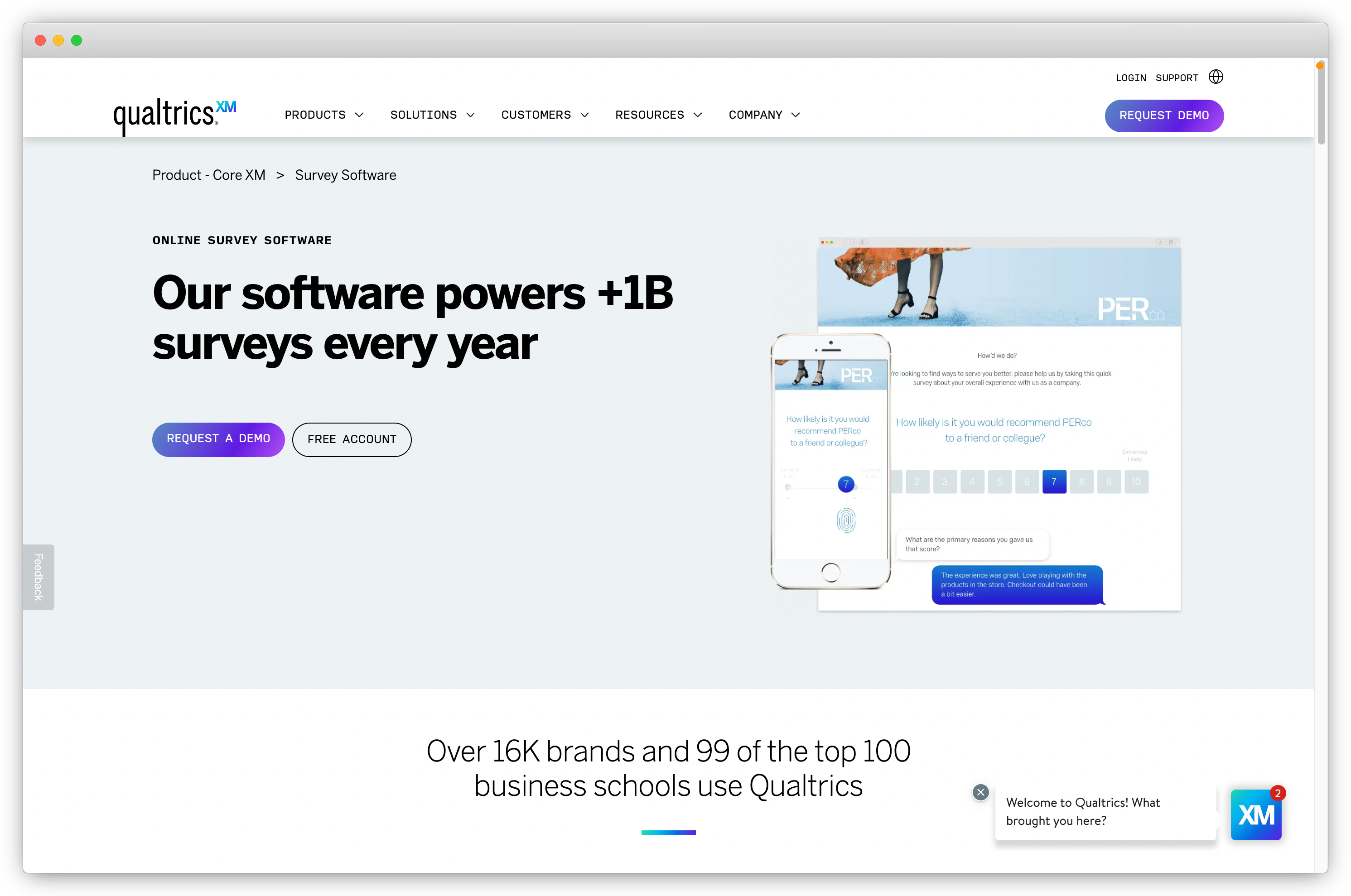
Qualtrics is an enterprise experience management platform covering customer, employee, product, and brand research in a single system. It's built for large organizations running complex VoC programs across dozens of markets, with research methodology depth that no mid-market tool matches.
Text iQ handles theme and sentiment analysis at scale. Stats iQ runs driver analysis and statistical correlations. Predictive AI surfaces frontline guidance and experience forecasts. The tradeoffs are significant: implementation takes months, pricing is prohibitive below enterprise scale, and the learning curve requires a dedicated internal resource or outside consulting partner. The 2025 acquisition of InMoment via Forsta is worth factoring into any long-horizon evaluation.
Key Features of Qualtrics
- Text iQ for topic and sentiment analysis at enterprise scale
- Stats iQ for driver analysis and statistical correlations
- Predictive AI for forecasting and frontline experience guidance
- 125+ feedback collection channels
- Role-based access and hierarchical reporting structures
- Integrations with Salesforce, ServiceNow, and major enterprise systems
Qualtrics Pros
- Unmatched depth for complex research methodology and multi-market VoC
- Strong compliance: HIPAA, GDPR, ISO 27001, FedRAMP
- Exceptional analytics depth for large-scale, multi-source data sets
Qualtrics Cons
- Implementation takes months, not weeks
- Pricing is prohibitive for teams below enterprise scale
- Learning curve requires dedicated training or consulting support
Qualtrics Pricing
- Custom. No free trial.
G2 Rating: 4.3/5 on G2
Teams building out their customer feedback strategy who find Qualtrics too heavy for their scale can find mid-market options in the Qualtrics alternatives guide.
2. InMoment: Best for Enterprise CX Analytics
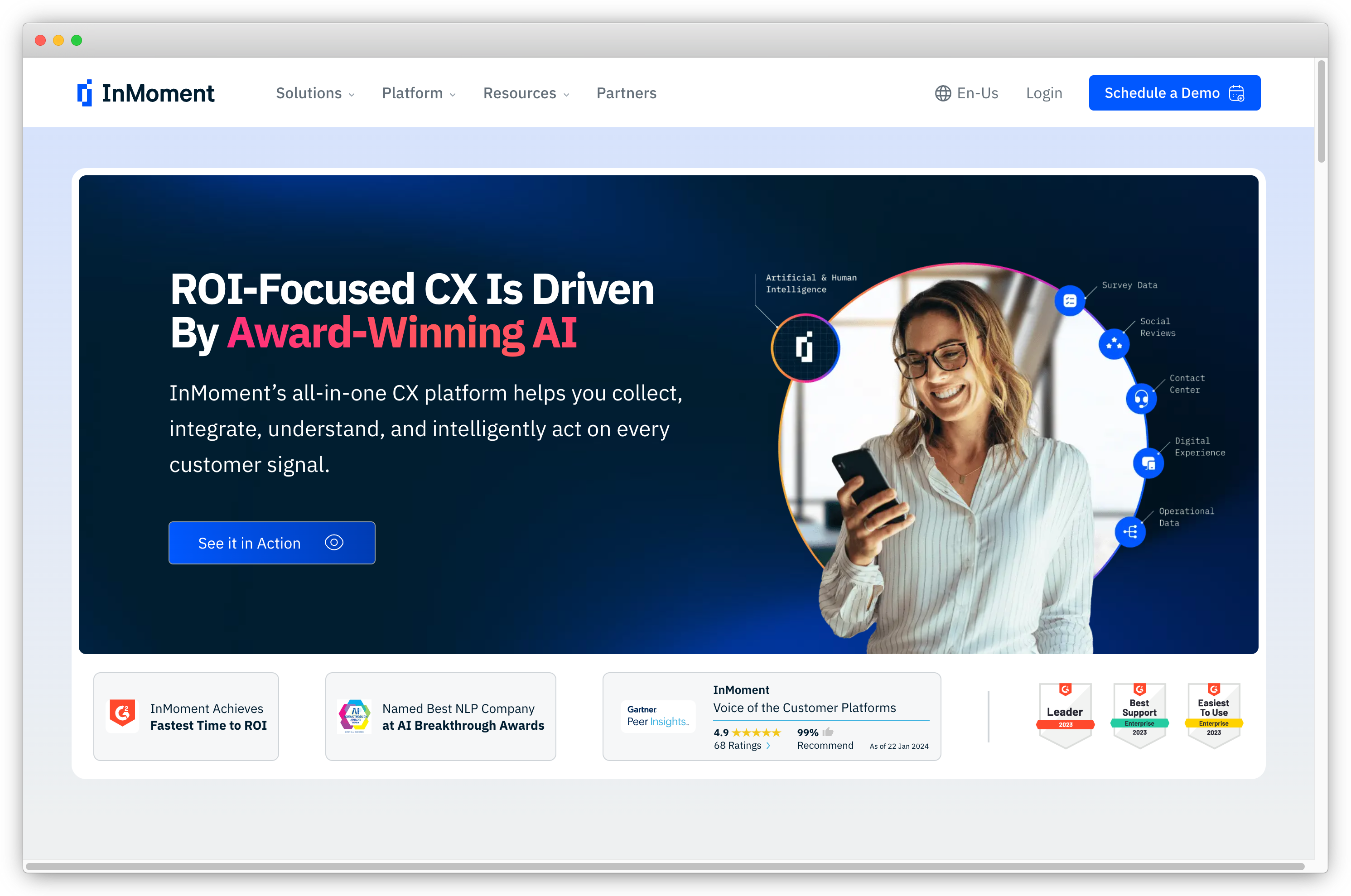
InMoment is an enterprise CX analytics platform with strong foundations in omnichannel feedback unification, journey mapping, and unstructured data analysis. It was acquired by Qualtrics in late 2025 via the Press Ganey Forsta merger, which ties its roadmap to Qualtrics' direction going forward.
InMoment's core strength has been Lexalytics-powered text analytics that processes structured and unstructured feedback together, with intent classification and churn prediction on top. For high-volume enterprise programs that need analytics beyond basic sentiment scoring, it has been a strong choice. Buyers today should ask specifically about the post-acquisition roadmap before committing.
Key Features of InMoment
- Real-time feedback capture across omnichannel customer touchpoints
- Lexalytics text analytics for theme detection and entity extraction
- Intent classification and churn prediction models
- Journey mapping across the full customer lifecycle
- Closed-loop engagement tools and automated follow-up workflows
- Customizable dashboards for role-based reporting at scale
InMoment Pros
- Advanced analytics combining structured and unstructured feedback sources
- Proven at enterprise scale with high-volume programs
- HIPAA and GDPR compliant
InMoment Cons
- Post-acquisition roadmap uncertainty is a real factor in evaluations
- High price point relative to mid-market alternatives
- Deep customization requires significant technical expertise
InMoment Pricing
- Custom. No free plan.
G2 Rating: 4.7/5 on G2
For alternatives with more stable near-term roadmaps, see the InMoment alternatives guide.
3. Zonka Feedback: Best for Omnichannel Feedback with AI Intelligence
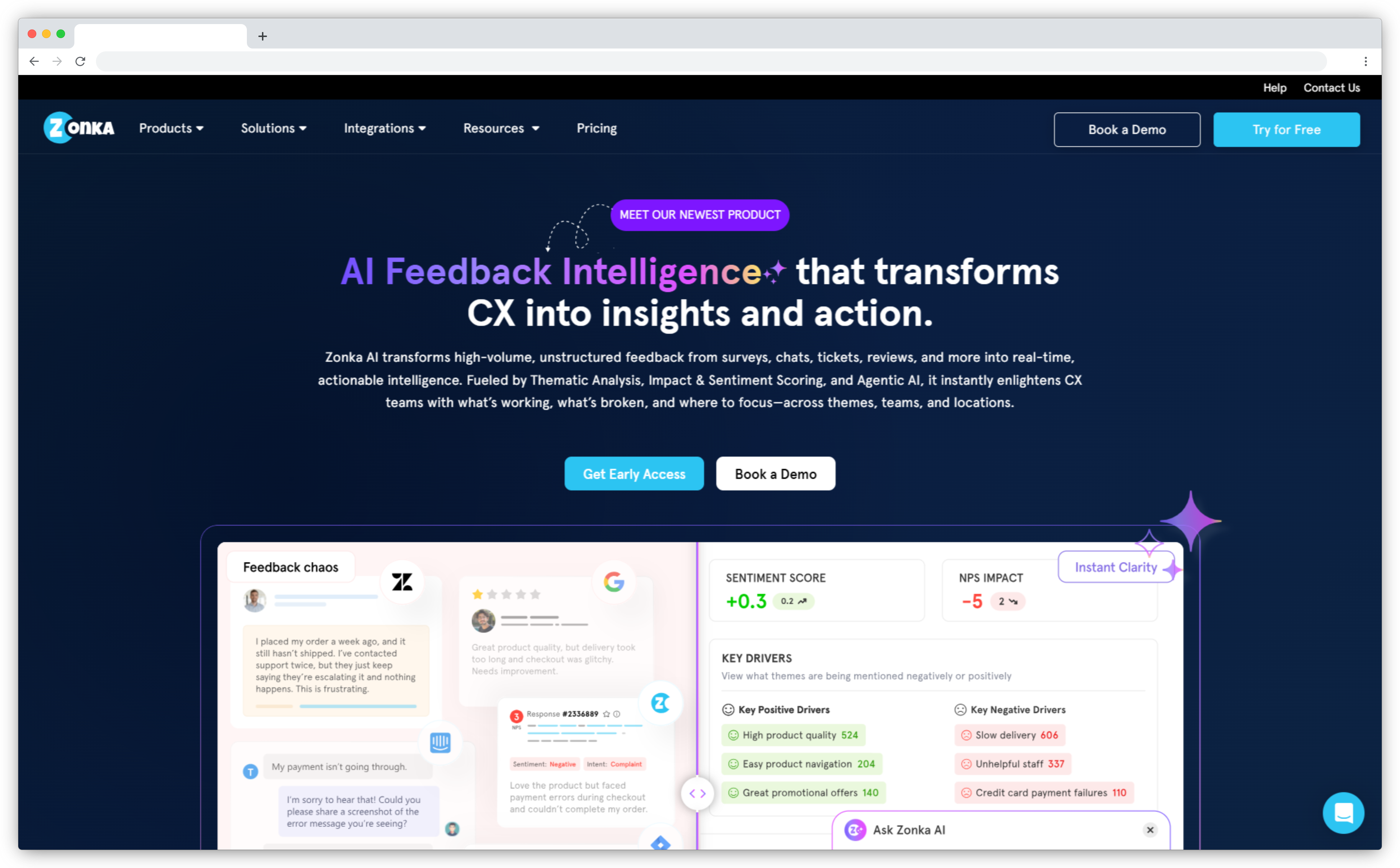
Zonka Feedback is an AI customer feedback and intelligence platform that collects across email, SMS, WhatsApp, web, in-app, kiosks, and offline channels, then unifies responses with support tickets, reviews, and chat data into one intelligence layer. It covers collection, unification, AI analysis, and closed-loop action without requiring separate tools.
AI agents monitor incoming feedback continuously, surface emerging themes, score business impact against NPS or CSAT, and route signals to the right owner without manual steps. The platform covers the full feedback lifecycle and deploys in under a week with no consulting engagement required. Teams evaluating AI feedback analytics tools will find those capabilities included within the platform.
Key Features of Zonka Feedback
- Omnichannel collection: email, SMS, WhatsApp, web, in-app, kiosk, offline, and QR codes
- NPS, CSAT, and CES with transactional and relationship programs, logic, and 30+ language support
- AI Feedback Intelligence: thematic analysis, sentiment and intent detection, entity mapping, and impact scoring
- AI agents that surface signals and route them to the right owner automatically
- AI Signals: pre-classifies every detected sub-theme into operational signal buckets (Key Drivers, Churn Signals, Feedback Queries, Praise & Recommendations, Mixed Signals) with volume and sentiment change tracking
- Centralized response inbox with tagging, assignments, tasks, and team collaboration
- 50+ integrations: Salesforce, HubSpot, Zendesk, Intercom, Slack, MS Teams, Jira, Google Sheets
Zonka Feedback Pros
- Full feedback lifecycle in one platform: collect, unify, analyze with AI, and act
- Impact scoring and entity mapping beyond basic sentiment tagging
- Live in under a week with no-code setup and multilingual surveys
- 22 G2 badges in Winter 2026 across Experience Management and Feedback Analytics
Zonka Feedback Cons
- Voice and speech analytics are on the roadmap, not yet available
- Most advanced AI features require higher-tier plans
Zonka Feedback Pricing
- Custom. Schedule a demo for pricing details.
G2 Rating: 4.7/5 on G2
4. AskNicely: Best for NPS-Driven Frontline Coaching
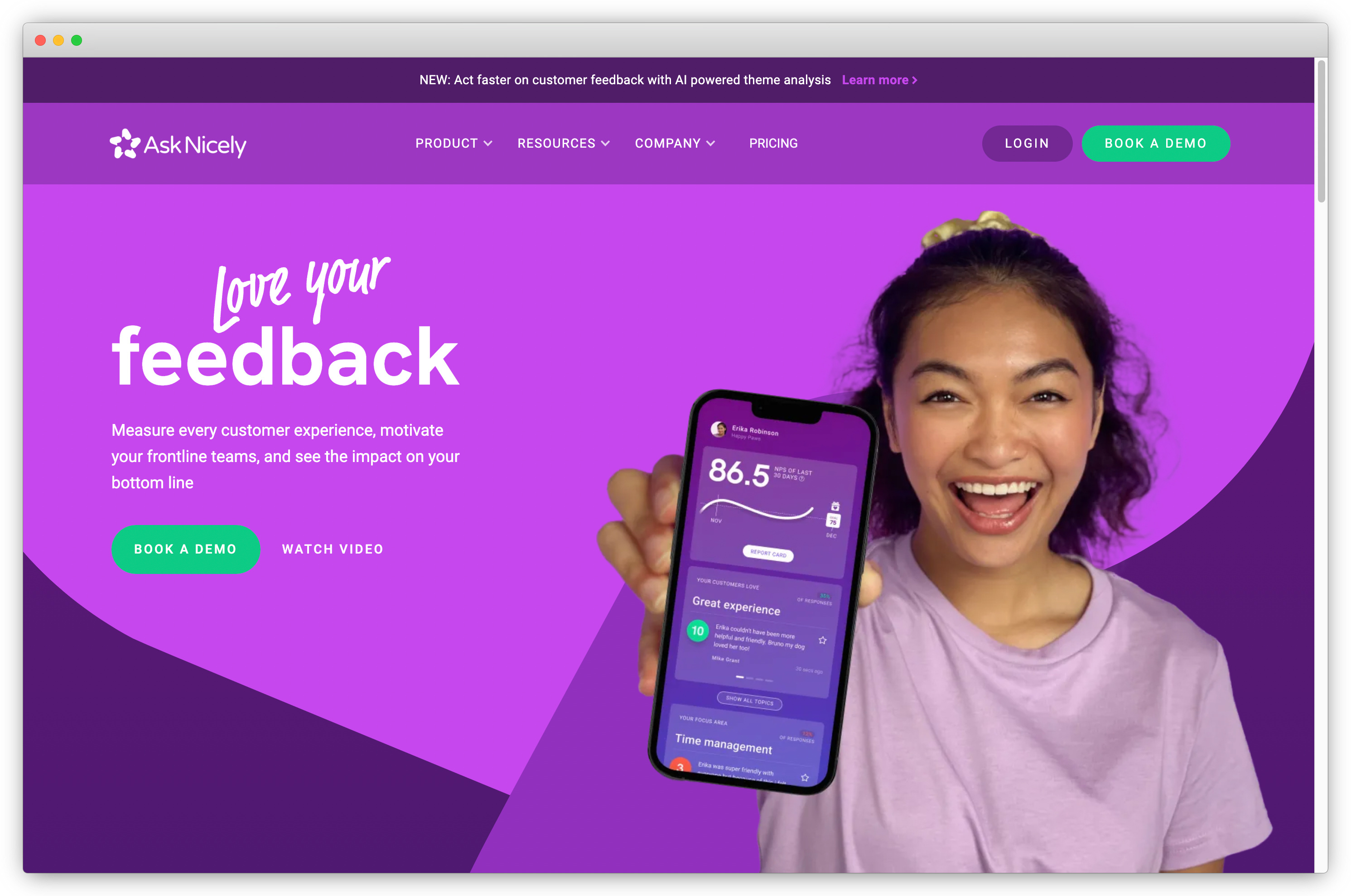
AskNicely is a customer feedback platform built around NPS programs and frontline team coaching. It's designed for organizations whose feedback program centers on customer-facing staff such as field service teams, retail floors, and call centers, where survey timing and score-to-coaching workflows matter most.
NiceAI generates summaries and content assists for response handling. Journey mapping covers first touch to renewal, and the mobile experience supports frontline managers away from a desk. Teams that need deep thematic analysis across support tickets, reviews, and chat data will find the all-in-one platforms in Category A a better fit. For NPS programs driving daily frontline coaching and accountability, AskNicely covers the core requirements well.
Key Features of AskNicely
- Always-on NPS automation with trigger-based survey distribution
- Frontline coaching workflows tied to specific team members and their individual scores
- NiceAI for gen-AI summaries and response content assist
- Real-time alerts for detractor scores and score shifts at location or team level
- Journey mapping from first touch to renewal
- CRM integrations for centralized customer data
AskNicely Pros
- Automated follow-up workflows that close the loop on detractor responses
- Strong mobile experience for frontline managers in the field
- Sentiment analysis tuned for NPS-style open-text responses
AskNicely Cons
- Primarily NPS-focused: limited for broader multi-metric or multi-channel programs
- Survey and report customization lags general-purpose platforms
AskNicely Pricing
- Custom. No free trial.
G2 Rating: 4.7/5 on G2
5. Chattermill: Best for AI-Powered Customer Feedback Intelligence

Chattermill is an AI-native customer experience intelligence and Voice of Customer platform that brings feedback from surveys, support conversations, reviews, social media, and voice calls into one place. It uses AI to structure and analyze customer signals, helping CX, product, insights, and support teams understand what's driving satisfaction, churn, retention, and other business outcomes.
Chattermill's main strength is its ability to turn large volumes of unstructured feedback into actionable customer intelligence. Its proprietary Lyra AI model analyzes feedback at scale, while features such as impact analysis, anomaly detection, dashboards, and real-time alerts help teams identify emerging issues and understand why key CX metrics are changing.
It also extends customer intelligence into AI workflows through its MCP server, allowing teams to query Chattermill data through tools such as ChatGPT and Claude and use customer insights within their existing AI agents.
Key Features of Chattermill
- Centralized feedback from surveys, reviews, support, social media, chats, and calls
- Lyra AI for customer feedback analysis and insight generation
- AI-powered tagging, categorization, and thematic analysis
- Impact analysis connecting feedback themes to NPS, CSAT, retention, and revenue
- Anomaly detection and real-time alerts through channels such as Slack, email, and Jira
- Custom reports and dashboards for CX, product, support, and insights teams
- MCP integration for querying customer intelligence through AI agents
- Context enrichment using CRM, operational, transactional, and other business data
- Enterprise security with SOC 2 Type II, ISO 27001, GDPR, and CCPA compliance
Chattermill Pros
- Strong AI capabilities for analyzing large volumes of unstructured customer feedback
- Unifies feedback across multiple channels rather than relying on survey data alone
- Connects customer feedback to business metrics such as retention, churn, and revenue
Chattermill Cons
- More focused on feedback analysis and intelligence than collecting surveys
- Custom pricing can make costs harder to compare with self-service alternatives
- The breadth of analytics and dashboards may require some time to learn and configure; G2 reviewers have noted a learning curve around dashboards and some categorization/sentiment limitations.
Chattermill Pricing
- Custom pricing based on feedback volume and feature requirements. Chattermill does not publish a standard starting price on its website.
G2 Rating: 4.5/5 on G2
6. Featurebase: Best for Unified Support and Product Feedback
.png?width=1366&height=491&name=Screenshot%20(186).png)
Featurebase combines a support inbox, help center, public feedback boards, roadmap, changelog, and in-app surveys in a single platform. The design assumption is that most customer feedback arrives during support conversations rather than through scheduled survey sends, so a ticket, a feature request, and a CSAT response all live against the same user record instead of in three disconnected tools.
Feedback comes in through a hosted portal, in-app widgets, support conversations, and integrations with Slack, Intercom, Zendesk, and HubSpot. AI deduplication merges near-identical requests before boards get noisy, and requests can be weighted by revenue and user segment, which separates volume from value when two features have similar vote counts. NPS, CSAT, CES, and PMF surveys are triggered by URL or user property. The tradeoff is scope: collection is product- and support-centric, so teams running SMS, WhatsApp, kiosk, or offline programs will need a broader omnichannel platform.
Key Features of Featurebase
- Shared support inbox with live chat, AI agent resolution, and a self-serve help center
- Public or private feedback boards with upvoting, comments, and status tracking
- AI deduplication that merges similar requests automatically
- Revenue and segment data attached to requests for prioritization
- Public roadmap and changelog that notify upvoters when work starts or ships
- In-app NPS, CSAT, CES, and PMF surveys with trigger-based targeting
- Integrations with Slack, Intercom, Zendesk, HubSpot, Linear, Jira, and GitHub
Featurebase Pros
- Support conversations, feature requests, and survey responses unify against one user record
- Closed loop is native: upvoters are notified automatically when a request ships
- Public roadmap and changelog reduce repeat requests and "when is this coming" tickets
Featurebase Cons
- No SMS, WhatsApp, kiosk, or offline collection channels
- Text analytics are tuned to request grouping rather than enterprise-grade thematic and sentiment analysis
- Free plan is capped at one seat, and seat-based pricing scales with team size
Featurebase Pricing
-
Free plan available (1 seat). Paid plans start at $29/seat/month billed annually. 10-day free trial.
G2 Rating: 4.7/5 on G2
7. SoGolytics: Best for Multilingual End-to-End Feedback Programs
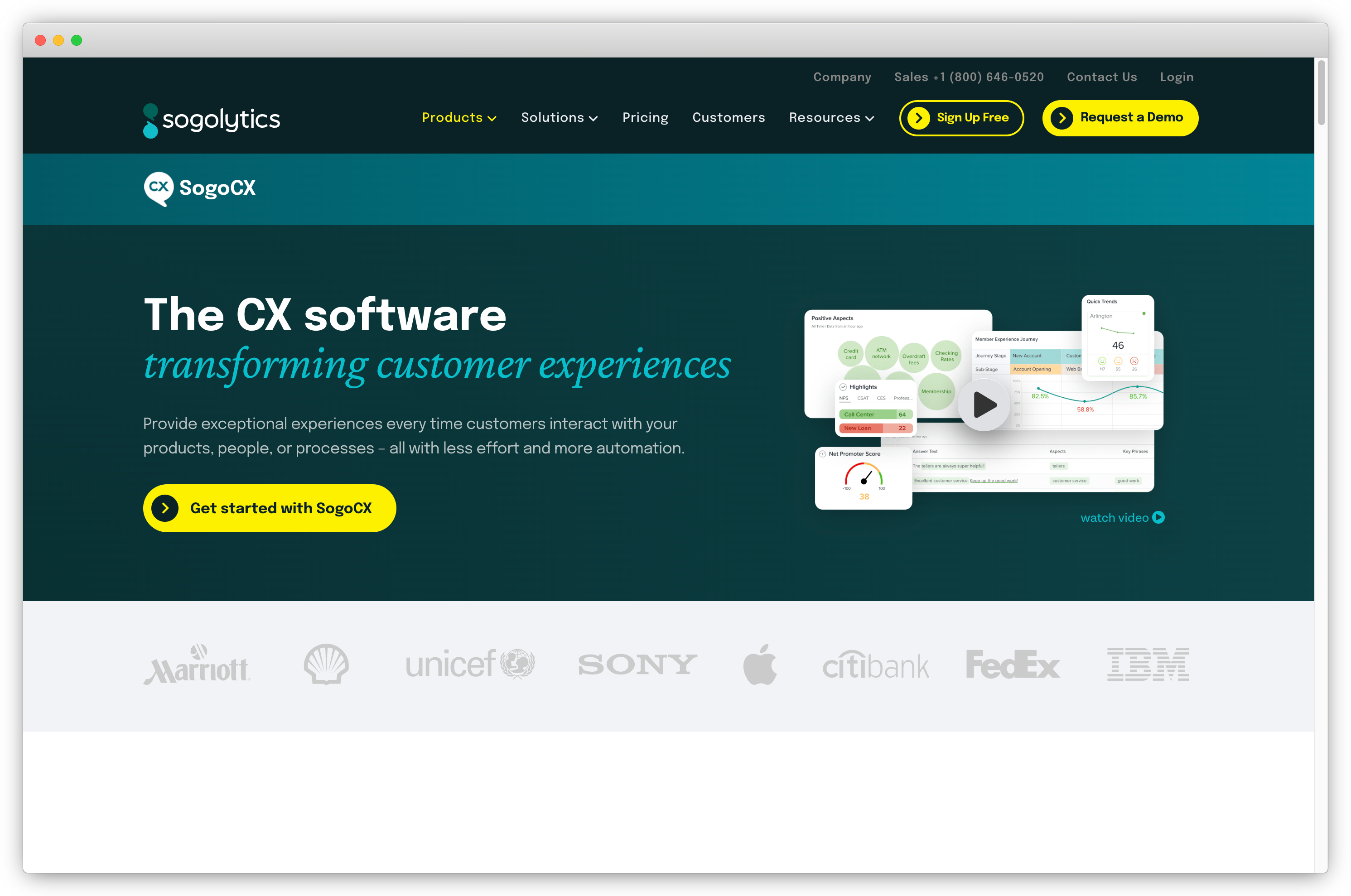
SoGolytics is a feedback platform for structured programs running across customers and employees simultaneously. It covers flexible survey design, deep branching logic, and multilingual support across 80+ languages without requiring an enterprise suite.
The free tier covers basic survey creation, with integrations, advanced analytics, and case management on paid plans. Multilingual support is built directly into the survey workflow rather than added as a separate module. Cross-tab reporting and real-time dashboards make it capable for mid-market programs.
Key Features of SoGolytics
- Omnichannel capture across web, email, mobile, kiosk, polls, and social embeds
- Automatic translation and multilingual support across 80+ languages
- Conditional logic, branching, and quota management
- Real-time dashboards with cross-tab filters and exportable charts
- Case management for escalating negative or urgent feedback
- API and CRM integrations for ongoing data sync
SoGolytics Pros
- Multilingual capability built into the workflow, not an add-on
- Clean interface with strong conditional logic
- Competitive mid-market pricing
SoGolytics Cons
- Advanced branching and reporting features carry a learning curve
- Occasional compatibility issues with older internal systems
- Analytics depth lags top-tier enterprise platforms
SoGolytics Pricing
- Starts at $25/month. Free trial available.
G2 Rating: 4.6/5 on G2
8. HubSpot Service Hub: Best for Feedback Integrated with CRM Workflows
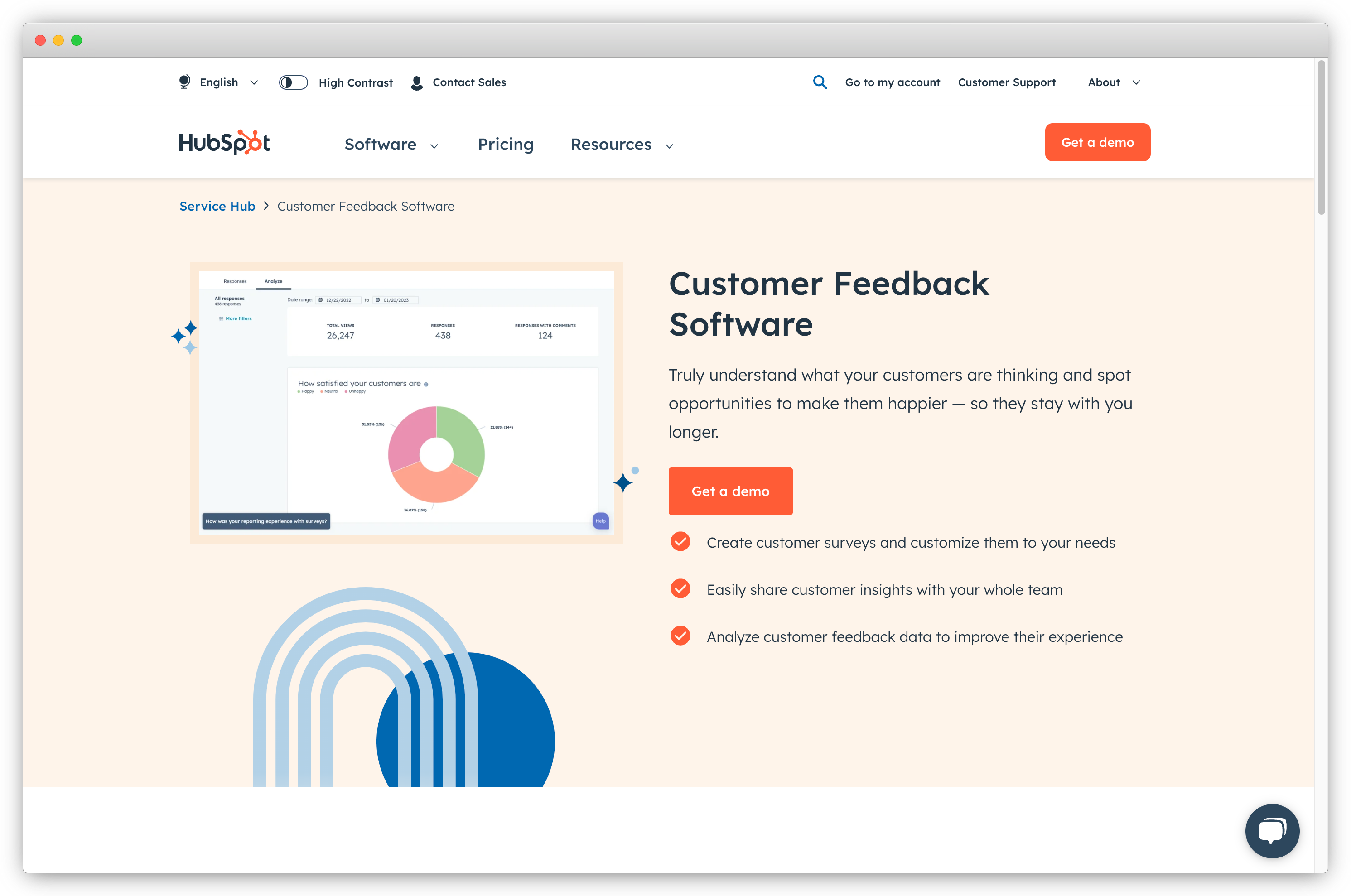
HubSpot Service Hub bundles CSAT, NPS, and CES surveys into its customer service platform. Every response enriches the same contact record that sales and CS teams already work from, which is the core integration value.
Dedicated feedback platforms outperform HubSpot on AI analysis and omnichannel collection. Where HubSpot is strongest is within its own ecosystem: closed-loop workflows that auto-convert low scores into ticketed cases with SLAs, Breeze AI for ticket resolution and response drafting, and dashboards that combine feedback with deal stage and contact history. For teams consolidating around HubSpot rather than managing a separate feedback platform, it covers most program needs adequately.
Key Features of HubSpot Service Hub
- Built-in CSAT, NPS, and CES surveys via email, web, or chat
- Workflows that auto-convert low scores into ticketed support cases
- Breeze AI Agents for routine inquiry resolution and agent response drafting
- AI summarization of long email threads and customer interaction history
- Full HubSpot CRM integration across sales, marketing, and service data
- App marketplace for extended automation
HubSpot Service Hub Pros
- Every response enriches the existing HubSpot contact record automatically
- Combines feedback data with CRM context in one dashboard
- Handles social customer service alongside email and chat
HubSpot Service Hub Cons
- Large pricing jumps between tiers make scaling expensive
- Feedback analytics are shallow compared to dedicated CX platforms
- Survey customization is limited on lower-tier plans
HubSpot Service Hub Pricing
- Starts at $45/month. Free tier available.
⚠️ GetFeedback: Sunsetting in 2026
GetFeedback is being wound down in 2026. Teams actively using it should plan migration now; teams evaluating it should look elsewhere. It still appears in buyer shortlists among Salesforce-heavy teams because of its historically strong Salesforce integration and clean open-text sentiment analysis.
For migration options, the GetFeedback alternatives guide covers replacements by use case.
G2 Rating: 4.4/5 on G2
B. Product and In-App Feedback Tools
Product and in-app feedback tools collect user feedback inside a product, whether a mobile app or a web application, based on what users are actively doing. The best product feedback tools are built for product managers and growth teams who need to gather feedback at specific moments in the product lifecycle.
Behavioral triggers and in-app delivery typically produce 3–5x higher response rates than equivalent email surveys. These tools cover onboarding friction detection, feature validation, NPS and CES inside the product, and churn exit surveys. Teams looking for ways to collect customer feedback directly inside their product will find this category the strongest fit.
9. Refiner: Best for SaaS In-App Feedback
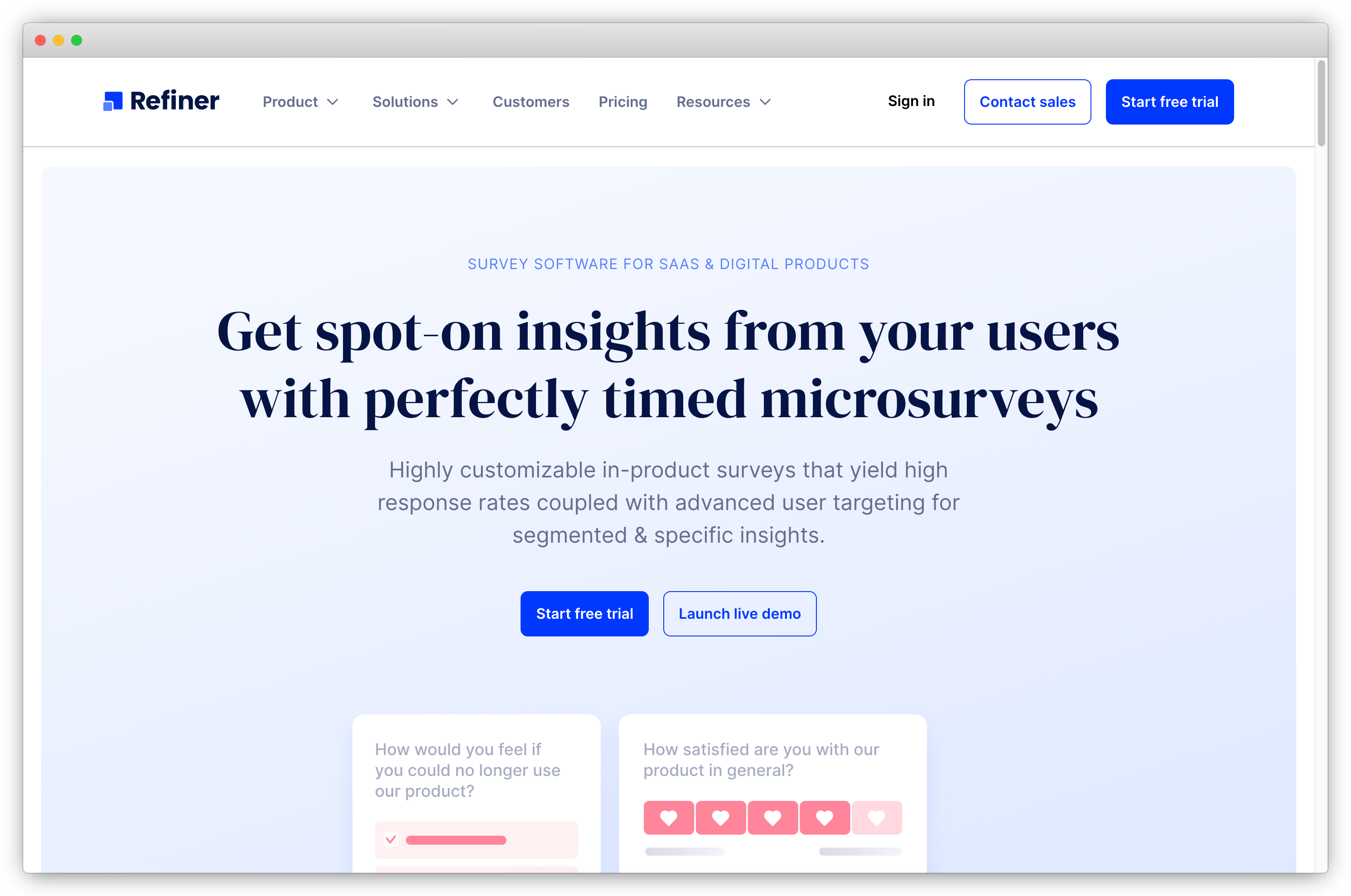
Refiner is a focused in-app survey tool for SaaS teams that triggers micro-surveys based on user behavior: completed onboarding, plan upgrades, feature activation, or session milestones. The admin panel visualizes survey data in a product-friendly format, and user segmentation by attributes, events, or cohorts lets teams target specific groups accurately.
AI-assisted response tagging (in beta) auto-categorizes open-text feedback. Refiner is not positioned as a full VoC suite, but for teams whose primary requirement is capturing high-quality in-app feedback at behaviorally precise moments, it covers that use case well.
Key Features of Refiner
- In-app surveys triggered by behavior, lifecycle events, or plan-level attributes
- User segmentation and targeting by attributes, events, or cohorts
- AI-assisted response tagging (beta) for open-text categorization
- Translate with AI for multilingual surveys in the editor
- Centralized response dashboard with filters, saved views, and team tagging
- Feedback linked to individual user profiles for longitudinal tracking
Refiner Pros
- Product-friendly admin panel visualizes data by segment and cohort
- Behavioral triggers produce significantly higher response rates than email
- Custom dashboards configurable per team role
Refiner Cons
- Survey design customization is more limited than general-purpose tools
- Pricing is steep for smaller SaaS teams at early stages
- UI feels dated compared to newer competitors
Refiner Pricing
- Starts at $99/month. One-month free trial available.
G2 Rating: 4.6/5 on G2
10. Chisel: Best for Product Feedback Tied to Roadmap Prioritization
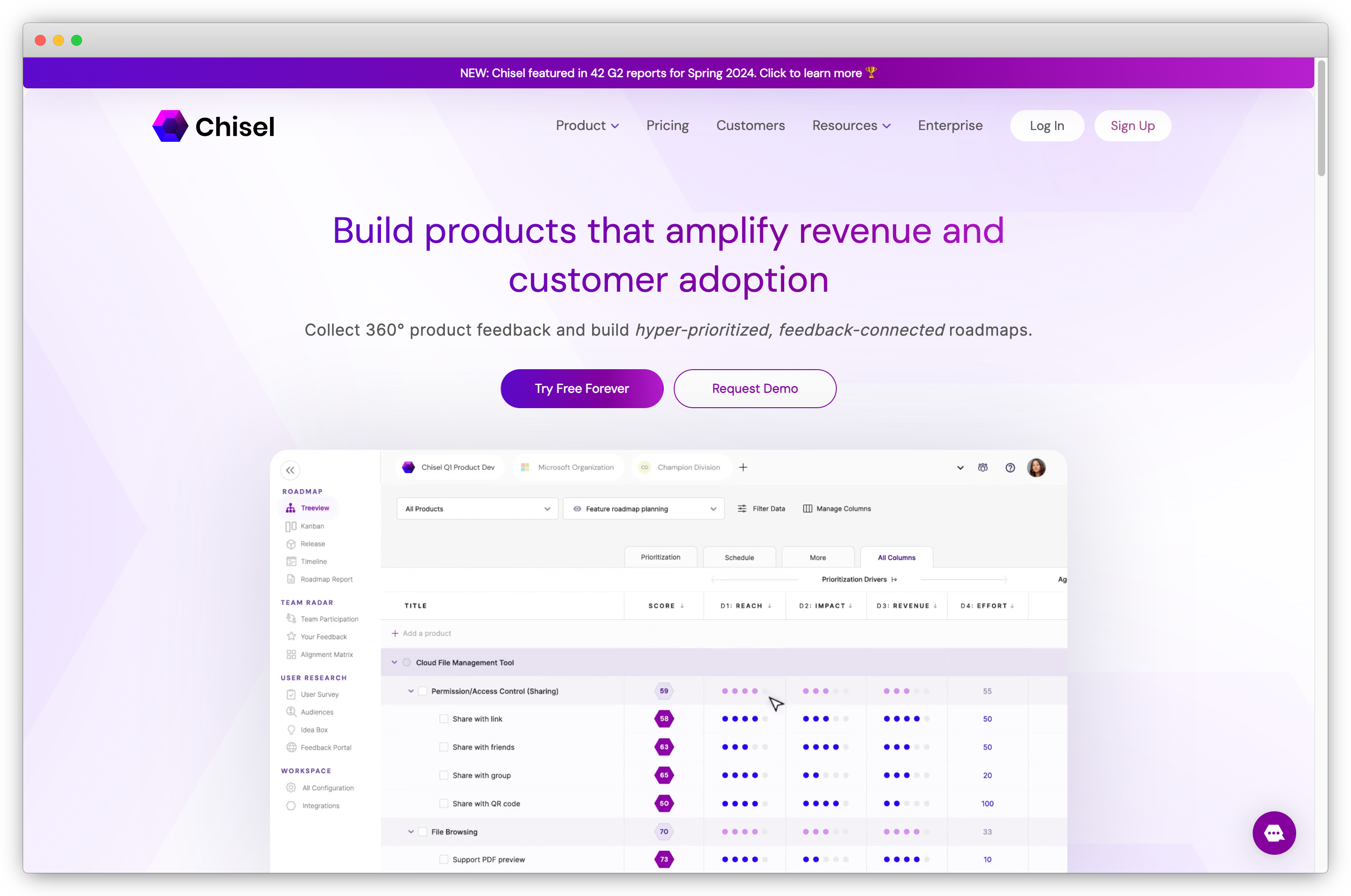
Chisel is built for product managers who need feature requests and user feedback to feed directly into roadmap prioritization, rather than for CX teams running NPS or satisfaction programs. Teams focused on improving experience metrics broadly will find the Category A platforms a better fit. For organizations deciding what to build next based on structured customer input, Chisel addresses that workflow directly.
The core unit is the Idea Box, which links incoming feedback to roadmap items. An AI PM Agent flags anomalies and suggests prioritization adjustments. Auto-classification groups comments by theme, and real-time Teams sync captures internal feedback passively.
Key Features of Chisel
- Centralized Idea Box linking feedback directly to roadmap items
- AI PM Agent that flags roadmap anomalies and suggests next moves
- Auto-classification that groups feedback by theme
- Multiple roadmap views (Tree, Release, Kanban, Timeline) that sync in real time
- Real-time Microsoft Teams sync for passive internal feedback capture
- Customer feedback portal with customizable branding
Chisel Pros
- Product feedback and roadmap prioritization in one tool
- Teams integration captures feedback without additional submission steps
- Clean UI across multiple roadmap view formats
Chisel Cons
- Not designed for CX metrics or closed-loop CX programs
- Key features including surveys and major integrations are not on the free tier
- Occasional performance lag on complex roadmap views
Chisel Pricing
- Premium plan starts at $49/month. Free forever version available.
G2 Rating: Not currently listed on G2.
C. Website and Digital Feedback Tools
Website and digital feedback tools capture visitor input on public-facing properties such as landing pages, pricing pages, help centers, and checkout flows. The audience is typically prospects and anonymous visitors rather than logged-in users. The focus is on why visitors drop off, whether they found what they needed, and where friction occurs across digital customer touchpoints.
Teams looking to reduce drop-off and understand visitor behavior through website feedback collection will find this category the most relevant starting point.
11. Mopinion: Best for Digital Feedback at Scale
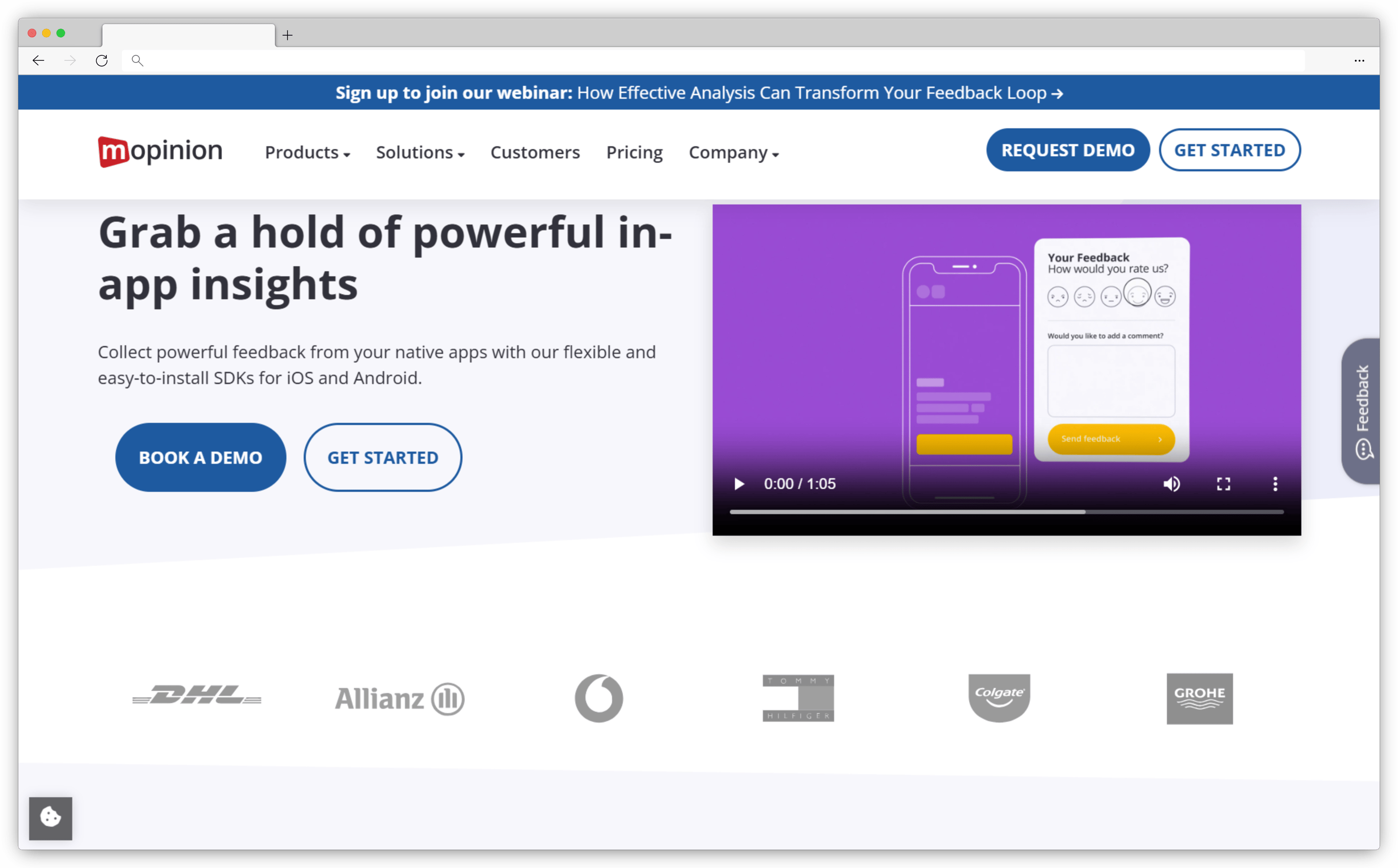
Mopinion is a digital feedback platform for high-traffic websites and apps where feedback volume is large enough that manual analysis becomes impractical. The form builder is among the most customizable in the category, with precise targeting, skip logic, and multi-language support that works without duplicating surveys across language versions.
AI-powered feedback summaries group responses into themes automatically. Advanced triggering by URL, exit intent, time on page, scroll depth, or visitor percentage gives precise control over delivery. EU hosting is available for data residency requirements. Smaller teams are likely to find it more complexity than they need, as it is designed for programs managing thousands of responses across multiple properties simultaneously.
Key Features of Mopinion
- Skip logic and question routing for personalized survey experiences
- AI-powered feedback summaries and automated theme categorization
- Advanced triggering: URL, exit intent, scroll depth, visitor percentage
- Multi-language form support without survey duplication
- EU-hosted option for data residency compliance
- Integrations with Slack, Salesforce, Jira, HubSpot, and Google Analytics
Mopinion Pros
- Form customization matches brand design systems with precision
- EU hosting available for data residency requirements
- Handles high-volume digital feedback programs at scale
Mopinion Cons
- Significant overkill for small teams
- Analysis capabilities can overwhelm teams needing simple reporting
- Role-based reporting adds complexity smaller organizations don't need
Mopinion Pricing
- Starts at €279/month. Free trial available.
G2 Rating: 4.1/5 on G2
12. Qualaroo: Best for In-Context Website and In-App Micro-Feedback
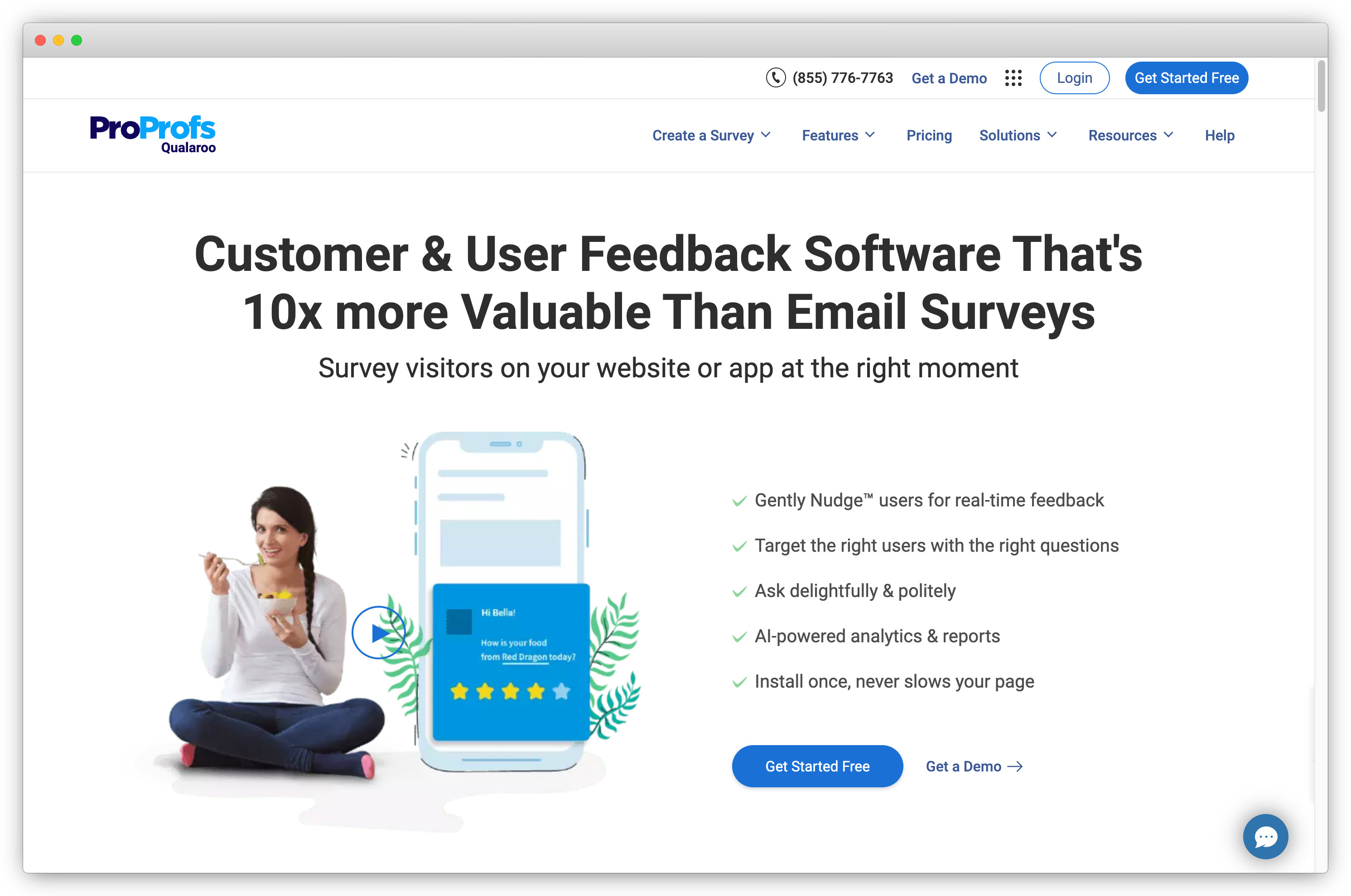
Qualaroo (now part of ProProfs) is built around Nudges, which are small non-intrusive surveys that appear based on user behavior at a precisely timed moment. For teams that need to ask a targeted question at exactly the right time, such as prompting visitors who've viewed the pricing page three times, it's a well-suited tool for that specific pattern.
Watson-powered sentiment analysis with keyword maps processes open-text responses automatically. NPS tracking at the domain level runs alongside behavior-based targeting by device, URL, actions, frequency, and traffic source. It doesn't scale to broad multi-channel feedback programs, but for website and in-app micro-feedback requiring behavioral precision, it's a strong specialist option.
Key Features of Qualaroo
- Behavior-based Nudges for web, mobile, and in-app micro-surveys
- Watson-powered sentiment analysis with keyword maps
- NPS suite with 30-day score tracking and domain-level metrics
- Advanced targeting: device, URL, actions, frequency, and traffic source
- Integrations with Google Analytics and Slack
- White-label and theming controls for brand consistency
Qualaroo Pros
- Multiple feedback channel options across web, mobile, and in-app
- Behavior-based targeting is precise and configurable
- Sentiment analysis built into the core product
Qualaroo Cons
- Not designed for broad multi-channel feedback programs
- Click-to-edit interface can feel limiting for complex survey layouts
- Pricing is high relative to feature set for narrower use cases
Qualaroo Pricing
- Starts at $20/month. Free trial and free version available.
G2 Rating: 4.3/5 on G2
13. Marker.io: Best for Visual Bug Reporting and UX Feedback
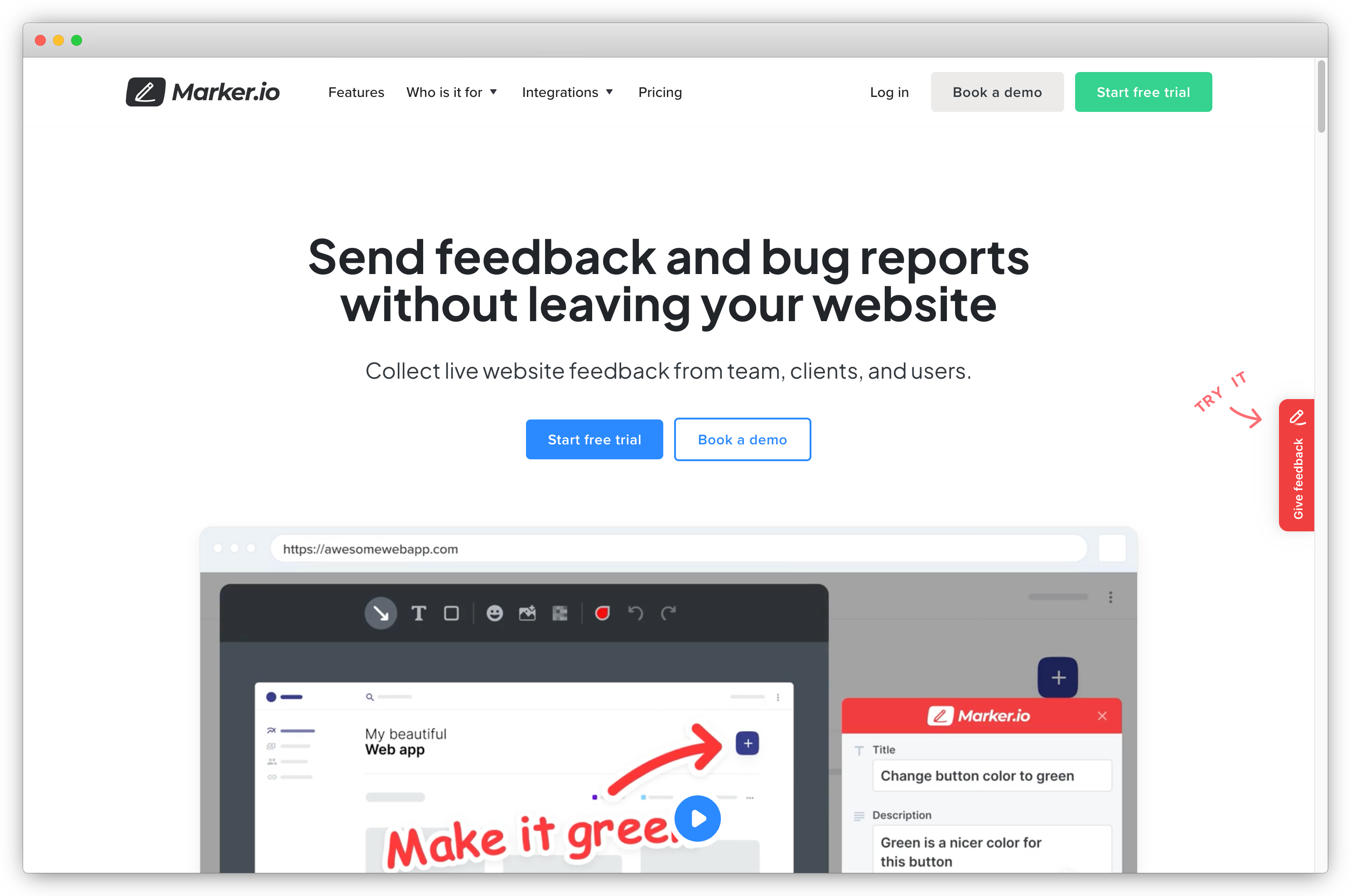
Marker.io is a visual feedback and bug reporting tool suited for internal QA, stakeholder review on staging environments, or technical bug reports submitted by users inside a product. It's not a CX platform in the traditional sense.
Every submission is tagged with browser, device, console logs, and session context, giving developers the information they need to reproduce issues without back-and-forth. AI title generation and Magic Rewrite clean up report language, and direct sync with Jira, Trello, GitHub, and Asana closes the loop between feedback and engineering action. For development and UX teams running structured bug reporting or stakeholder review cycles, it handles the workflow cleanly.
Key Features of Marker.io
- Visual feedback capture with screenshots and annotations
- AI title generation and Magic Rewrite for cleaner bug reports
- AI translation for multilingual reporters
- Automatic metadata capture: browser, device, URL, console logs, and environment
- Direct sync with Jira, Trello, GitHub, Asana, and major issue trackers
- Status tracking and cross-functional collaboration tools
Marker.io Pros
- Visual screenshots and annotations reduce back-and-forth in bug reporting
- Session context helps developers reproduce issues efficiently
- Integrates with every major engineering workflow tool
Marker.io Cons
- Narrow use case: not a fit for CX feedback or satisfaction tracking
- Debugging metadata can overwhelm non-technical users
- No free plan; steep pricing for small teams
Marker.io Pricing
- Contact sales for pricing.
G2 Rating: 4.8/5 on G2
D. Conversational Surveys and Form Builders
Conversational survey tools and form builders focus on making it easy for customers to respond. They're a practical choice for teams that need reliable, well-designed feedback surveys without the overhead of an enterprise platform.
The best survey apps in this category handle advanced survey logic, conditional branching, survey templates, and multi-language support at accessible price points. They're often the right starting point before a program requires deeper analysis capabilities.
14. Typeform: Best for Conversational and Visually Engaging Surveys
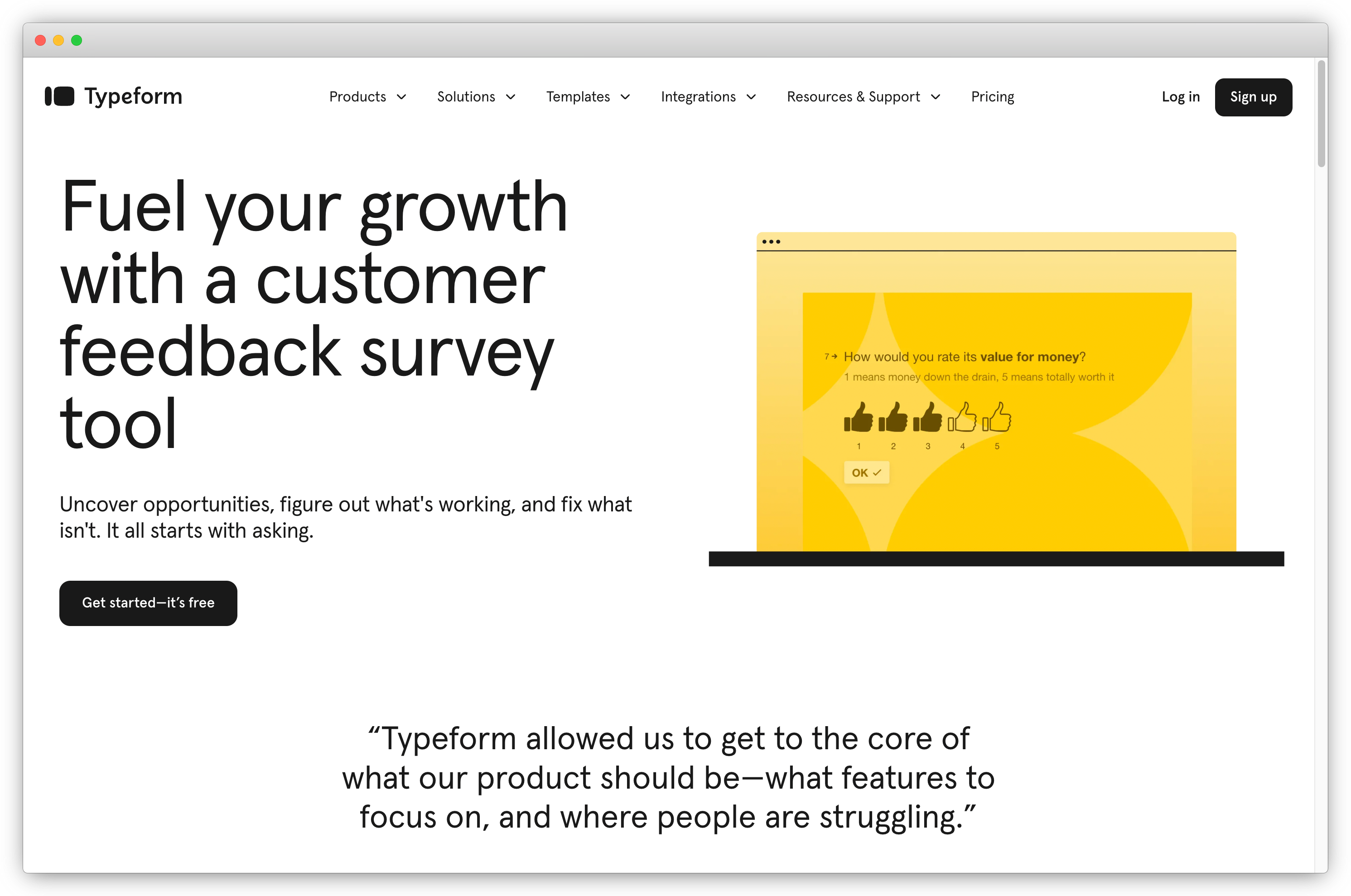
Typeform is built around one idea: surveys that don't feel like surveys. The one-question-at-a-time format reduces cognitive load and tends to improve completion rates, making it a strong option for programs where response quality is a higher priority than analytical depth.
AI Insights delivers automated summaries of open-text trends. UTM and user attribute pass-through preserve response context for segmentation. Closed-loop workflows are basic, and analytics are lighter than dedicated CX platforms. Teams that need deeper analysis will find options in the Typeform alternatives guide.
Key Features of Typeform
- Conversational surveys with AI-suggested questions and adaptive follow-ups
- Logic jumps and hidden fields for personalized survey flows
- AI Insights for automated open-text trend summaries
- UTM and user attribute pass-through for response context
- Native integrations with HubSpot, Google Sheets, Mailchimp, Notion, and Airtable
- Extensive survey templates library for fast deployment
Typeform Pros
- Highly engaging, visually polished survey format
- Strong logic and question type variety across all plans
- Template library covers most common feedback use cases
Typeform Cons
- Analytics depth is light compared to dedicated CX platforms
- Branding and customization limited on lower pricing tiers
- Less suited to large-scale structured research programs
Typeform Pricing
- Starts around $25/month. Free trial available.
G2 Rating: 4.5/5 on G2
15. SurveyMonkey: Best for Simple and Scalable Surveys
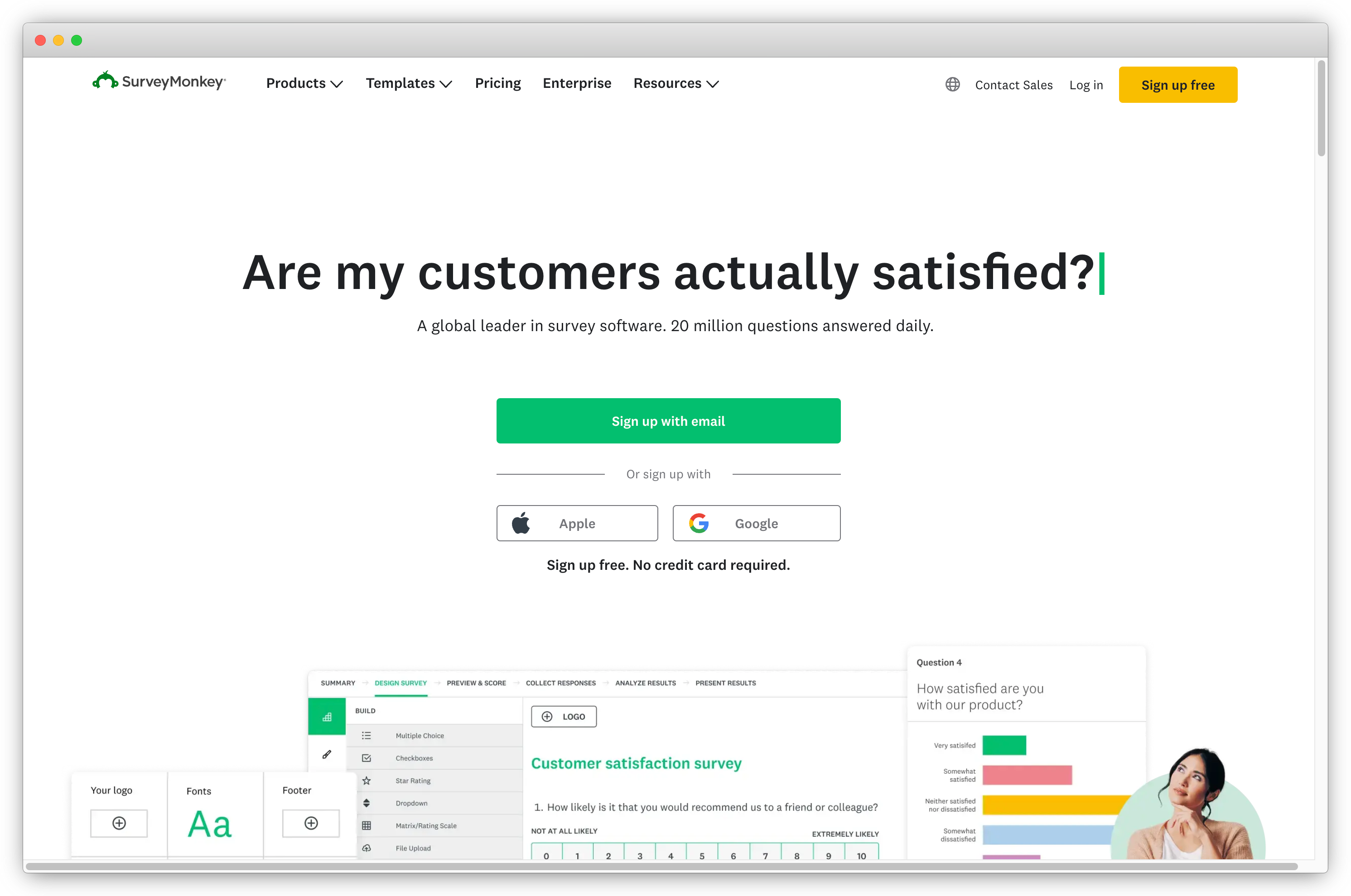
SurveyMonkey is a stable, general-purpose survey platform with a deep template library and pricing that scales across most organization sizes. Build with AI (Genius) drafts full surveys from a plain-text prompt, and AI text and sentiment analysis groups themes from open-text responses automatically.
It's positioned as a survey tool rather than a feedback intelligence platform: closed-loop workflows are basic, and AI analysis is surface-level compared to dedicated CX tools. For teams that need a reliable survey engine feeding into CRM data, it's a solid choice. The SurveyMonkey alternatives guide covers options with deeper analysis and closed-loop capabilities.
Key Features of SurveyMonkey
- Build with AI (Genius) that generates full surveys from a plain-text prompt
- AI text and sentiment analysis with basic theme grouping
- Real-time dashboards, filters, and exportable reports
- Branching and skip logic for targeted feedback collection
- Audience panel for reaching respondents outside your contact list
- Native integrations with Salesforce, HubSpot, and Slack
SurveyMonkey Pros
- Wide customization for brand-matched survey design
- Multiple distribution options across channels
- Audience panel supports market research without external recruiting
SurveyMonkey Cons
- No visual logic map for complex branching flows
- Closed-loop and AI depth lags dedicated feedback platforms
- Multi-segment personalization hits limits quickly
SurveyMonkey Pricing
- Starts at $18/month. Free trial available.
G2 Rating: 4.4/5 on G2
16. SurveySparrow: Best for Conversational Mobile-First Surveys
SurveySparrow operates in the conversational-survey category with a stronger emphasis on recurring programs than Typeform. It leans toward pulse surveys: post-interaction check-ins, monthly NPS pulses, and mobile-first programs with automated recurrence built in.
AI Survey Builder and AI Wings assist with question generation and workflow automation. Ticketing, recurring survey automation, and conditional branching are included in the core product. Reporting is more limited than specialist CX platforms, and the integration catalog is smaller than SurveyMonkey or Typeform. A direct comparison is available in the SurveySparrow alternatives guide.
Key Features of SurveySparrow
- Conversational and chat-style survey interfaces for mobile audiences
- AI Survey Builder and AI Wings for question and workflow assistance
- Conditional branching and skip logic for dynamic survey flows
- Multilingual support and customizable themes
- Recurring surveys, ticketing, and automation workflows built in
- Integrations with Slack, Salesforce, and HubSpot
SurveySparrow Pros
- Conversational UI performs well with mobile-heavy audiences
- Competitive entry pricing for small programs
- Logic jumps keep surveys relevant and dynamic
SurveySparrow Cons
- Reporting is more restricted than dedicated CX platforms
- Integration catalog is smaller than comparable tools
- No free version available
SurveySparrow Pricing
- Starts at $7/month.
G2 Rating: 4.4/5 on G2
17. Formsite: Best for Secure and Compliant Feedback Forms
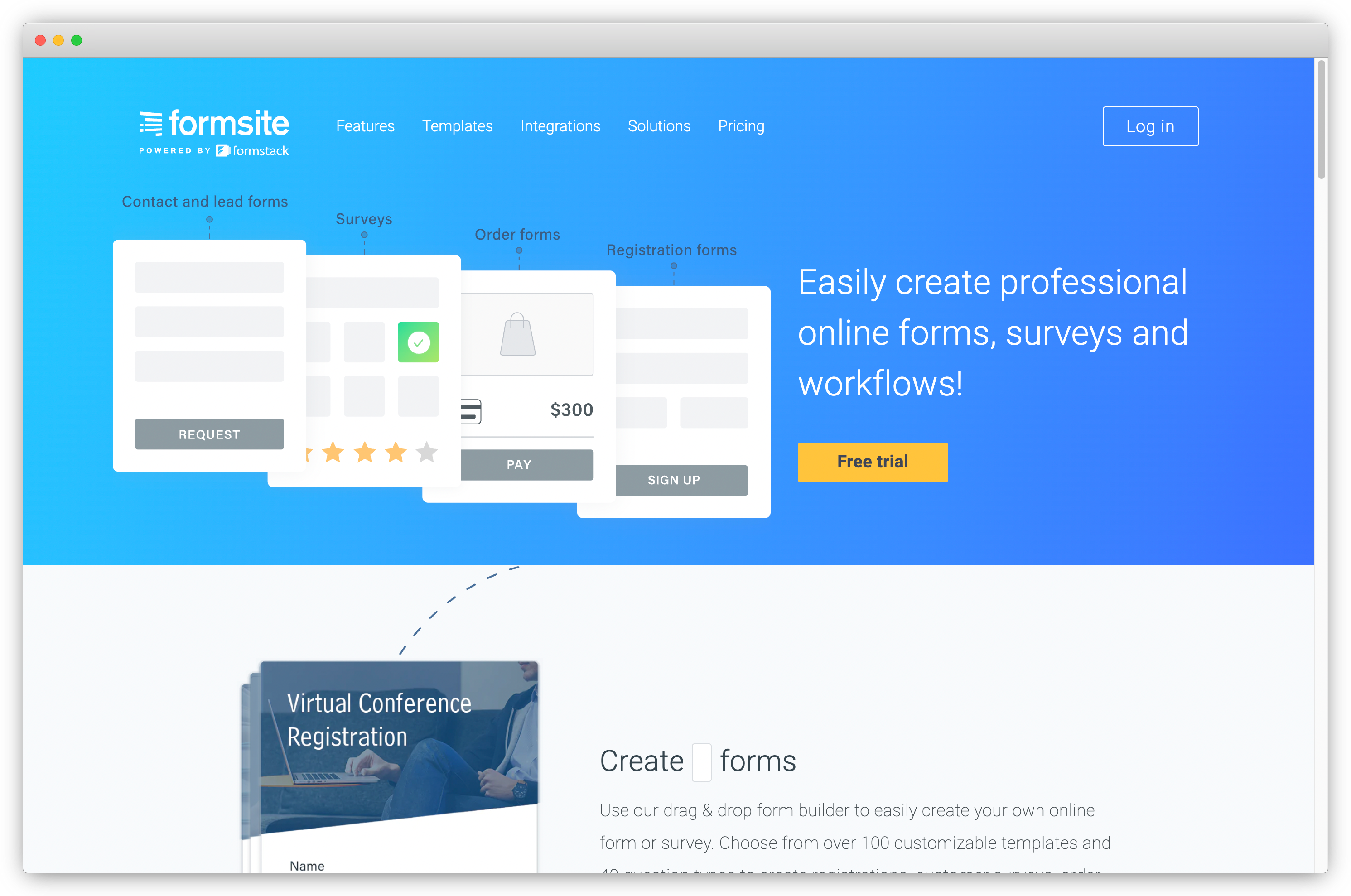
Formsite is a form builder for teams where compliance and security requirements take priority over advanced AI features. Healthcare, legal, and financial services organizations needing HIPAA and GDPR-compliant feedback collection with encrypted submissions are the natural fit.
An AI Form Generator builds full forms from plain-text descriptions. Automated notifications, conditional logic, and data sync with Sheets, Drive, Excel, and CRMs cover most operational needs in regulated industries.
Key Features of Formsite
- AI Form Generator for building forms from plain-text descriptions
- Conditional logic and branching via a Rules engine
- Automated workflows and notifications after each submission
- Data sync with Google Sheets, Excel, CRMs, Zapier, and Slack
- SSL/TLS encryption with HIPAA and GDPR compliance built in
- Results API, Server Post, and webhooks for custom integrations
Formsite Pros
- Drag-and-drop interface for fast, non-technical form creation
- HIPAA and GDPR compliance built in
- Cost-effective compared to custom compliance-focused development
Formsite Cons
- Not a fit for specialized CX programs or complex feedback use cases
- Occasional platform performance lag reported by users
- Limited AI analysis compared to feedback-first platforms
Formsite Pricing
- Starts at $21/month. 14-day free trial available.
G2 Rating: 4.4/5 on G2
18. forms.app: Best for Quick Multi-Channel Feedback
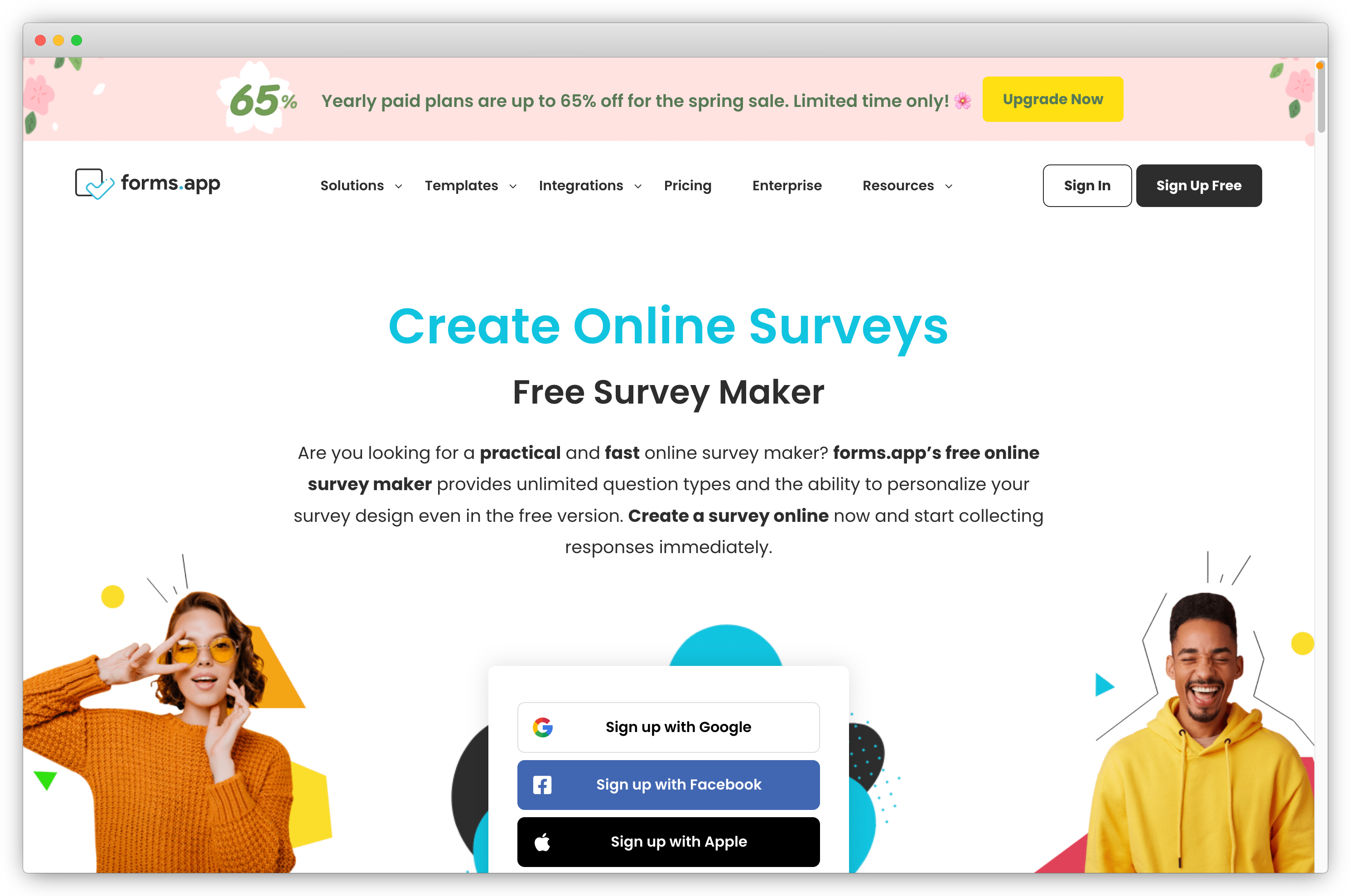
forms.app is a fast, accessible form builder for teams that need something operational quickly and within a limited budget. An AI Form Generator creates full surveys from a plain-text prompt. Auto-generated answer options, an AI Question Paraphraser, and real-time analytics with smart views cover the basics without heavy setup.
The free tier is functional for testing. It won't scale to enterprise CX workflows or advanced AI analysis, but for small teams collecting basic customer feedback across multiple channels, it covers the core requirements.
Key Features of forms.app
- AI Form Generator for prompt-based survey creation
- Auto-generated answer options for multiple choice questions
- AI Question Paraphraser for tone and clarity refinement
- Real-time analytics with filters and smart views
- Conditional logic and branching
- 500+ app integrations via Zapier
forms.app Pros
- User-friendly drag-and-drop interface with fast setup
- Responsive mobile design
- Free plan that's functional for basic feedback collection
forms.app Cons
- Analytics are light: not suited to programs needing trend tracking
- Advanced customization hits a ceiling quickly
- Free version limits apply beyond basic use
forms.app Pricing
- Starts at $15/month. Free plan available.
G2 Rating: 4.5/5 on G2
E. NPS, Loyalty, and Review Tools
NPS, loyalty, and review tools specialize in measuring customer loyalty through recurring survey programs, automating follow-up workflows, and converting satisfied customers into public-facing reviews. They're the right choice when NPS automation, churn risk tracking, or review generation is the specific program goal rather than broad omnichannel intelligence.
Teams starting a voice of customer tools evaluation will find this category relevant when loyalty measurement and automated follow-up are the primary requirements.
19. Retently: Best for Automated NPS, CSAT, and CES Campaigns
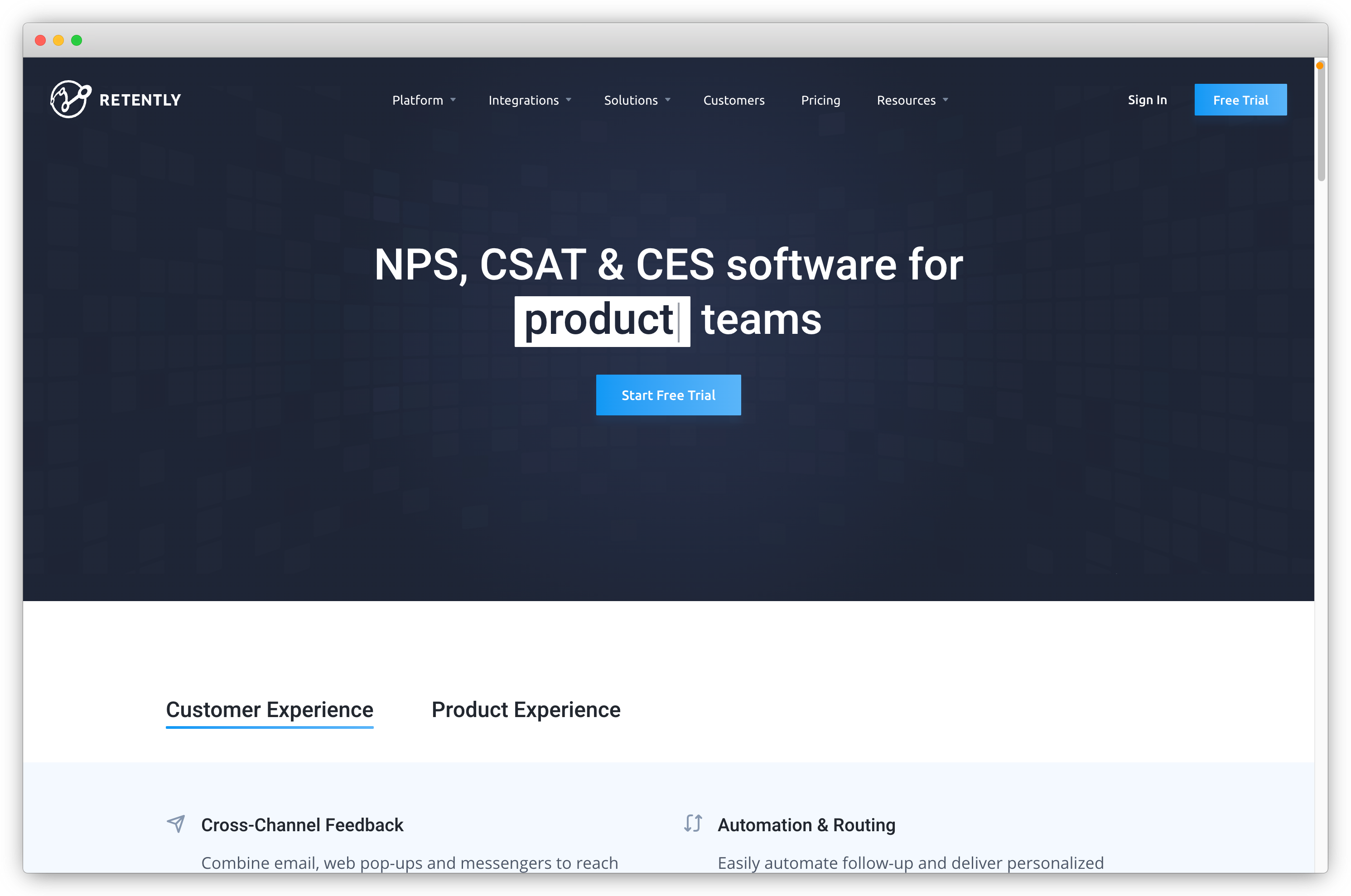
Retently is built to run always-on NPS, CSAT, and CES programs, automate the follow-up, and surface churn risk across a B2B customer base. Journey-stage targeting sends surveys at the right lifecycle moment. Industry benchmarks contextualize scores against sector averages, and automated alerts route detractor responses to the right owner.
Sentiment analysis is tuned for B2B account-level signals rather than individual transactions. Strong segmentation allows targeting by cohort, plan type, or renewal stage. Teams that need broader qualitative feedback or omnichannel collection beyond email and in-app will need a more comprehensive platform.
Key Features of Retently
- NPS, CSAT, and CES omnichannel survey campaigns
- Journey-stage targeting for lifecycle-appropriate survey timing
- Automated alerts, routing, and follow-up workflows
- Industry benchmark comparison for score contextualization
- Advanced reports with trend analysis and cohort breakdowns
- CRM, customer success, and email marketing integrations
Retently Pros
- B2B-tuned sentiment analysis for account-level signals
- Strong segmentation for targeting specific customer cohorts
- Automation closes the loop on detractor responses without manual intervention
Retently Cons
- NPS/CSAT/CES focused: limited for broader qualitative or omnichannel programs
- Survey design customization is tighter than research-grade platforms
- Not suitable for omnichannel collection beyond email and in-app
Retently Pricing
- Starts at $49/month. 14-day free trial available.
G2 Rating: 4.7/5 on G2
20. Trustmary: Best for Turning Feedback into Public Reviews
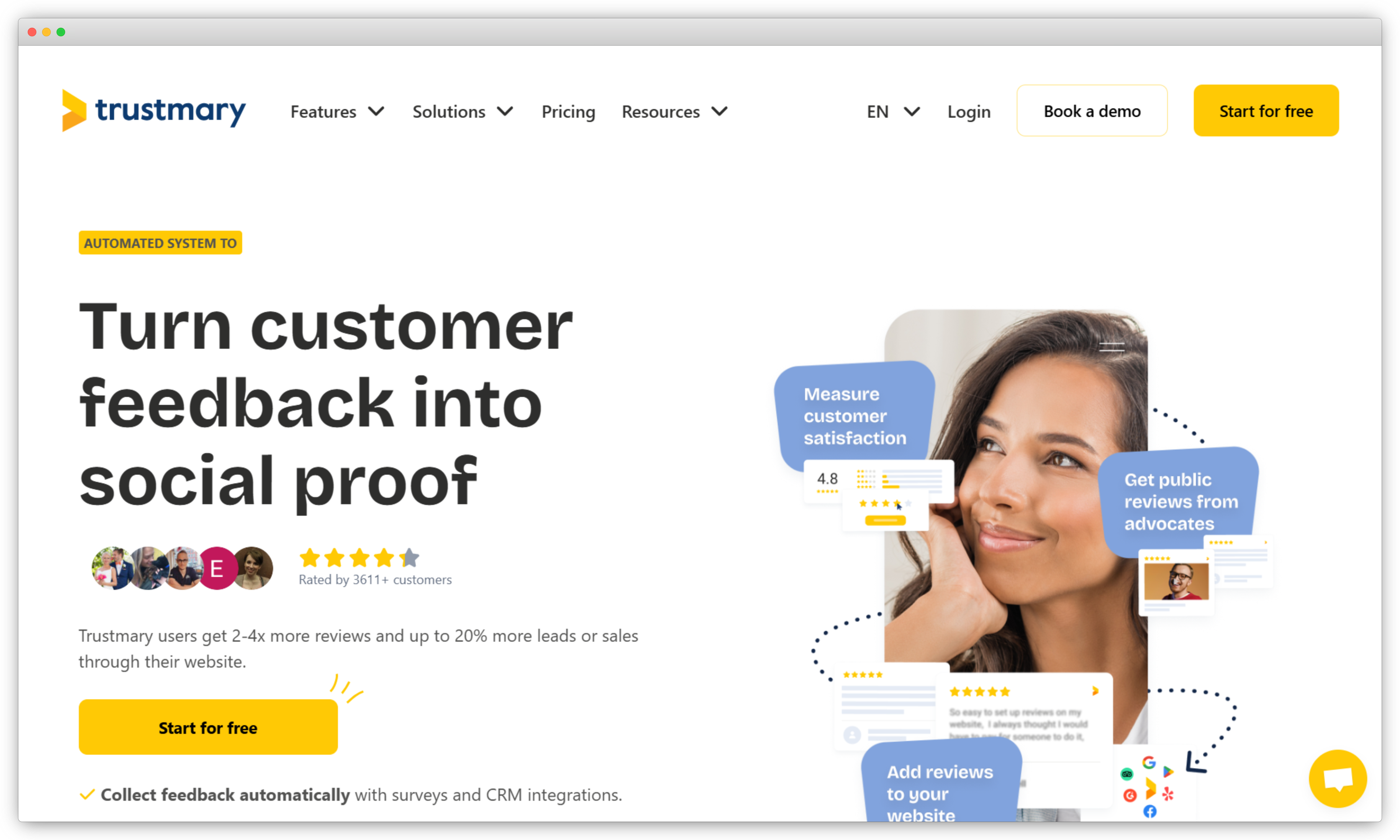
Trustmary collects customer feedback and converts positive responses into public reviews and testimonials for use in marketing. For small and mid-sized businesses building review volume on their website, Google, or in ad campaigns, it's a focused tool with a clear outcome.
NPS, CSAT, and star rating templates automatically trigger review requests when a customer scores above a set threshold, helping teams generate positive reviews from satisfied customers. Customizable testimonial widgets display collected reviews on websites and landing pages. Feedback-to-review automation and omnichannel distribution across email, link, QR, website embed, and NFC stands keep the process low-friction. Teams needing thematic analysis, closed-loop case management, or enterprise reputation management tools will need a more comprehensive platform.
Key Features of Trustmary
- NPS, CSAT, and star rating templates with automated review request triggers
- Omnichannel distribution: email, link, QR code, website embed, and NFC stands
- Feedback-to-review conversion automation
- Customizable testimonial widgets for website display
- Automatic branding applied to surveys and published widgets
Trustmary Pros
- Turns customer satisfaction data directly into marketing-ready social proof
- Surveys designed for high response rates and review conversion
- Flexible reporting with filterable feedback data
Trustmary Cons
- AI features are lighter than leading CX platforms
- Survey template library is smaller than specialist feedback tools
- Not suited for deeper analytics or enterprise integrations
Trustmary Pricing
- Starts at $19/month. Free trial available.
G2 Rating: 4.6/5 on G2
F. Free Customer Feedback Tools
Free customer feedback tools are suitable for startups and small teams that need functional feedback collection before investing in paid workflows and analytics. They're the practical starting point for teams running a first NPS or CSAT program, testing survey formats, or collecting online surveys at low volume.
21. QuestionPro: Best Free Tool for Research and Advanced Analytics
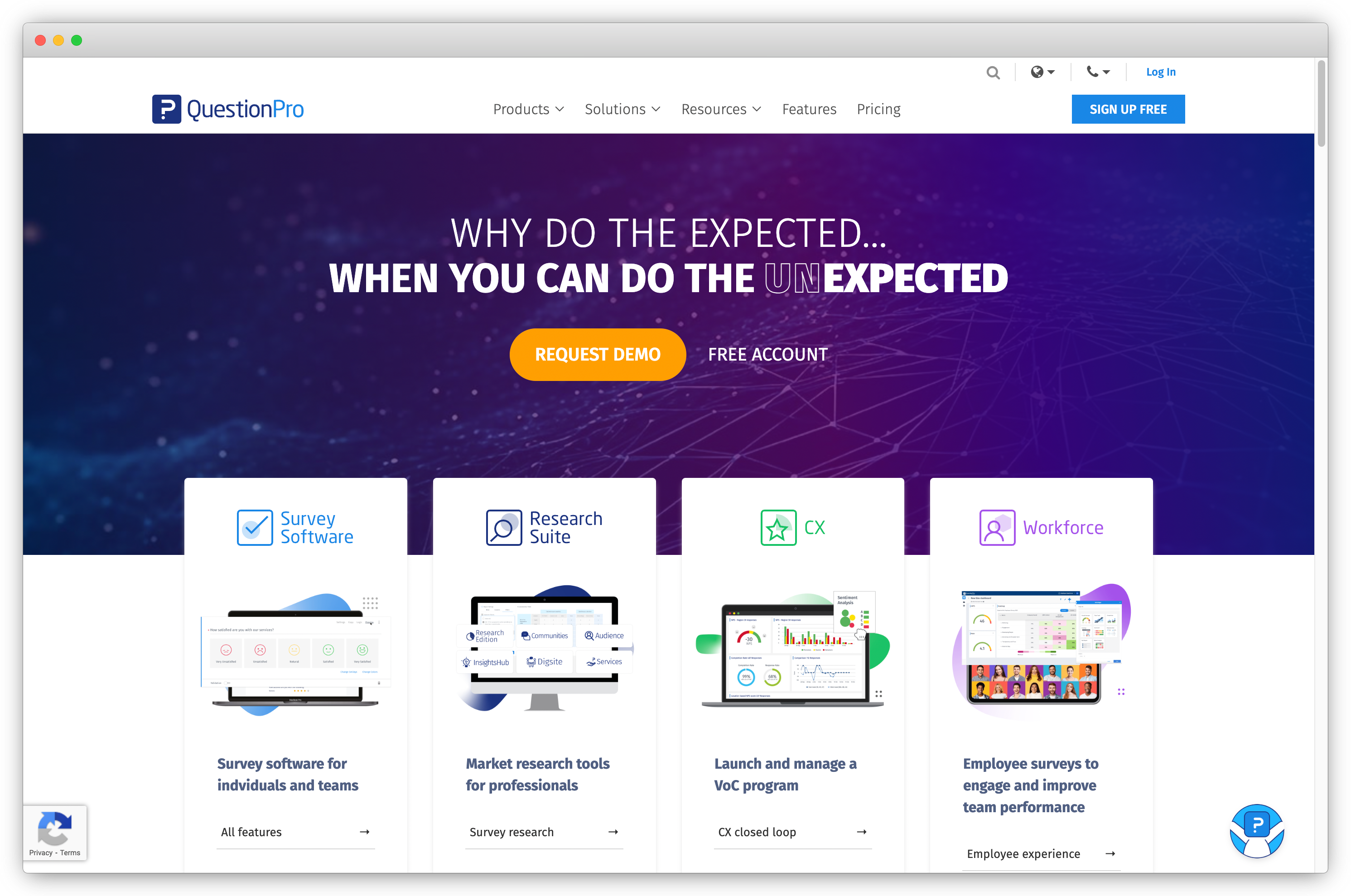
QuestionPro is a research-grade survey platform with one of the most generous free tiers in the category: unlimited surveys with up to 300 responses each. QxBot handles AI-assisted survey building, and sentiment and text analytics process open-text responses automatically. Thirty-plus question types and advanced logic branching give teams more analytical depth than most free tools offer.
Paid tiers start at $99/month, making it a viable upgrade path for teams that outgrow the free tier. Occasional slow loading between features has been reported.
Key Features of QuestionPro
- Unlimited free surveys with up to 300 responses each
- QxBot for AI-assisted survey building
- Sentiment and text analytics for open-text responses
- 30+ question types with skip logic and advanced branching
- Google Sheets integration and CSV/XLS export
- Customized survey branding on paid plans
QuestionPro Pros
- Comprehensive analytics depth for a free tier product
- 30+ question types with advanced logic at no cost
- Broad integration options on paid plans
QuestionPro Cons
- Pricing scales significantly for larger teams
- Occasional slow loading reported between features
QuestionPro Pricing
- Free tier available. Paid plans start at $99/month.
G2 Rating: 4.5/5 on G2
22. Jotform: Best Free Tool for Customizable Feedback Forms
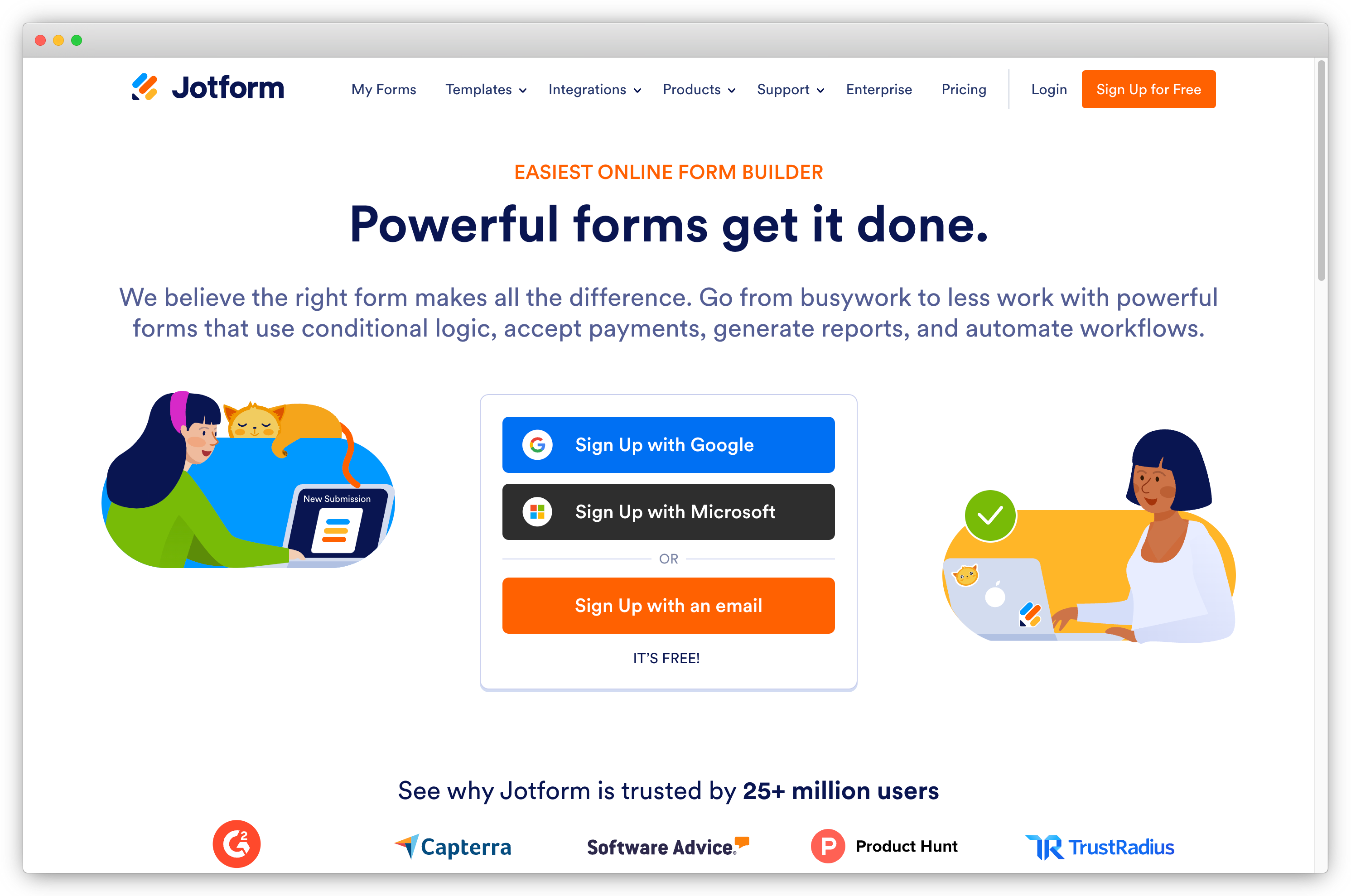
Jotform is a versatile form builder whose free tier handles NPS, CSAT, and CES form creation well. The drag-and-drop interface is accessible for non-technical users, and automated follow-ups, personalized response workflows, and a wide integration catalog make it useful beyond basic form collection.
Submission caps and branding restrictions apply on the free plan. For small teams testing a first structured feedback program, Jotform's combination of template variety, ease of use, and integration depth makes it a practical starting point.
Key Features of Jotform
- Drag-and-drop form builder for NPS, CSAT, and CES survey types
- Real-time feedback collection across email, web, and mobile
- Advanced reporting and analytics
- Automated follow-ups and personalized response workflows
- Extensive integration catalog with most common business tools
- Wide template, widget, and add-on library
Jotform Pros
- Intuitive interface for non-technical team members
- Wide range of templates and add-ons from day one
- Strong integration catalog on the free tier
Jotform Cons
- Free plan has submission caps
- Conditional logic has constraints compared to paid alternatives
Jotform Pricing
- Free version available. Paid plans start at $34/month.
G2 Rating: 4.5/5 on G2
23. ProProfs Survey Maker: Best Free Tool for Template-Based Surveys
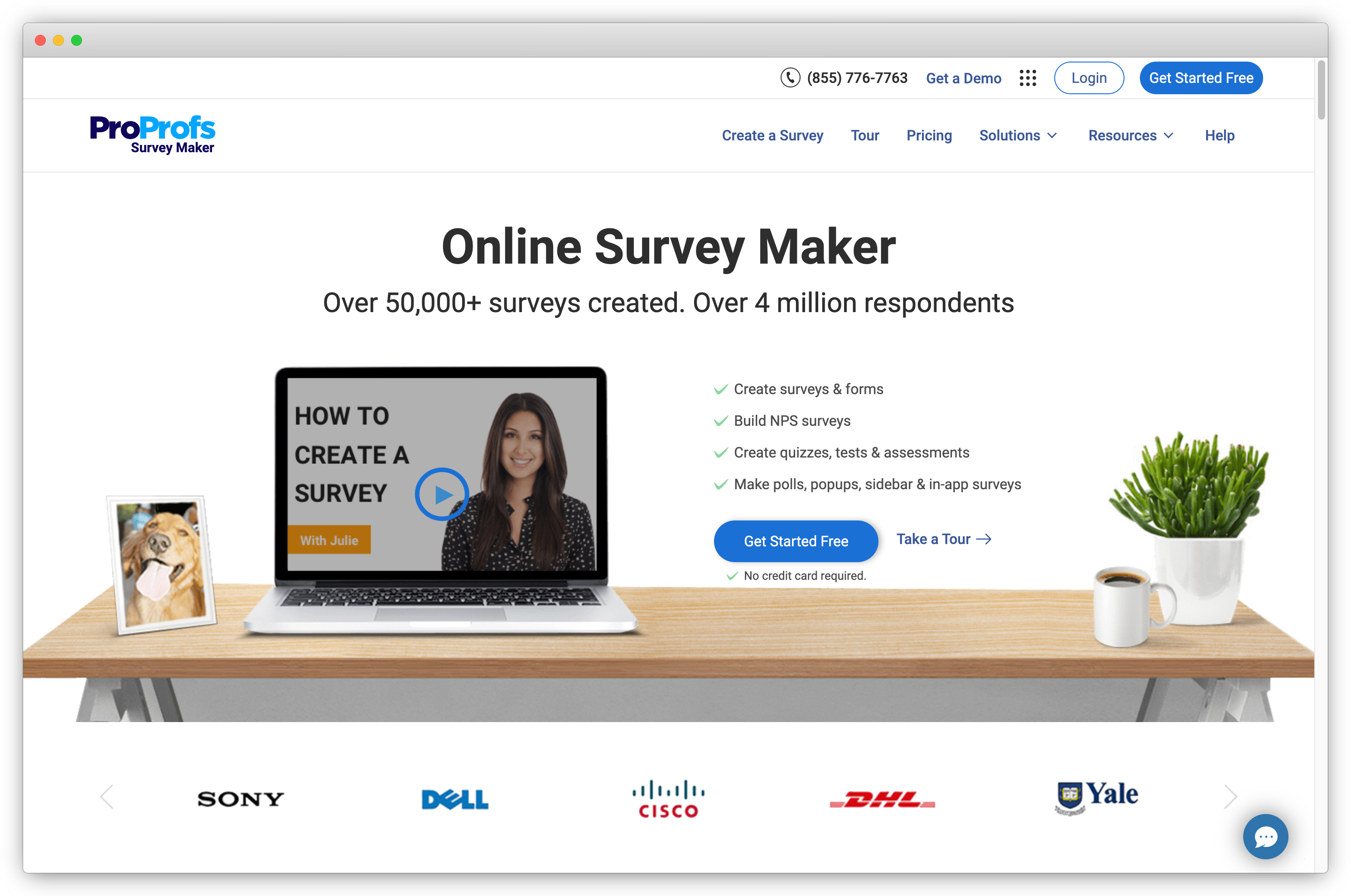
ProProfs Survey Maker is a template-heavy survey tool for teams that need a feedback form live quickly without building from scratch. Its 100+ ready-to-use templates cover most common feedback scenarios. Skip logic, 20+ question types, and basic integrations with WordPress, Salesforce, and Zendesk are available across plans.
The free tier is capped at 10 responses per survey, which is workable for testing but not for running programs at scale. Advanced analytics and customization require paid plans starting at $99/month.
Key Features of ProProfs Survey Maker
- 100+ ready-to-use survey templates
- Skip logic and 20+ question types
- Integrations with WordPress, Salesforce, and Zendesk
- Advanced reporting with analytics and data export
- Customizable templates with brand colors and logos
ProProfs Survey Maker Pros
- Wide question types and customizable templates
- User-friendly interface for non-technical users
- Basic integrations without custom development
ProProfs Survey Maker Cons
- Free tier capped at 10 responses per survey
- Analytics are basic compared to dedicated research platforms
- Limited customization compared to higher-tier tools
ProProfs Survey Maker Pricing
- Free version available (10 responses/survey). Paid plans start at $99/month.
G2 Rating: 4.3/5 on G2
How to Choose the Right Customer Feedback Tool?
Selecting the right customer feedback tool involves matching platform capabilities to the specific goals, channels, and team structure of a program, rather than evaluating tools based on feature count or brand recognition alone.
Three questions worth answering before evaluating specific platforms:
- What type of feedback does the program require? NPS, CSAT, CES, in-app product feedback, website visitor research, post-support satisfaction, or multi-channel programs spanning several of these.
- What is the primary program goal? Reducing churn, improving product quality, optimizing service delivery, measuring customer loyalty, or managing online reputation each point toward different tool categories.
- Who will own the tool? Feedback tools without a clear internal owner tend to fall out of use regardless of capabilities. Identifying ownership before purchase is a practical step that affects long-term adoption.
Use this framework to match your situation to the right category:
| If your priority is... | Start with... |
| Omnichannel CX program with AI analysis | Category A: All-in-one CX and AI platforms |
| In-app product feedback and feature prioritization | Category B: Product and in-app tools |
| Website visitor experience and drop-off analysis | Category C: Website and digital tools |
| High response rates and accessible survey creation | Category D: Conversational survey tools |
| NPS automation and customer loyalty measurement | Category E: NPS and loyalty tools |
| First program, low budget, proof of concept | Category F: Free tools |
On budget: free tools are suitable for initial testing but have response caps and feature restrictions that limit usefulness in production programs. When requesting pricing, basing quotes on projected 12-month response volume rather than current volume gives a more accurate cost picture. It's also worth asking vendors specifically about user seats, integrations, and enterprise feature costs before committing to an annual contract.
Conducting a customer journey mapping exercise before finalizing tool selection can help clarify which feedback channels, survey types, and integrations a program will require at each touchpoint.
Common Mistakes When Choosing a Customer Feedback Tool
Several evaluation mistakes tend to result in teams replacing their tool within 12 to 18 months.
Focusing the evaluation on survey design rather than the analysis layer. Most product demos spend the majority of time on survey creation: logic, branding, and question types. Since most platforms on this list produce functional surveys, the more meaningful point of comparison is what happens after a response is submitted, specifically whether the platform groups open-text by theme, routes signals to the right owner, and supports a closed-loop workflow. Evaluations that skip this part tend to surface capability gaps after purchase.
Prioritizing response volume over response quality. Higher response volumes don't automatically produce better decisions. A smaller set of responses with clear sentiment analysis and thematic grouping is typically more actionable than a large set of uncontextualized scores. When response rates are low, the cause is usually survey timing, channel mismatch, or survey length, which are factors that changing the tool rarely addresses.
Underestimating the value of native integrations. A feedback tool's usefulness depends heavily on how easily it moves data downstream. Platforms with native CRM sync, real-time webhooks, and write-back to customer records support more complete workflows than those relying entirely on third-party automation. Integration depth matters more as program volume and stakeholder count increase.
Purchasing before defining a closed-loop process. The operational value of a feedback platform depends on having clear answers to who receives a signal when a low score arrives, what action is expected, and how resolution is tracked. Establishing a process to close the feedback loop before selecting a tool makes it easier to evaluate whether a given platform's workflow features actually fit the team's needs.




.png)
.png)