.svg)
 Healthcare
 Finance
 Retail
 SaaS & Digital
 eCommerce
 Education
 Salesforce
  HubSpot
 Pipedrive
 Mailchimp
 Klaviyo
 Zendesk
  Intercom
 Freshdesk
 HelpScout
  Front
Front Jira
Jira Slack
Slack  MS Teams
 Zoom
Zoom Google Sheets
  Zapier
  Integrately
 Make
Make  Webhooks



 Sign In
 MS Teams


The best email survey tools in 2026 are Qualtrics, SurveySparrow, Zonka Feedback, Retently, and SurveyMonkey. Each supports embedded surveys, CRM-triggered sends, and partial response capture: the three capabilities that actually separate a feedback program from a link in an inbox.
TL;DR
- This guide covers 11 email survey tools, paid and free, evaluated on email-specific criteria.
- Key filters: embedded first-question support, partial response capture, CRM trigger depth, and analysis layer.
- Best for enterprise programs: Qualtrics. Best for NPS automation: Retently. Best for AI-powered feedback intelligence: Zonka Feedback.
- Google Forms is the only genuinely free option worth recommending for basic needs.
Most teams building an email survey program spend 80% of their effort on the send side. Pick a template. Set the trigger. Watch the open rate.
Survey responses land in a dashboard. Then nothing.
The real failure in most email survey setups isn't deliverability. It's what happens after the data comes in. Scores sit in one place, open-text sits in another, and the team that needs to act on it ends up with a spreadsheet instead of a signal.
The email survey tools worth using in 2026 have moved past this. They don't just distribute questions. They surface patterns, route feedback to the right person, and close loops without someone manually chasing the data. This guide covers 10 of them, from enterprise platforms built for complex research programs to the one genuinely free option that holds up for basic needs.
What is an Email Survey Tool?
An email survey tool is software teams use to create surveys, distribute them via email, and analyze online survey responses. Purpose-built tools embed the first question directly in the email body so respondents can answer without clicking away. They also support CRM-triggered sends, partial response capture, and automated follow-ups. A general survey builder that sends a link via email is not the same thing. The feature depth is different.
What Types of Email Surveys Should You Be Sending?
Before picking a tool, know what you're actually building. Most programs need at least two of these, depending on where customers are in the lifecycle.
| Survey Type | When to Trigger | What to Measure |
| CSAT | After a purchase, support close, or onboarding step | Satisfaction with a specific interaction: a quick 1–5 or thumbs rating |
| NPS | Every 60–90 days for relationship NPS; immediately post-event for transactional | Loyalty and likelihood to recommend |
| CES | Right after a support resolution or task completion | Effort required to get something done (lower is better) |
| Transactional | Triggered by a CRM event: purchase, demo, renewal, case close | Event-specific satisfaction at the moment it's most relevant |
| Product feedback | 14–30 days post-onboarding, or after a feature release | Feature usability, friction points, upgrade drivers |
The transactional vs. relationship distinction matters when you're configuring suppression rules. You don't want a customer getting both a post-purchase CSAT and a quarterly NPS within the same week. Good email survey tools let you set send windows and throttle controls per survey type independently.
What Should You Look for in an Email Survey Tool?
Not all survey platforms treat email the same way. A generic online survey tool sends a link. Some collect responses and stop. A purpose-built email survey tool does more. Here are the four things to check before committing to one.
Embedded first-question support
The tool should render a question directly inside the email body. Not a styled link. Not a button. An actual rating the recipient can tap without leaving their inbox. This is the single biggest driver of response rate.
Partial response capture
If a customer answers the embedded question but doesn't click through to finish, that data should still be saved. Most platforms don't do this. The ones that do are worth the premium, especially for transactional surveys where even a single score matters.
CRM trigger depth
Time-based sends are the floor. The platforms worth using trigger from Salesforce opportunity stages, HubSpot lifecycle events, or custom webhook payloads. That's the difference between a contextual survey and a scheduled blast.
Analysis layer
Scores are easy. Open-text is where most tools fall short. Look for auto-tagging by theme, sentiment scoring, and anomaly detection. Tools that help you collect and analyse customer feedback are table stakes. Tools with best sentiment analysis tools for customer feedback built in save hours of manual work.
For teams tracking satisfaction specifically, top CSAT and NPS tools in 2026 covers the purpose-built options in that category.
How We Evaluated These Tools
We assessed each platform on the following evaluation criteria: email-specific capabilities (embedded surveys, partial response capture, trigger depth), CRM and helpdesk integrations, automation, open-text analysis, pricing transparency, and G2 ratings from verified users. Zonka Feedback is our product. We've noted that where it's relevant, and held it to the same evaluation standard as every other tool on this list.
Best Email Survey Tools in 2026 at a Glance
| Tool | Best For | Pricing | G2 Rating |
| Qualtrics | Enterprise survey programs | Contact for pricing | 4.4/5 |
| SurveySparrow | Conversational email surveys | From $9/month | 4.4/5 |
| Zonka Feedback | Omnichannel email feedback + AI analysis | Custom | 4.7/5 |
| FlippingBook | Surveys embedded in interactive documents | From $26/month | 4.7/5 |
| Retently | Email NPS campaigns | From $50/month | 4.7/5 |
| QuestionPro | Research-heavy email surveys | From $99/month | 4.5/5 |
| GetFeedback | Salesforce-triggered surveys | Contact for pricing | 4.5/5 |
| Survicate | SaaS lifecycle email surveys | From $106/month | 4.6/5 |
| SurveyMonkey | Simple, high-volume campaigns | From $10/month | 4.4/5 |
| Qualaroo | AI-powered sentiment analysis | From $19.99/month | 4.3/5 |
| Google Forms | Free, basic email surveys | Free | 4.5/5 |
The 10 Best Email Survey Tools in 2026
1. Zonka Feedback: Best for Feedback Collection and AI Intelligence in One Platform
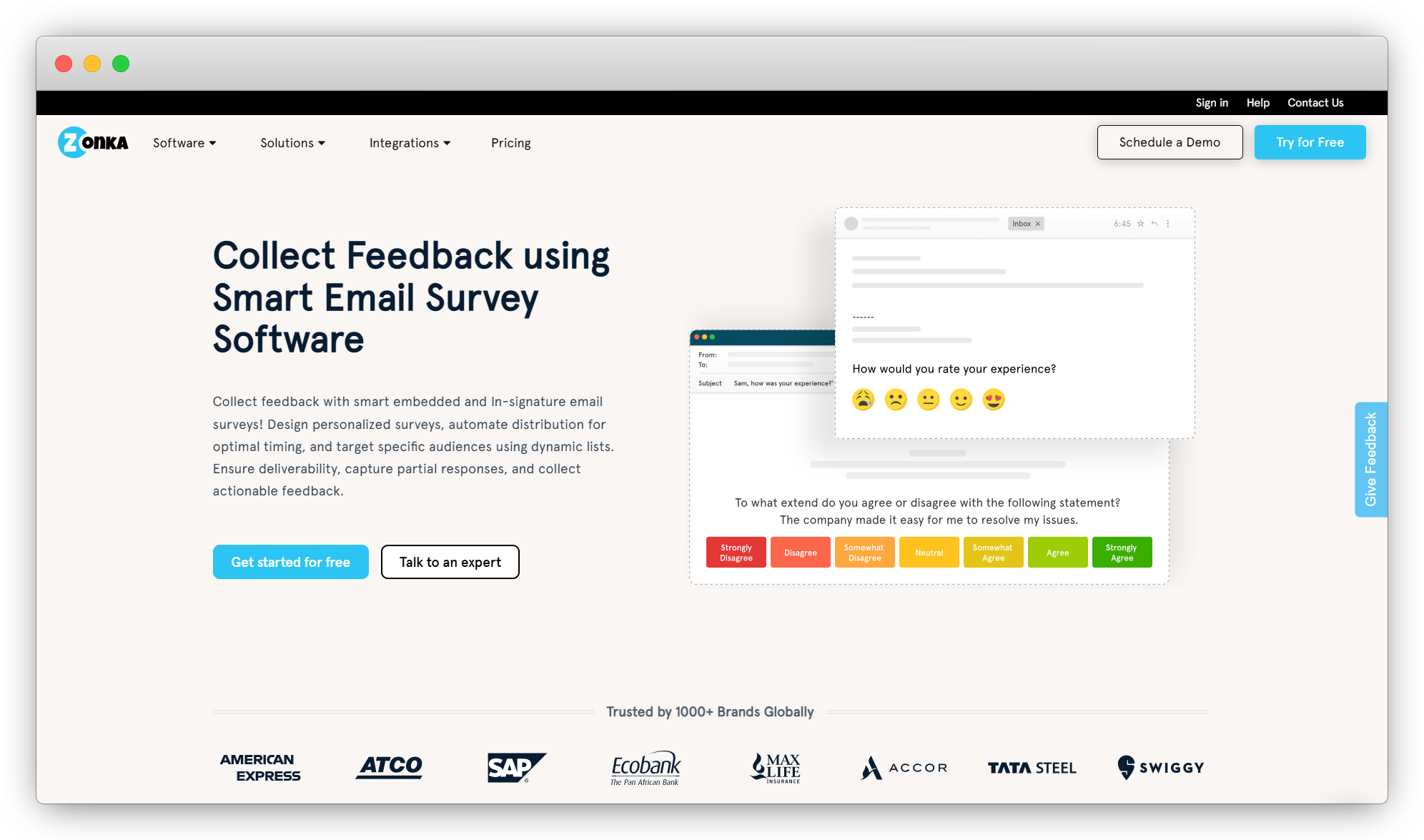
Zonka Feedback is an AI Customer Feedback & Intelligence Platform that covers the full arc in one platform: collect feedback, unify every source, understand it with AI agents, and fix what matters. No multiple tools to connect. No data pipelines to build first.
On the email side, it supports embedded surveys, in-signature feedback, one-click partial responses, scheduled sends, and event-triggered campaigns via Salesforce, HubSpot, Zendesk, and Intercom. Its Autopilot for Email feature is the sending-automation differentiator: you set a cadence once and recurring surveys, like a quarterly relationship NPS or an ongoing pulse, send on their own, paced and well-timed so they never land as one big blast. White-label email domain keeps sends on-brand.
AI agents don't wait for you to check a dashboard. They cluster open-text into recurring themes, score sentiment at the response and entity level, and surface signals before issues escalate. Role-based signals mean each team member sees only what's relevant to them. The same intelligence layer covers email, tools to send surveys and collect feedback via WhatsApp, and every other channel. Teams evaluating the best AI feedback analytics platforms will find Zonka purpose-built for that.
Key Features
- Embedded surveys, in-signature feedback, and one-click partial responses
- Autopilot for Email: schedule recurring sends on a set cadence with automatic pacing to protect response rates
- AI agents: thematic analysis, sentiment scoring, entity mapping, impact scoring
- Role-based signals: assign owners and ensure each team member sees the signals tied to their work
- White-label email domain, CRM and helpdesk integrations
Pricing
- Custom plans. 14 Days Free trial available on request.
G2: 4.7/5
Best for: Teams that need feedback collection and AI intelligence in one platform, without stitching together separate tools
2. Qualtrics: Best for Enterprise Email Survey Programs
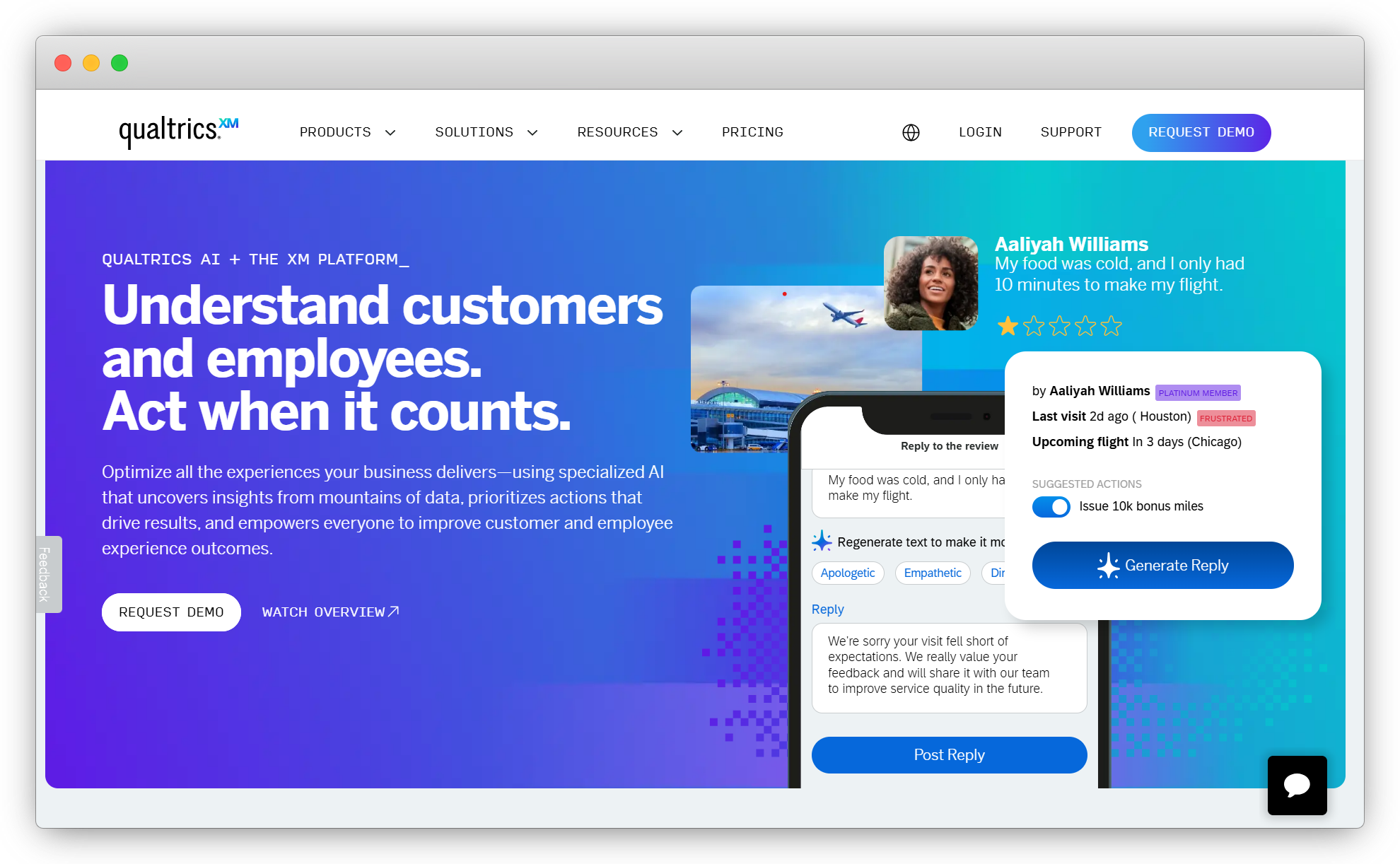
Qualtrics is built for large organizations with complex feedback programs. It handles advanced branching logic, multi-department distribution, statistical analysis, and compliance controls. Most enterprise survey platforms don't come close on depth.
Email survey capabilities go beyond templates. You can build dynamic surveys with logic that responds to CRM data, set quota controls by segment, and trigger automated workflows based on score thresholds. Its advanced features cover SSO, role-based access, data residency, and audit trails for teams with legal or security requirements.
The learning curve is real. So is the price. But for programs where you need survey software with AI feedback analysis built in alongside enterprise infrastructure, it's the strongest option on this list.
Not the right fit if you need to be live in under a week or if your program is transactional NPS at a single location.
Key Features
- Advanced branching, display logic, and quota management
- Automated XM workflows triggered by score thresholds
- Expert-designed templates across industries
- Enterprise security: SSO, role-based access, data residency
Pricing
- Contact for a custom quote.
G2: 4.4/5
Best for: Enterprise CX teams, market research programs, and employee experience surveys with compliance requirements
3. SurveySparrow: Best for Conversational Email Surveys
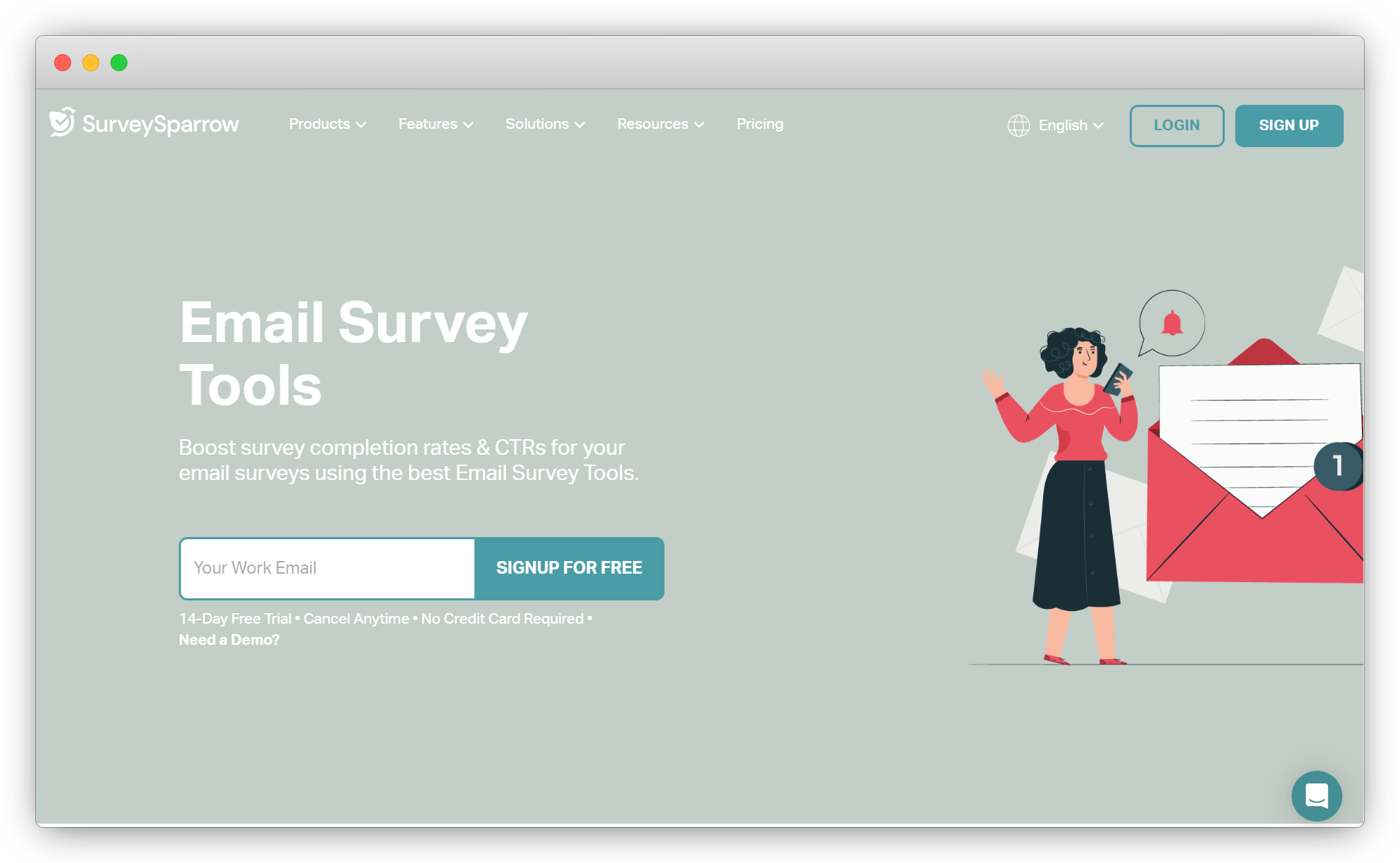
SurveySparrow specializes in conversational surveys, presenting questions one at a time in a chat-style format. This drives higher completion rates than standard multi-question layouts, especially on mobile. For email, it embeds the first question directly in the body and uses custom variables to personalize subject lines per recipient.
Recurring NPS and CSAT programs are where it performs best. Automated reminder sequences are configurable by day. A/B testing helps you optimize question wording and email format over time. Reporting covers standard metrics cleanly.
The ceiling to know about: open-text analysis is basic. You get keyword tagging and sentiment percentages. Teams with high qualitative response volumes will outgrow this quickly.
Key Features
- Embedded first question in the email body
- Custom variables for subject line personalization
- A/B testing for survey formats
- Recurring scheduling with configurable reminders
Pricing
- A free basic plan is available. Paid plans from $9/month.
G2: 4.4/5
Best for: Mid-market teams running high-volume NPS and CSAT email programs where completion rate is the priority
4. FlippingBook: Best for Sharing Surveys in Interactive Documents
FlippingBook is a digital content platform that transforms static PDFs into professional, interactive flipbooks that are easy to share and track. You can add surveys, forms, videos, polls, GIFs, and other interactive elements to your flipbooks, making them a useful way to collect feedback while presenting content.
Flipbooks can be shared as links in emails and newsletters, embedded on websites, or shared through messaging apps. Built-in analytics provide insights into audience engagement, including which pages were viewed, how many times they were viewed, and how long readers spent on each page.
FlippingBook also works with popular survey and form tools, including Typeform and Google Forms, allowing you to add surveys to your digital documents. Integrations with Zapier and other third-party tools can help automate workflows and connect FlippingBook with other apps.
Key Features
- Trackable document sharing
- Built-in analytics with 10+ engagement metrics
- Embedded surveys, forms, videos, GIFs, and pop-up images
- Lead capture form
- Multiple content security options
- Team collaboration
- Zapier integration
Pricing
-
FlippingBook offers a free 14-day trial with no credit card required. Paid plans start at $26/month.
G2: 4.7/5
Best for: Sharing surveys in interactive documents and measuring reader engagement

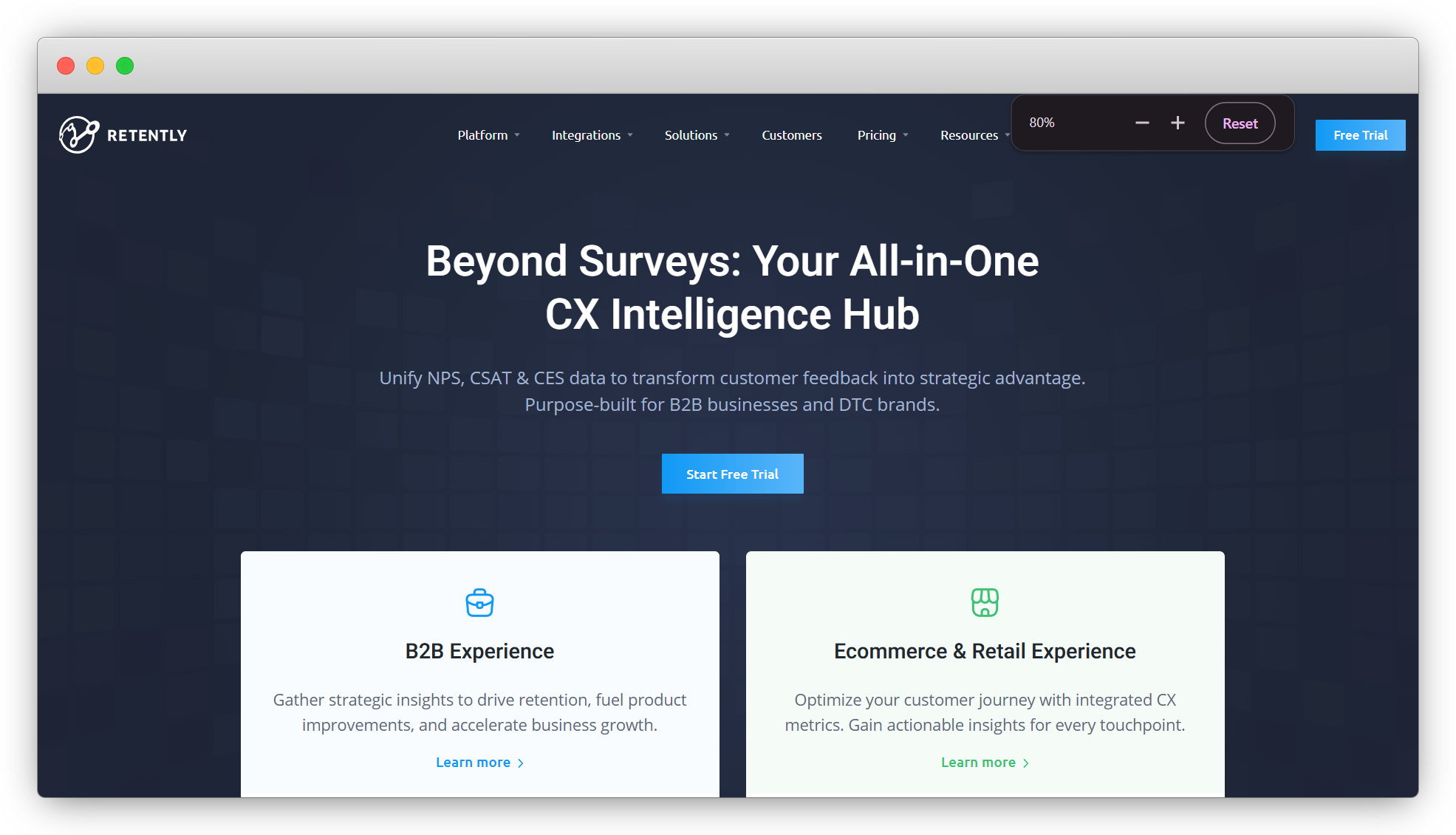
5. Retently: Best for Email NPS Campaigns
Retently is built for NPS. Not a general survey tool with NPS added on. It's an NPS-first platform where the entire email workflow is designed around score collection, segmentation, and follow-up.
Setup is simple. Customizable form templates, an embedded first question, score-based routing, and recurring campaign scheduling. Promoters get a review request. Detractors trigger a CS alert. For a deeper comparison of net promoter score measurement and analysis software, see our dedicated NPS guide. Trends are tracked over time and segmented by customer attribute or campaign cohort. It supports 27 languages for global programs.
Where it falls short: complex research surveys, multi-metric programs, and advanced branching. It covers NPS and CSAT well. If you need more than that, you'll hit the ceiling.
Key Features
- Embedded NPS and CSAT surveys in email
- Score-based routing and automated follow-up sequences
- Recurring scheduling with suppression controls
- 27 language support
Pricing
- From $50/month. 7-day free trial.
G2: 4.7/5
Best for: SaaS and subscription businesses running dedicated email NPS programs that need clean automation
6. QuestionPro: Best for Research-Heavy Email Surveys
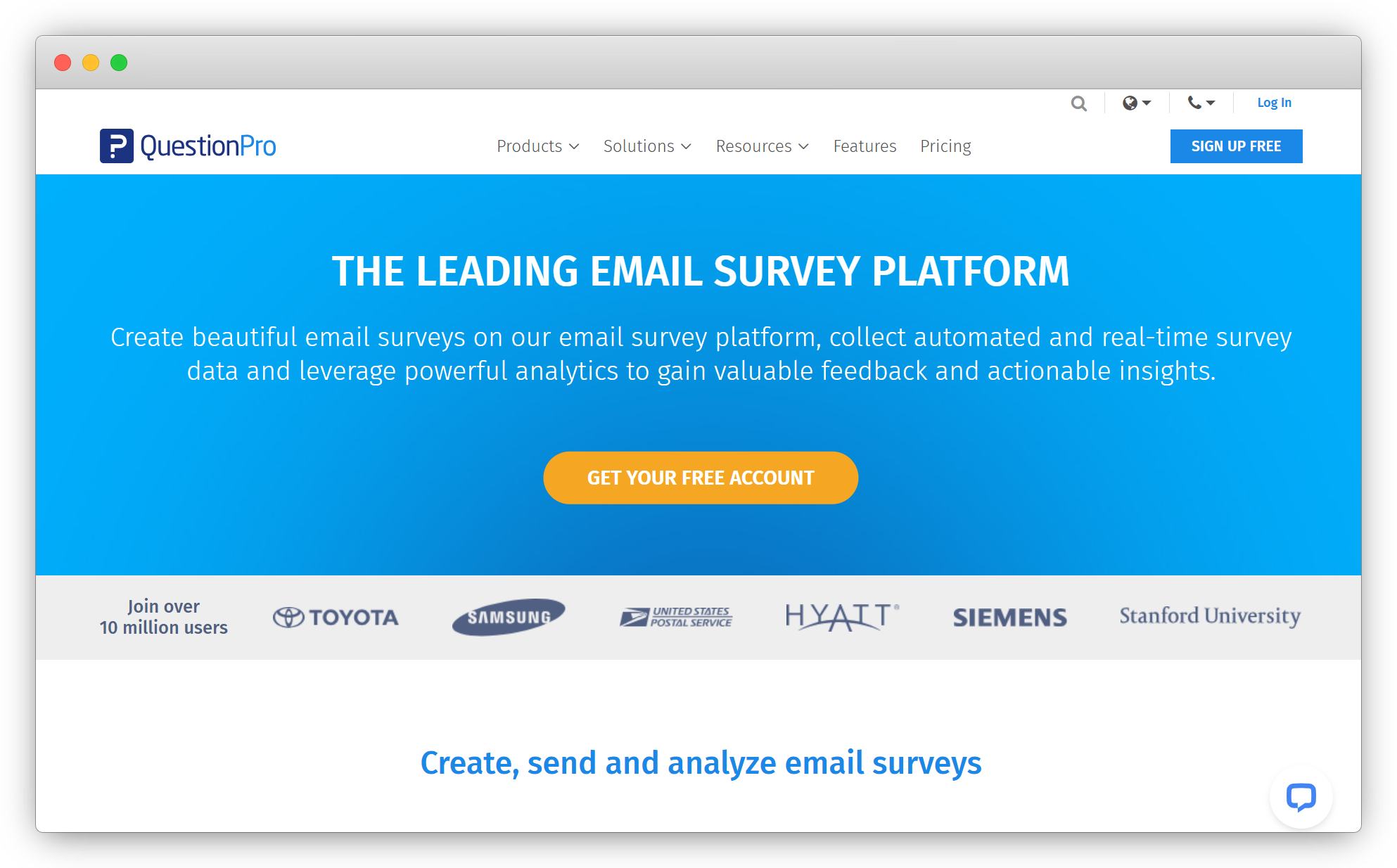
QuestionPro is for teams that need analytical depth alongside distribution. It offers 300+ survey templates, 80+ question types, and survey analysis software capabilities that go well beyond most feedback platforms. Visual reports, conjoint analysis, TURF, GAP analysis, and trend reporting are built into the reporting layer to analyze survey data.
Email distribution covers the basics well. Embedded survey options, scheduled delivery, 100+ language support for global panels, and FTP schedulers for automated batch sends. Single-credential login across desktop and mobile is a practical detail for research teams running long-term panels.
Setup isn't the most intuitive. Advanced analytics tiers are priced high relative to simpler tools. But for market research or enterprise programs that need statistical rigor, it covers ground others don't.
Key Features
- 300+ templates and 80+ question types
- Advanced analytics: conjoint, TURF, GAP, trend analysis
- 100+ language support for global distribution
- FTP schedulers and automated email delivery
Pricing
- Free plan available. Paid from $99/month.
G2: 4.5/5
Best for: Market researchers and enterprise teams that need statistical analysis tools in the same platform as email distribution
7. GetFeedback: Best for Salesforce-Triggered Email Surveys
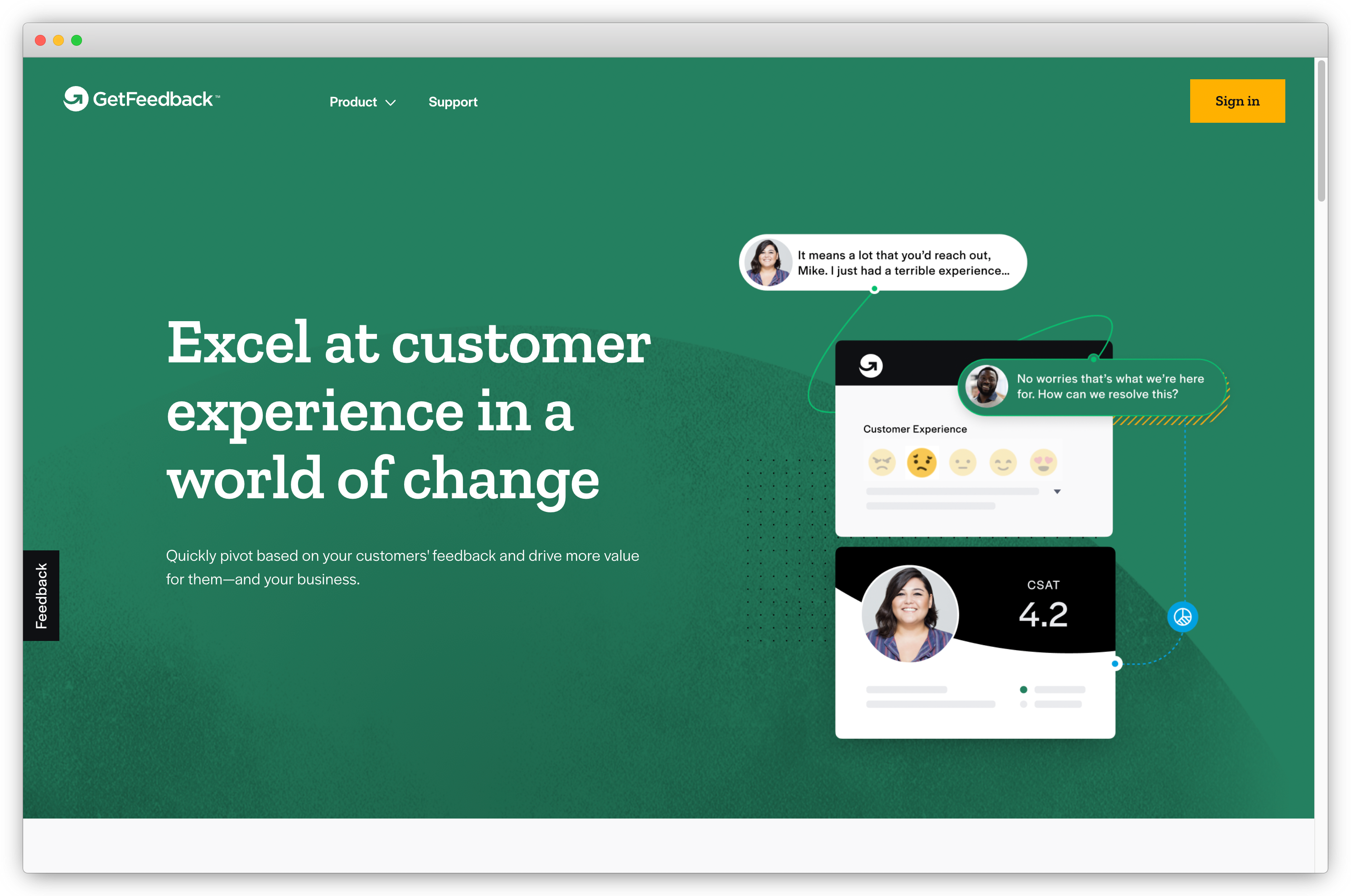
GetFeedback is the strongest option for teams running email surveys inside Salesforce. It connects natively to Salesforce data, triggering surveys from opportunity stage changes, case closures, or any custom object event. Responses sync back to the contact or account record without manual handling.
Email templates are clean and mobile-responsive. Conditional logic covers standard branching. Response data surfaces directly in Salesforce dashboards, which keeps feedback visible to CS and sales without requiring a separate platform login.
The main objection is cost. The Salesforce integration tier puts it out of reach for smaller teams. For organizations not on Salesforce, there's limited reason to choose it over alternatives with broader CRM support and stronger tools to measure and improve customer satisfaction at a lower price point.
Key Features
- Native Salesforce integration with bi-directional sync
- Survey triggers from Salesforce events and objects
- Mobile-responsive templates and conditional logic
- Response data in Salesforce dashboards
Pricing
- Contact for pricing.
G2: 4.5/5
Best for: B2B CX teams managing account-based feedback programs where Salesforce is the source of truth
8. Survicate: Best for SaaS Lifecycle Email Surveys
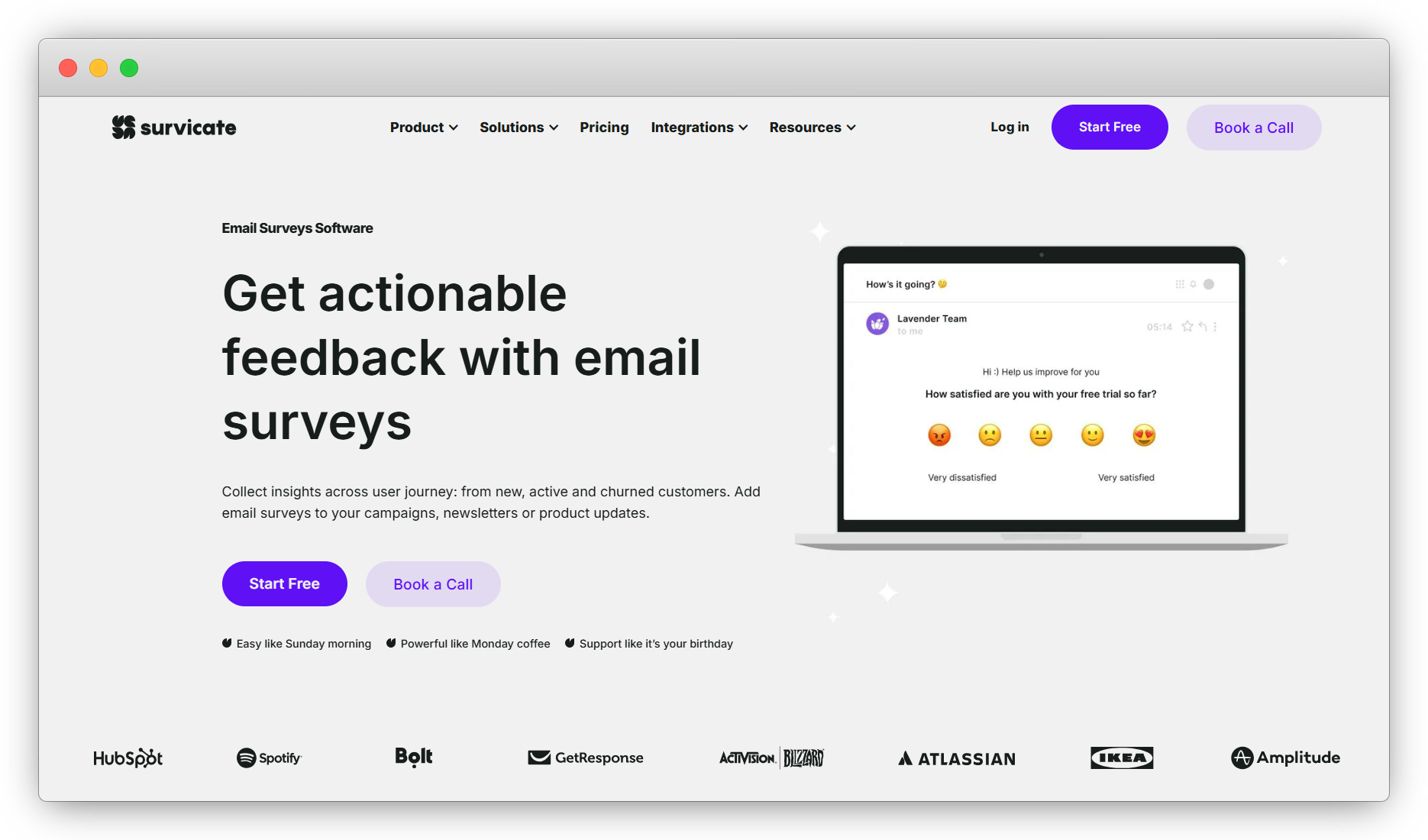
Survicate works well for SaaS companies running surveys across the customer lifecycle. Onboarding friction, feature adoption, renewal intent, churn risk. It handles each with embedded questions, partial response capture, and unlimited follow-up questions.
35+ native integrations with email and customer success platforms (Mailchimp, HubSpot, Intercom, Customer.io) mean survey triggers connect to existing workflows without custom development. Conditional logic helps you build custom surveys that stay short while still capturing relevant context from different respondent segments.
Open-text analysis is limited to keyword tagging. The base pricing is one of the higher starting points in this list. Teams focused primarily on NPS and CSAT metrics will find better value elsewhere.
Key Features
- Embedded surveys and partial response capture
- 35+ integrations with email and CS platforms
- Conditional logic and unlimited follow-up questions
- Host surveys on your own domain with custom CSS
Pricing
- From $106/month. 10-day free trial.
G2: 4.6/5
Best for: SaaS teams running lifecycle feedback programs connected to HubSpot, Intercom, or Customer.io
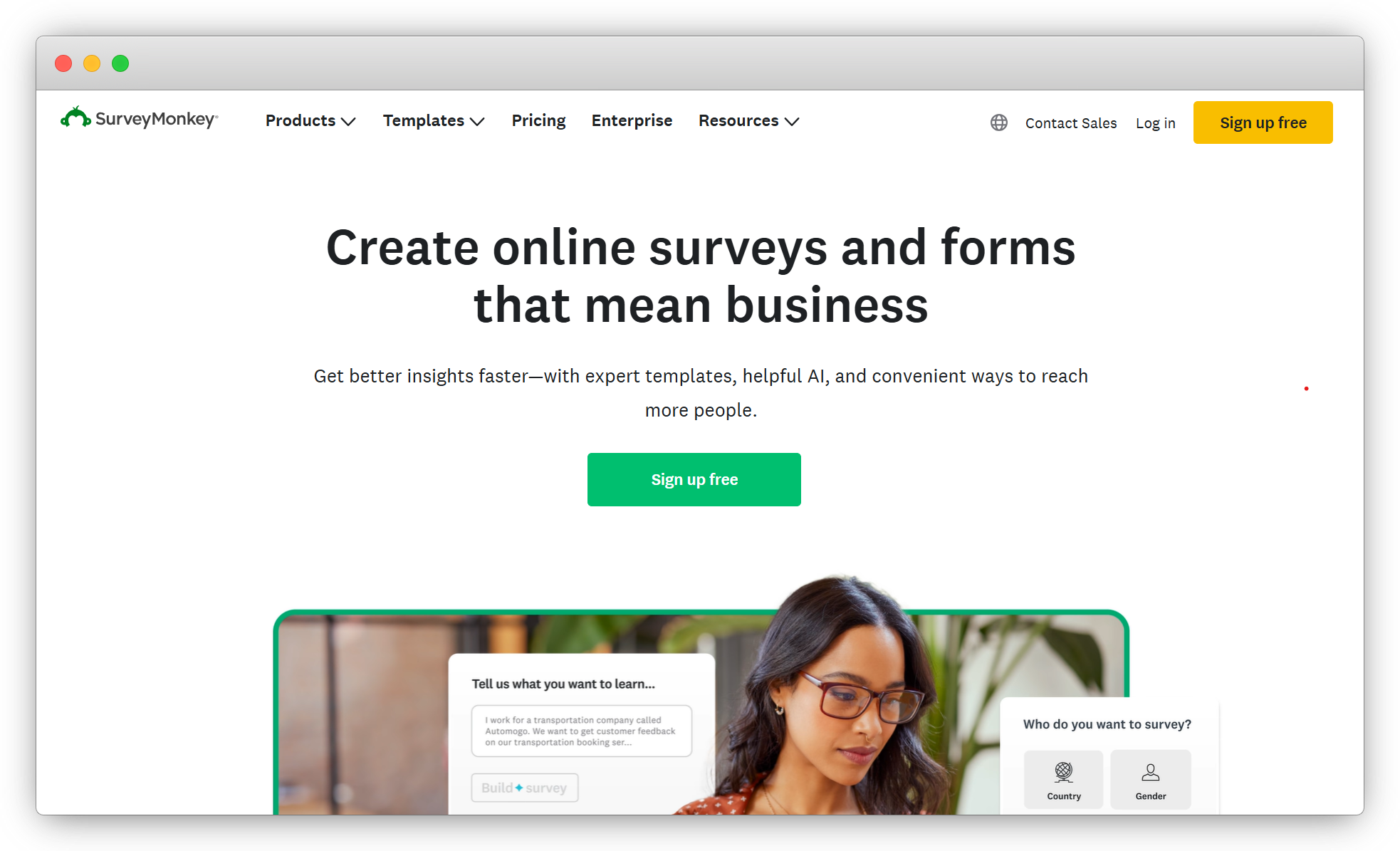
9. SurveyMonkey: Best for Simple, High-Volume Email Campaigns
SurveyMonkey handles contact list management well. Import from Gmail, Outlook, LinkedIn, or CSV. Unsubscribes and bounces are managed automatically. Open and click-through rates track alongside survey results in one view. For large-list sends without complex triggers, the distribution infrastructure holds up.
Email embed surveys support three closed-ended question types rendered in the email body. More complex surveys redirect to a hosted page. AI-assisted question generation helps speed up creation. It's useful for a first draft, not a final version.
The pricing structure is confusing. There are multiple tiers with significant feature gaps. Branded surveys require a paid plan. Worth using for straightforward, high-volume programs. Not the right fit if segmentation or open-text analysis is on the list.
Key Features
- Email embed surveys with bounce and unsubscribe tracking
- Contact list import from Gmail, Outlook, CSV, and LinkedIn
- Open rate and click-through tracking
- Manages up to 2 million contacts
Pricing
- From $10/month.
G2: 4.4/5
Best for: Teams running simple, high-volume email feedback campaigns without event triggers or deep analysis
10. Qualaroo: Best for AI-Powered Email Sentiment Analysis
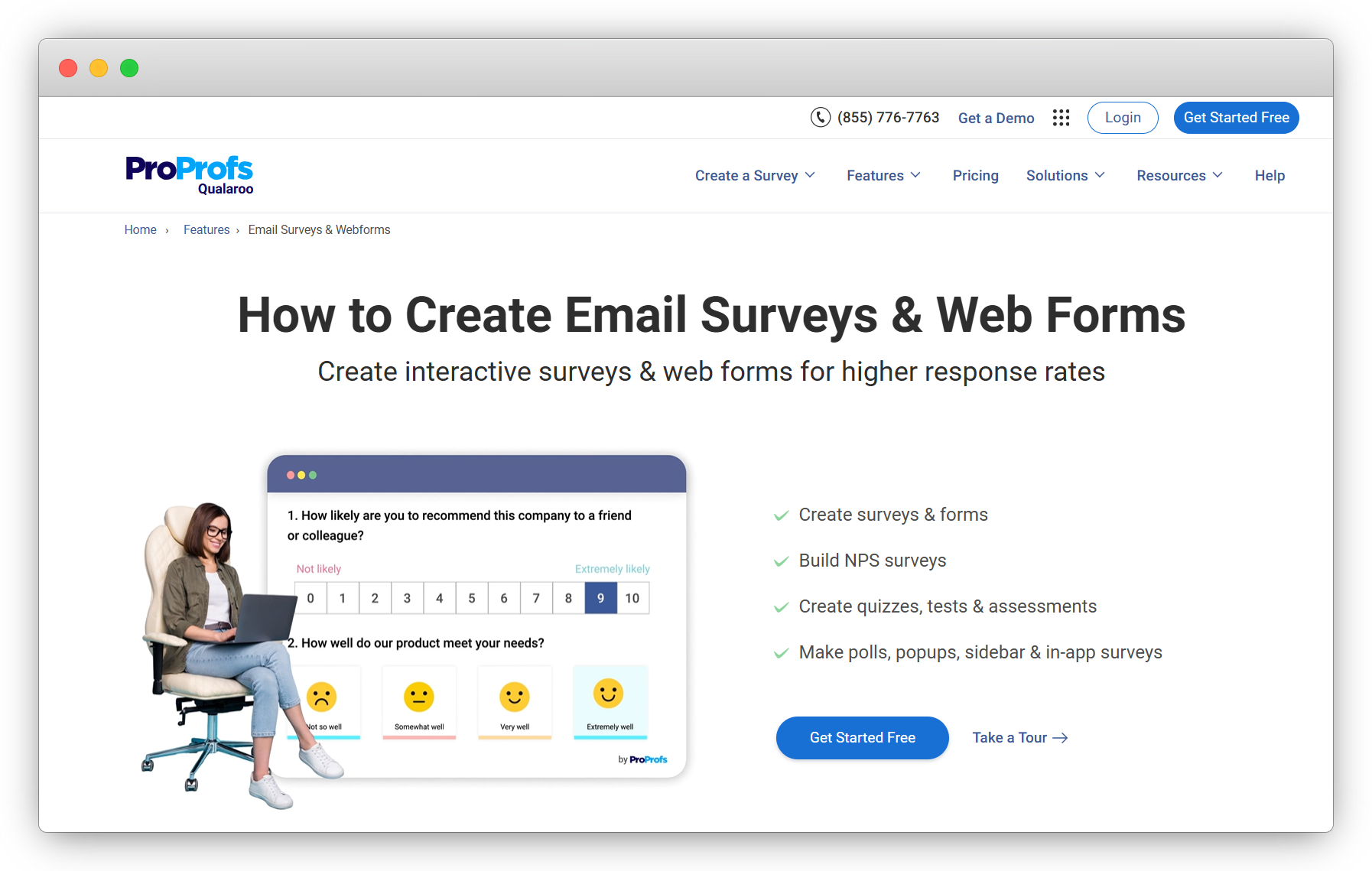
Qualaroo's standout feature is open-text analysis. IBM Watson powers the sentiment processing and categorizes responses by emotion, going beyond positive/negative into more granular emotional states. For teams with high qualitative response volume, this changes what you can do with the data without manually coding responses.
Email surveys are supported via link distribution or embedded questions through the ProProfs Survey Maker integration. Targeting options are detailed. 70+ language support covers most global programs.
Worth being clear: Qualaroo is primarily built for website and in-product surveys. Email is a supported channel but not its native strength. Best used by teams that want AI sentiment analysis across multiple channels, with email as one of them.
Key Features
- IBM Watson-powered sentiment analysis with emotion categorization
- Advanced targeting by domain and user behavior
- 70+ language support
- 10+ question types
Pricing
- Free plan for up to 50 responses. Paid from $19.99/month.
G2: 4.3/5
Best for: Research and CX teams that prioritize AI sentiment analysis on open-text responses over email distribution volume
11. Google Forms: Best for Free, Basic Email Surveys
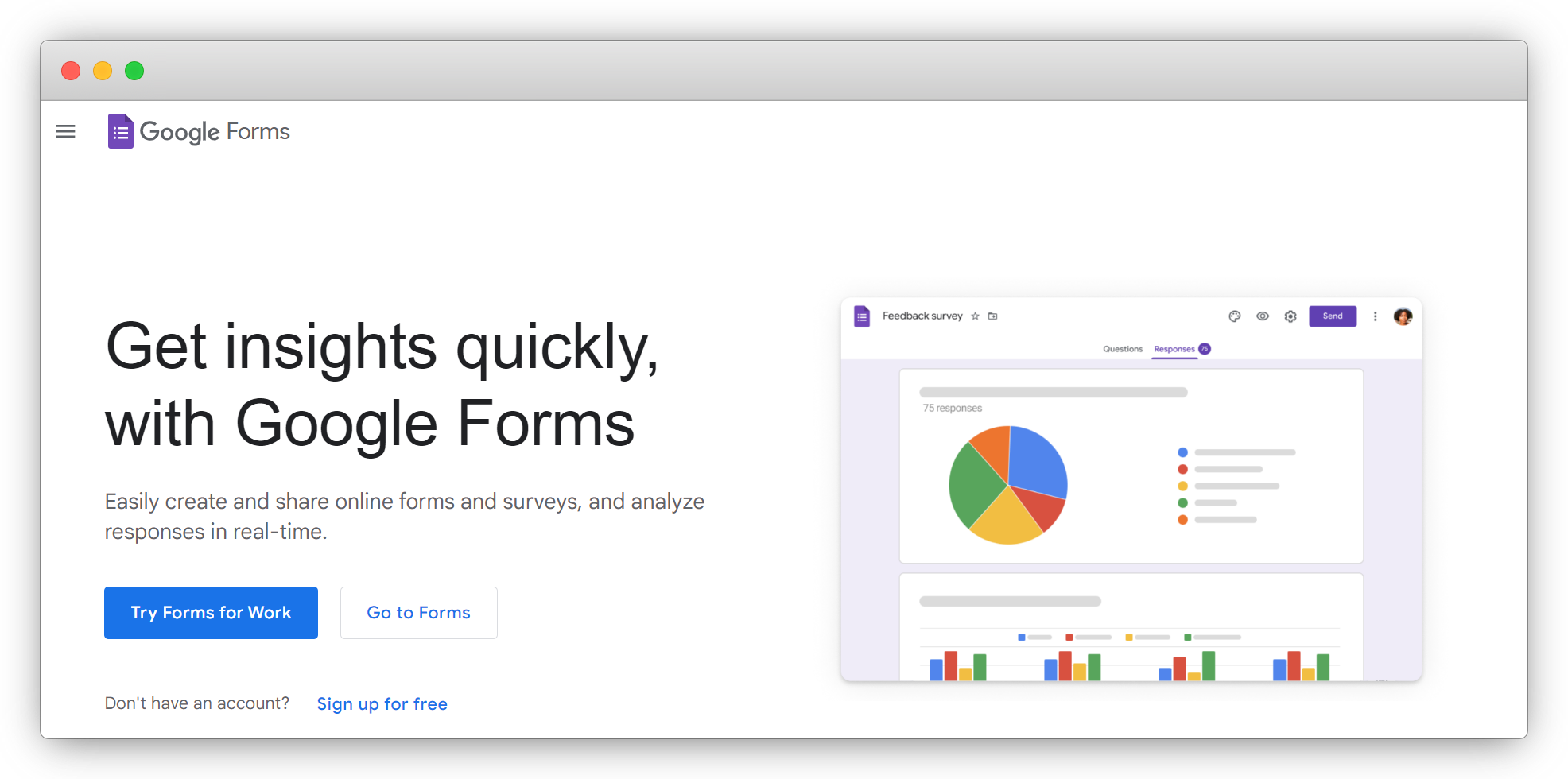
Google Forms is completely free. No caps on surveys, questions, or responses. Responses sync to Google Sheets automatically. Multiple team members can collaborate without an extra license.
It doesn't embed questions in the email body. You share a survey link. That's it. No CRM triggers, no partial response capture, no sentiment analysis, no automation, and minimal branding. It's a survey builder that uses email as a distribution channel. That's different from a purpose-built email survey tool.
For internal feedback, event registrations, lightweight data collection, or market research where cost is the only constraint, it's hard to argue against free. For any real customer feedback program, it runs out fast.
Key Features
- Unlimited surveys, questions, and unlimited responses on a free account
- Automatic Google Sheets sync for data analysis
- Basic skip logic and branching
- Multi-collaborator editing
Pricing
- Free basic plan. Google Workspace from $6/user/month.
G2: 4.5/5
Best for: Small teams and individuals who need basic survey functionality at zero cost
How Do You Choose the Right Email Survey Tool for Your Team?
| If you need... | Use... |
| Enterprise research with complex logic and compliance controls | Qualtrics |
| High completion rates via conversational email format | SurveySparrow |
| Email collection + AI analysis without managing two platforms | Zonka Feedback |
| Share surveys in trackable interactive documents | FlippingBook |
| Automated NPS email programs with score-based routing | Retently |
| Statistical analysis alongside email distribution | QuestionPro |
| Salesforce-native survey triggers and CRM sync | GetFeedback |
| SaaS lifecycle surveys connected to HubSpot or Intercom | Survicate |
| Simple, high-volume campaigns on a tight budget | SurveyMonkey |
| AI emotion categorization on open-text responses | Qualaroo |
| Free surveys for basic internal or lightweight needs | Google Forms |
| Coverage beyond email (web, in-app, mobile apps) | On-site survey and feedback widget platforms or best survey apps for businesses |
| In-app surveys alongside your email program | In-app feedback tools |