.svg)
 Healthcare
 Finance
 Retail
 SaaS & Digital
 eCommerce
 Education
 Salesforce
  HubSpot
 Pipedrive
 Mailchimp
 Klaviyo
 Zendesk
  Intercom
 Freshdesk
 HelpScout
  Front
Front Jira
Jira Slack
Slack  MS Teams
 Zoom
Zoom Google Sheets
  Zapier
  Integrately
 Make
Make  Webhooks



 Sign In
 MS Teams


The best AI survey tools in 2026 are Zonka Feedback, Qualtrics, and Medallia for CX and enterprise feedback intelligence; Enterpret and Dovetail for product teams; and SurveyMonkey Genius and Typeform for fast survey creation.
TL;DR
- AI survey tools use NLP and machine learning to create surveys, analyze open-ended responses, detect sentiment, and surface patterns at scale, faster than any manual process.
- This guide reviews 18 tools evaluated on AI analysis depth, survey creation, distribution channels, automation, integrations, and real-world usability.
- Tools range from full feedback intelligence platforms (Zonka Feedback, Qualtrics, Medallia) to product feedback tools (Enterpret, Dovetail) to AI survey builders (SurveyMonkey Genius, Typeform, SurveySparrow).
- Each entry includes key AI features, pros, cons, pricing, and G2 ratings to help you compare fast.
- Quick picks by use case and a comparison table are included below.
Most teams pick a survey tool and never look past the creation side. They set up a form, collect responses, export a spreadsheet, and spend hours reading through open-ended comments. The data sits in a dashboard nobody checks.
AI survey tools change that dynamic. The best ones don't just help you build surveys faster. They analyze responses the moment they come in, group feedback into themes, flag sentiment shifts, and tell you what needs fixing, without you having to ask.
This guide covers 18 of the best AI survey tools in 2026. We reviewed each tool on AI analysis depth, survey creation capabilities, distribution channels, automation, integrations, and usability. The list includes platforms built for enterprise CX, product teams, support analytics, and teams that just need to build better surveys faster.
How We Evaluated These AI Survey Tools
We're the team behind Zonka Feedback, so we've disclosed that upfront. We applied the same criteria to every tool, including our own. No tool paid to be included.
Each tool was assessed on AI-powered text analysis depth, survey creation capabilities, distribution channels, automation and workflows, reporting, integrations, and scalability. Pros and cons are based on G2 user reviews and documented product capabilities. For pricing, we sourced directly from official product pages and verified at time of writing.
The core test we ran on each platform: after collecting 1,000 survey responses with open-ended comments, what does this tool tell you that a spreadsheet can't? If the answer was limited to basic charts and word counts, the AI layer didn't make the cut.
What Are AI Survey Tools?
AI survey tools are software platforms that use artificial intelligence to help teams build surveys, analyze responses, and surface insights automatically.
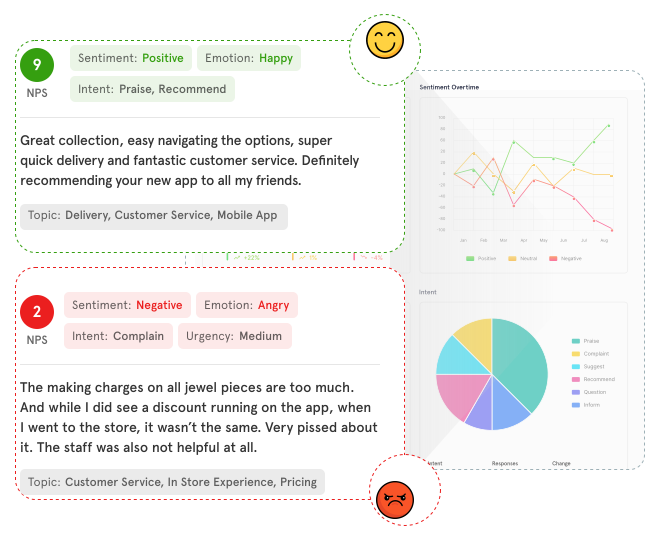
They apply NLP and machine learning to process open-ended feedback at scale, detecting sentiment, grouping responses into themes, and identifying patterns across large volumes of data. Traditional survey tools collect and count responses. AI survey tools interpret what was said and tell you what it means.
What Features Should You Look for in AI Survey Tools?
Not every tool that calls itself "AI-powered" delivers the same depth. Here are the six capabilities that separate real AI survey tools from basic form builders:
- AI survey creation is the ability to generate a complete, structured survey from a goal description or text prompt — including question types, logic branching, and question order — without starting from a blank page.
- Open-text analysis with NLP is what separates AI survey tools from traditional platforms. It processes open-ended responses at scale to detect themes, sentiment, and recurring patterns automatically, without manual tagging or reading through every response.
- Sentiment and emotion detection means identifying positive, negative, and mixed sentiment at the sentence level, not just a single score per response. Advanced platforms detect emotion, urgency, and intent within each comment.
- Multi-channel distribution means collecting feedback across email, SMS, WhatsApp, web, in-app, offline, and kiosk from one platform, so survey data isn't siloed by channel.
- Automated reporting and alerts means the tool generates summaries, flags anomalies, and notifies the right team when a negative trend emerges — without someone having to pull a report manually.
- Integrations connect the survey platform to your CRM, helpdesk, and collaboration tools so insights reach the people who act on them, not just the people who run surveys.
The depth test: After collecting 1,000 survey responses with open-ended comments, what does this tool tell you that a spreadsheet can't? If the answer is limited to charts and keyword counts, the AI layer is surface-level.
Best AI Survey Tools in 2026: Comparison Table
| AI Survey Tool | Best For | Standout AI Feature | Pricing |
| Zonka Feedback | AI Feedback Intelligence & Closed-Loop CX | Theme-level sentiment, emotion, and intent detection | Custom |
| Sprig | Enterprise Product Research & User Insights | AI-survey analysis, auto-surfaced themes | Custom |
| Perspective AI | Conversational AI surveys in voice or text | AI interviewer & follow up questions | $99/mo |
| Qualtrics | Enterprise Experience Management | Predictive AI and Text iQ NLP | Contact sales |
| Qualaroo | Real time, contextual in-app and on-site micro-surveys | AI feedback analysis on open text responses | $19.99/month, billed annually |
| Medallia | Real-Time Signal Detection at Scale | MonkeyLearn NLP + anomaly detection | Contact sales |
| Enterpret | Product Feedback Intelligence | Custom AI taxonomy per product structure | Contact sales |
| Dovetail | Qualitative Research & Insight Repositories | AI thematic clustering + highlight reels | From $29/user/mo |
| Anecdote AI | Competitive Feedback Benchmarking | Side-by-side competitor sentiment analysis | Contact sales |
| SentiSum | Support Ticket Analysis | Real-time auto-tagging across support channels | Contact sales |
| TheySaid | Conversational AI Surveys | Adaptive follow-up questions in real time | From $49/mo |
| SurveyMonkey Genius | Fast AI Survey Creation | Bias detection + survey quality scoring | From $18/user/mo |
| Typeform | Conversational, Design-First Surveys | Creator AI + Responses AI | From $29/mo |
| SurveySparrow | Automated Survey Insights | CogniVue AI analysis engine | From $18/user/mo |
| BlockSurvey | Privacy-First AI Surveys | End-to-end encryption + AI adaptive logic | Contact sales |
| forms.app | Quick AI Form & Survey Building | AI form generator from text prompts | From $25/mo |
| piHappiness | Multi-Location CX & EX | NLP-powered sentiment from kiosks and QR | From $49/mo |
| Blix | Open-Ended Survey Response Analysis | Human-quality AI coding of open-text responses | Credit-based |
Quick picks by use case:
- Best for closed-loop CX intelligence: Zonka Feedback
- Best for enterprise product & UX research: Sprig
- Best for conversational AI surveys: Perspective AI
- Best for enterprise research programs: Qualtrics
- Best for real-time, in-app, and onsite user feedback: Qualaroo
- Best for real-time signal detection at scale: Medallia
- Best for product roadmap decisions: Enterpret
- Best for qualitative research: Dovetail
- Best for support ticket analysis: SentiSum
- Best for fast AI survey creation: SurveyMonkey Genius
- Best for competitive benchmarking: Anecdote AI
- Best for privacy-first surveys: BlockSurvey
Quick picks by scenario:
- Small teams on a budget: SurveyMonkey Genius (from $18/mo), SurveySparrow (from $18/mo), forms.app (from $25/mo)
- Free plans available: SurveyMonkey Genius, SurveySparrow, forms.app, TheySaid, Dovetail
- NPS/CSAT/CES programs: Zonka Feedback, Qualtrics, Sprig, Medallia, SurveySparrow
- Multilingual global programs: Zonka Feedback, Qualtrics, Dovetail
- Market research teams: Blix, Dovetail, Qualtrics, Sprig
The 18 Best AI Survey Tools: Detailed Reviews
1. Zonka Feedback: Best for AI Feedback Intelligence and Closed-Loop CX
Best For: Mid-market to enterprise teams running feedback programs across multiple locations and channels who need AI analysis and closed-loop action in one platform.
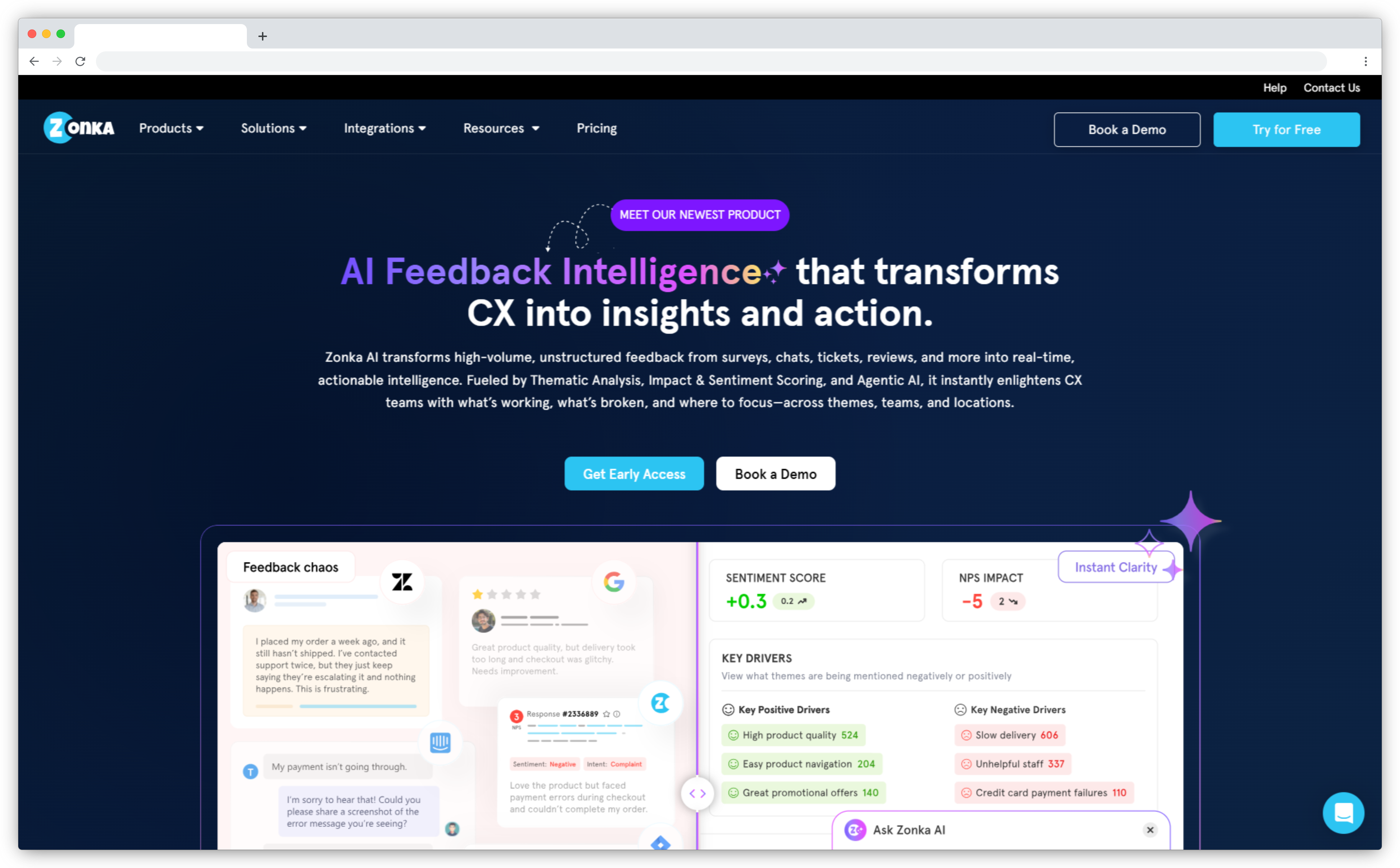
We built Zonka Feedback to solve a specific problem: teams collect feedback from multiple sources and can't connect any of it. Our platform combines survey creation across email, SMS, WhatsApp, web, in-app feedback tools, kiosks, and QR codes with an AI intelligence layer that processes all of it together.
The AI analyzes open-text responses across three dimensions: thematic analysis, experience quality signals, and entity recognition. Our own analysis of 1M+ open-ended responses found that each response contains an average of 4.2 distinct topics and 29% carry mixed sentiment, which is why we analyze at the theme level rather than giving a single response-level score. When the AI detects a complaint, a feature request, or a churn signal, it routes to the right team automatically. Entity recognition links feedback to specific locations, agents, products, or competitors so root-cause analysis maps to accountable teams.
Key AI Features
- Theme-level sentiment, emotion, urgency, churn risk, and intent detection per response
- Auto-evolving thematic taxonomy that surfaces new themes as they emerge across all sources
- Entity recognition linking feedback to locations, agents, products, and competitors
- Intent-based routing: complaints, feature requests, and advocacy signals routed automatically
- Role-based dashboards and AI summaries tailored for CX leaders, ops, and frontline staff
Pros
- Full feedback lifecycle in one platform: collection, AI analysis, and closed-loop action
- Five experience quality signals detected per theme, not per response
- Auto-evolving taxonomy means no manual re-tagging as your product or customer base changes
- Works across 30+ languages with AI auto-translation
Cons
- Does not offer voice feedback analysis
- Custom pricing may be a barrier for small teams with low feedback volume
Pricing
Custom pricing based on business requirements. Free trial available.
G2 Rating
2. Sprig: Best for Enterprise UX Research
Best For: Research teams at growth-stage and enterprise companies who need to run surveys at scale and turn open-text responses into decision-ready insights with AI.
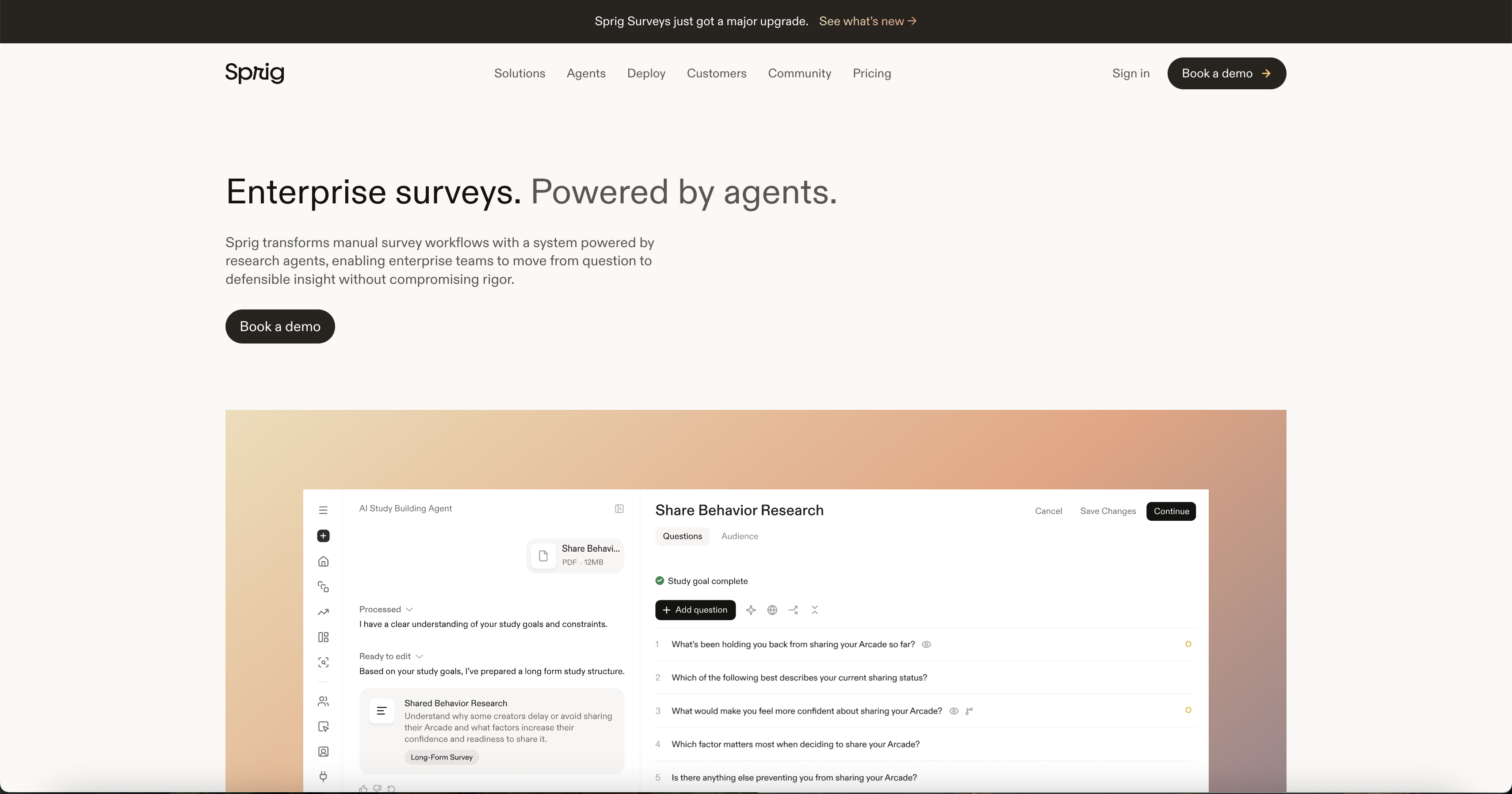
Sprig is an enterprise survey and user research platform built for teams that study digital product experiences. It pairs targeted surveys with generative AI analysis, so open-ended feedback becomes themed, quantified insight instead of a spreadsheet of quotes.
Rather than treating a survey as a one-off, Sprig connects responses to how people actually behave in the product. Teams can target studies to specific user segments, launch across web, mobile, email, and link, and let Sprig AI summarize what users are saying across every study. The result is a continuous read on why users act the way they do, delivered to research, product, and design teams without manual tagging or analysis.
Key AI Features
- Sprig AI analysis of open-text responses, surfacing themes, sentiment, and recommendations automatically across studies
- AI study builder that generates survey questions and targeting from a plain-language research goal
- AI-generated insight summaries that highlight what changed and what to investigate next
- Behavioral targeting that delivers the right survey to the right user segment based on in-product activity
- Multi-method research combining surveys with session replays and feedback, analyzed together
Pros
- Connects survey responses to product behavior, giving context on why users answer the way they do
- Generative AI turns open-text feedback into themed insights without manual coding
- AI study builder speeds survey creation from a stated research goal
- Purpose-built for product and UX research teams operating at scale
Cons
- Custom, enterprise-oriented pricing may not fit small teams or one-off surveys
- Advanced AI and behavioral features have a learning curve for non-research users
Pricing
Custom pricing that scales with your research program. Free trial available.
G2 Rating
4.3/5 on G2 (based on 199 reviews)
3. Perspective AI: Best for Conversational AI Surveys
Best For: teams who want interview-grade depth at survey volume — product discovery, churn diagnosis, win/loss and voice-of-customer research where the reasoning matters more than the score.
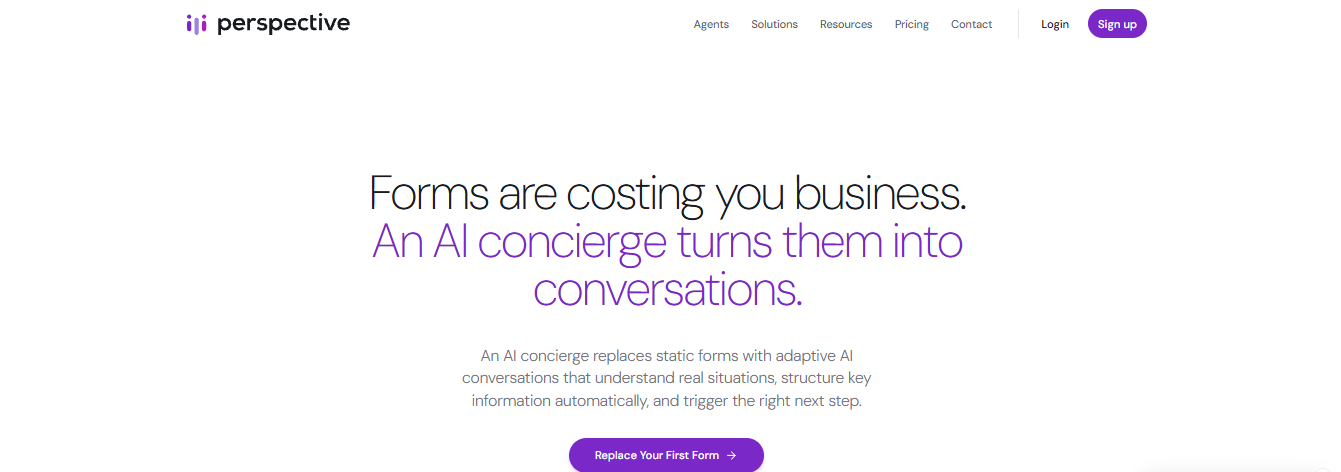
Most tools in this category apply AI to a survey: generating questions, scoring them for bias, summarising the results. Perspective AI applies AI to the respondent instead. Its AI interviewer agent asks one question at a time and writes the next one based on the answer it just heard, so "the pricing felt high" becomes "compared to what?" while the person is still in the conversation. A typical session runs 25–30 exchanges against the five or six a form would have asked, and the analysis — themes, sentiment, key quotes, risk signals — is generated automatically as conversations land.
Key AI Features
- Real-time generated follow-up questions, unscripted, in voice or text
- Voice in 57 languages with automatic language detection — the agent identifies the language instead of being set to it
- Nearly a dozen voices spanning the accents people actually speak: Australian, Indian, Scottish, Irish, Nigerian and Jamaican English, Argentinian Spanish, and Arabic across Modern Standard, Egyptian, Levantine, Gulf and Moroccan
- Sub-second opening, mid-sentence interruption, noise filtering and live captions — no awkward pauses or robotic turn-taking
- Research outline builder: a plain-language goal becomes a running study, no logic tree required
- Magic Summary with auto-extracted themes, sentiment, key quotes and risk signals
- Interactive AI analysis across the whole response set, with answers cited to source conversations
Pros
- The deepest input of any tool in this category — a transcript rather than a row
- Follow-up happens during the response, not in post-hoc text analysis
- Themes and quotes the same day, with no tagging or taxonomy work
- Unlimited seats on every plan, including the $99/month tier
Cons
- Not a survey builder — no NPS, CSAT or CES program tracking or score dashboards
- Asks more of a respondent than a one-minute questionnaire
- Poor fit for high-volume quantitative benchmarking against a fixed scale
Pricing
Free plan with 100 credits; Pro from $99/month for 1,000 credits; pay-as-you-go Flex credits (a conversation = 10); custom Enterprise pricing. Unlimited seats throughout.
G2 Rating
5/5 on G2 (based on 2 reviews)
4. Qualtrics: Best for Enterprise Experience Management
Best For: Large organizations running complex, multi-touchpoint feedback programs that need predictive analytics and a 360-degree view of customer experience.
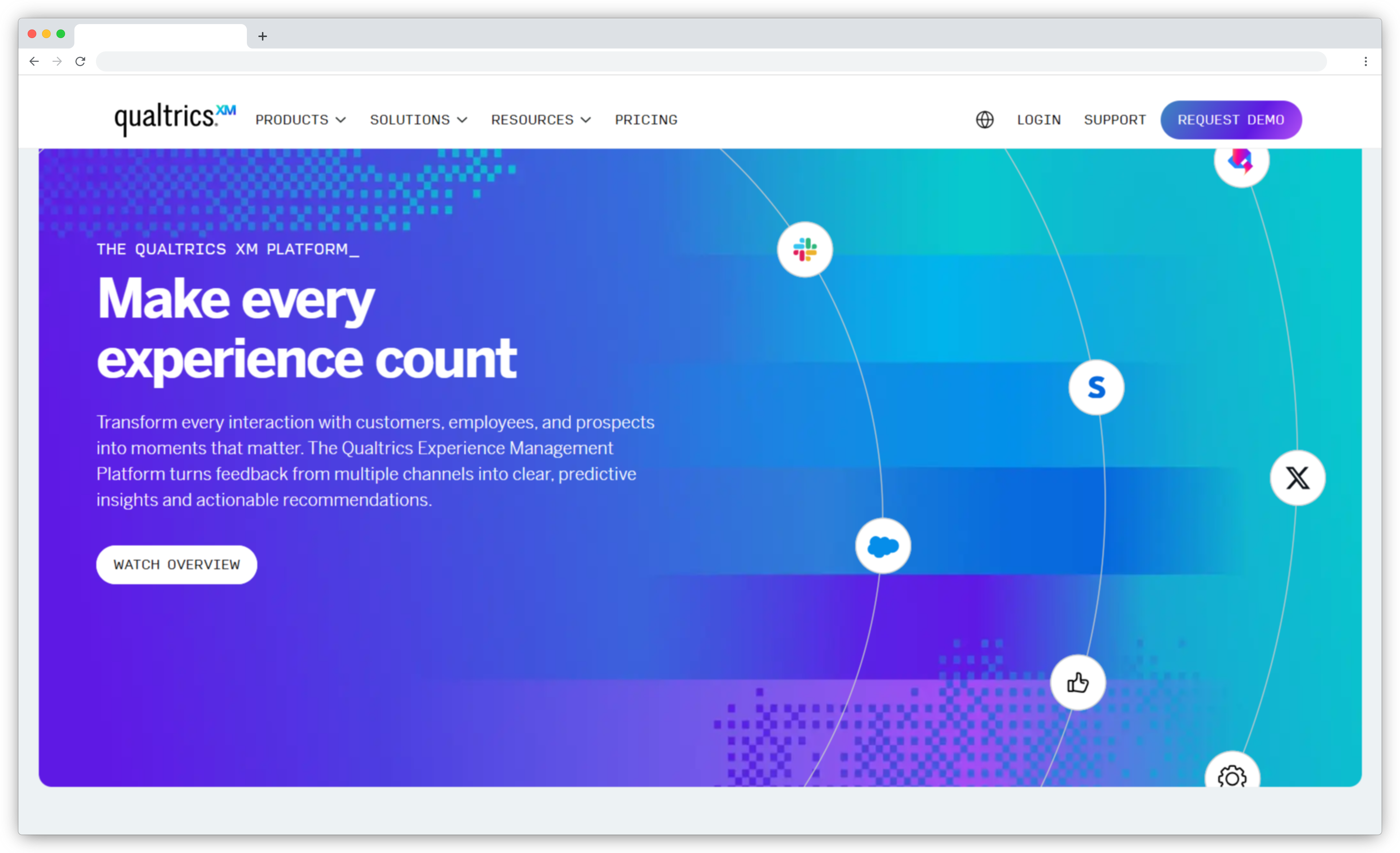
Qualtrics is the most established platform in enterprise experience management. Its XM platform combines survey data with CRM records, support logs, and behavioral data to build dynamic customer profiles, not just response summaries. That combination is where Qualtrics earns its position: it connects structured and unstructured data from across an organization and runs predictive models to surface what's coming next, not just what happened.
Text iQ, its NLP engine, detects intent, emotion, and themes from open-text responses without manual tagging. XM Discover extends analysis to chat, social, email, and voice channels. For teams running large-scale research programs with branching logic, statistical analysis, and stakeholder-specific reporting, Qualtrics is built for that complexity. Teams running simple NPS surveys will find it overkill, and the setup time reflects that.
Key AI Features
- Text iQ for intent, emotion, and theme detection in open-text feedback
- Predictive intelligence and propensity modeling for churn and upsell identification
- XM Discover for omnichannel feedback including chat, social, and voice
- Dynamic survey branching and adaptive paths based on behavior and past feedback
- Automated workflows that route detractors to support or assign follow-up tasks
Pros
- Most comprehensive enterprise survey and experience platform available
- Predictive AI shows what customers will do next, not just what they did
- Unified customer view from survey data combined with behavioral signals
- Dynamic logic and personalization at scale
Cons
- Expensive and complex for smaller organizations
- Requires technical setup to get full value from AI capabilities
- XM Discover and advanced features are add-ons with separate costs
Pricing
Contact sales for pricing.
G2 Rating
4.4/5 on G2 (based on 2,900+ reviews)
5. Qualaroo: Best for Real-Time, In-App, and On-Site User Feedback
Best For: Capturing real-time user insights in-app and on your website using contextual, AI-powered micro-surveys.
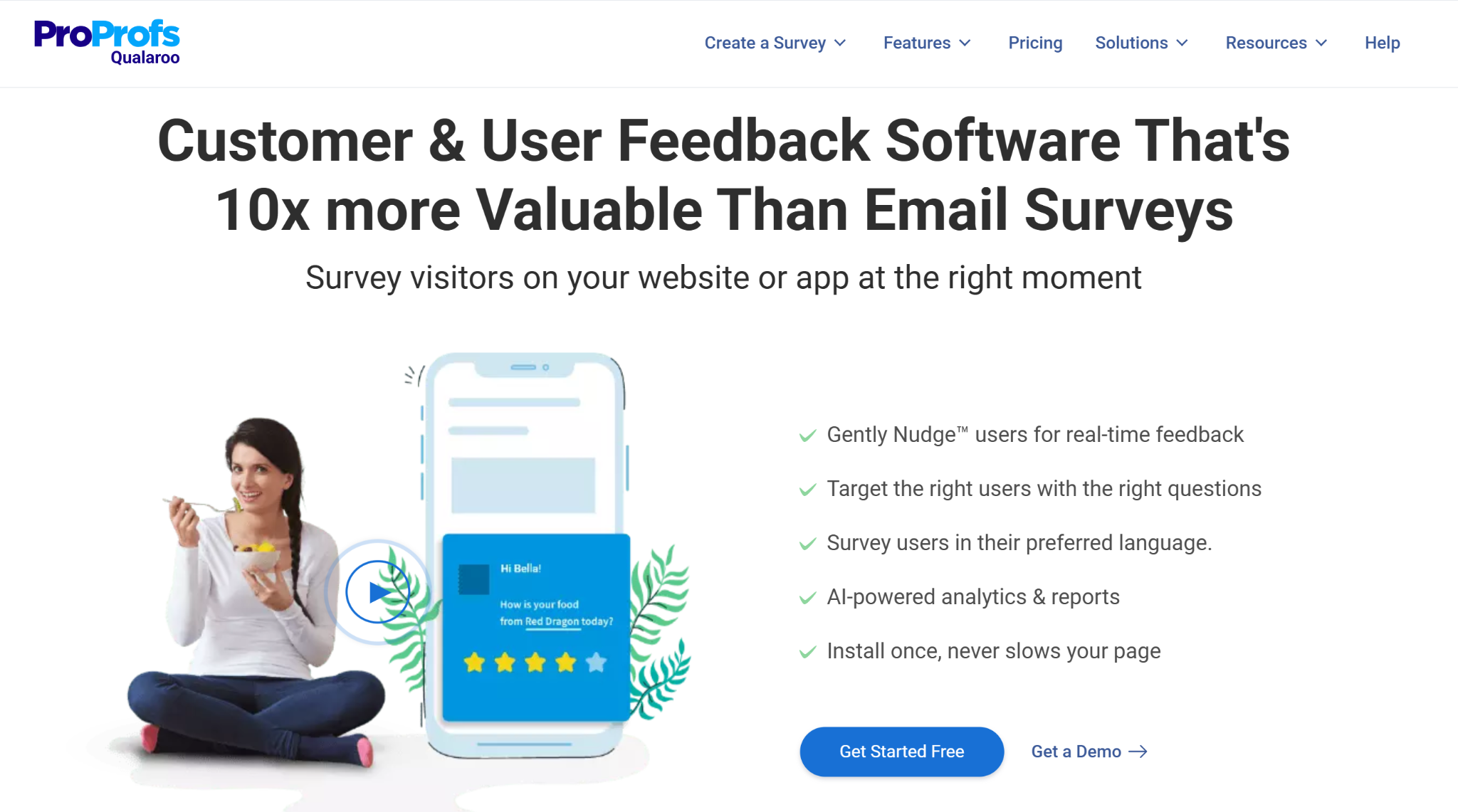
Qualaroo is built around Nudge™ technology, a non-intrusive in-page or in-app survey that fires at the exact moment a user is engaged, rather than after the fact through an email link. That timing is what makes its AI layer useful: feedback captured in the moment gives the AI something more accurate to work with than a delayed response ever could.
Qualaroo keeps AI Survey Creator, the tool that builds surveys, separate from AI Feedback Analysis, the engine that makes sense of the responses. AI Feedback Analysis covers AI Sentiment Analysis, Word Cloud, Mood Metrics, AI-Generated Reports, AI Response Summarizer, and Automated Tagging, turning open-text responses into structured themes and emotional tone without manual review. The Identify API ties every response back to a known user by email or customer ID, so none of that analysis has to run on anonymous data unless you want it to.
Key AI Features
- AI Survey Creator for building a complete survey from a prompt or goal
- AI Sentiment Analysis for detecting emotional tone in open-text responses
- Word Cloud and Mood Metrics for surfacing recurring themes at a glance
- AI-Generated Reports and AI Response Summarizer for condensing feedback into action items
- Automated Tagging for categorizing responses without manual review
Pros
- Non-intrusive Nudge™ surveys trigger at the right moment, in-app or on-site, without breaking the user experience
- AI Feedback Analysis structures open-text responses into sentiment, themes, and mood metrics without manual tagging
Cons
- Free plan responses cap at 50 per month, so scaling past initial testing requires a paid tier
- Advanced targeting, mobile SDK access, and deeper AI reporting are reserved for the Business and Enterprise tiers
Pricing
Starts at $19.99/month (billed annually). Free version available.
G2 Rating
6. Medallia: Best for Real-Time Signal Detection at Scale
Best For: Global enterprise brands managing high feedback volumes across multiple channels who need early warning signals before issues escalate.
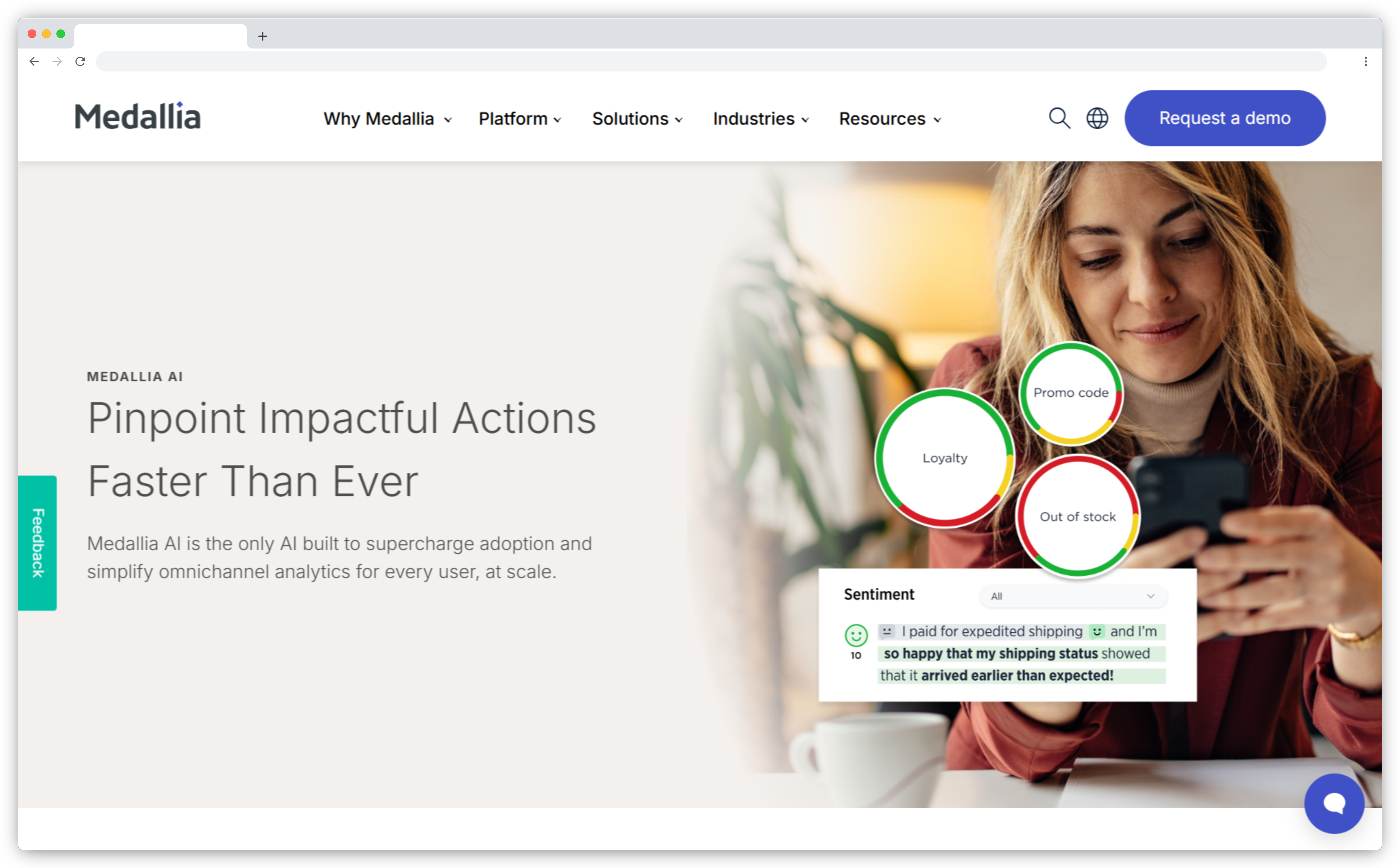
Medallia captures feedback from surveys, chat logs, email, call transcripts, social reviews, and CRM records and processes all of it through the same NLP engine. MonkeyLearn, which Medallia acquired, powers its text analytics: it extracts themes, intent, sentiment, and emotion from free-text feedback and runs continuously in the background.
The distinguishing capability is signal detection. Medallia AI scans for changes in customer behavior, unexpected feedback spikes, and early indicators of churn or service failures. When a pattern shifts, it surfaces the anomaly before it shows up in a monthly report. Medallia Act connects those signals to workflow automation: routing tasks, setting alerts, and triggering follow-ups directly through CRM and helpdesk integrations. For organizations managing feedback at global scale, this combination of continuous monitoring and action automation is where Medallia earns its cost.
Key AI Features
- MonkeyLearn-powered NLP for sentiment, intent, and theme detection across all feedback sources
- Continuous signal detection for behavioral anomalies, sentiment shifts, and emerging churn indicators
- Cross-channel feedback aggregation: surveys, chats, email, calls, and reviews in one pipeline
- Medallia Act for real-time workflow automation triggered by survey responses or sentiment changes
- Role-specific dashboards for CX, ops, marketing, and HR teams
Pros
- Advanced NLP with one of the strongest text analytics engines in the category
- Detects early warning signals in real time rather than waiting for manual review
- Deep integrations with CRM, support, and analytics tools
- Built for large-scale, multi-source feedback operations
Cons
- Expensive to operate, often requires additional consultancy services for implementation
- Some users report difficulty customizing the platform to fit specific workflows
Pricing
Contact sales for pricing.
G2 Rating
7. Enterpret: Best for Product Feedback Intelligence and Roadmap Prioritization
Best For: Product-led organizations in SaaS, fintech, and marketplaces that need a unified feedback intelligence layer to inform roadmap decisions.
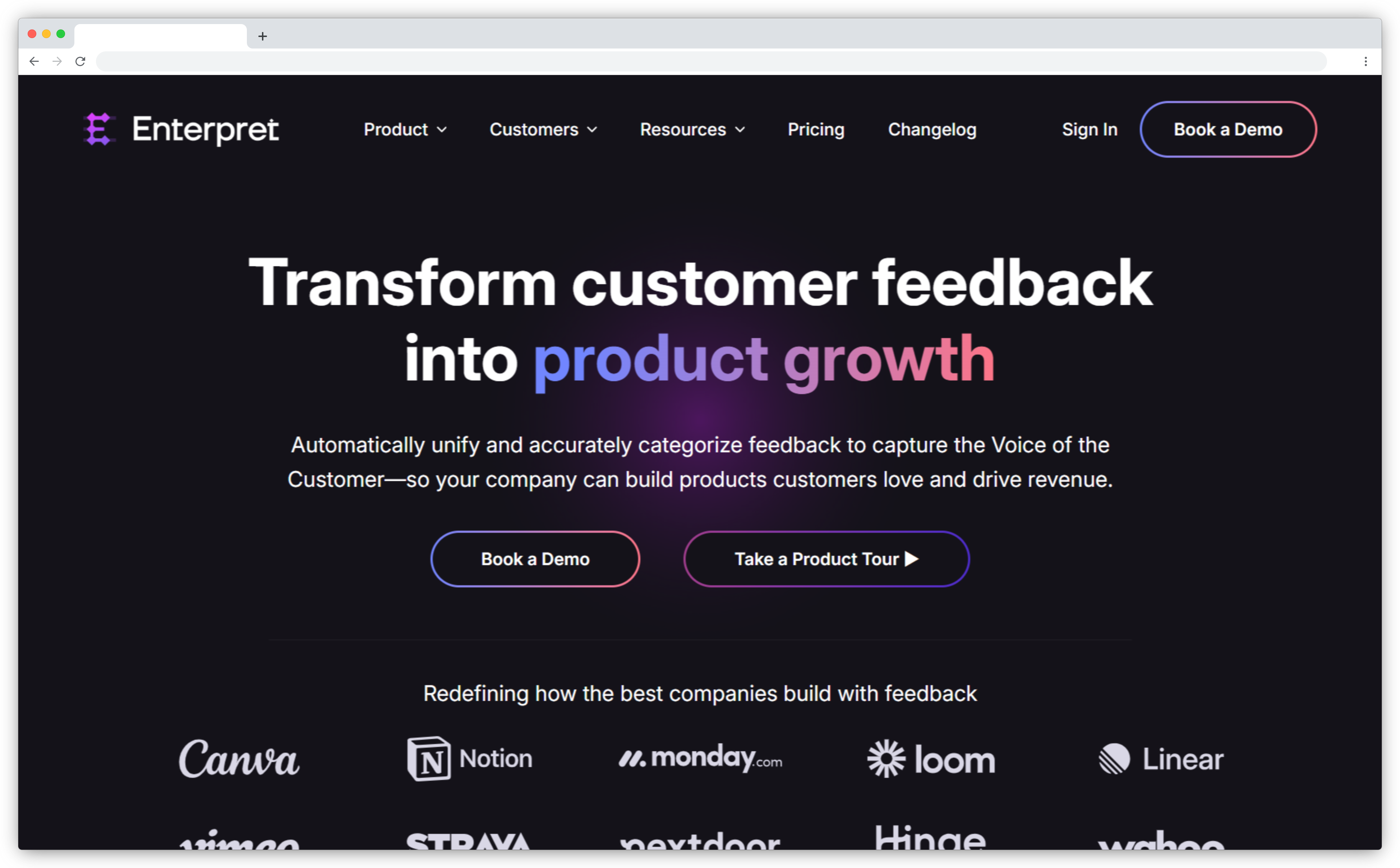
Enterpret is built specifically for product teams. It pulls feedback from surveys, support conversations, app store reviews, community forums, and CRM records into a central repository. It then uses custom AI models to classify it according to your product's specific terminology and structure.
The difference from generic classification tools is that Enterpret trains on your data. The AI learns your product language, your feature names, your customer segments. Over time, the taxonomy evolves with your product without manual re-tagging. The conversational insights engine lets anyone on the team query the full feedback history in natural language: "what's driving churn in enterprise accounts this quarter?" returns a real answer, not a dashboard to interpret. Loop closure integrations with Slack, Jira, and Linear push categorized feedback directly to engineering and product queues.
Key AI Features
- Custom AI taxonomy trained on your product structure and customer terminology
- Unified feedback repository across surveys, tickets, reviews, and community platforms
- Conversational query engine for natural-language questions across all feedback history
- Feedback trend tracking and anomaly alerts for volume spikes and emerging issues
- Integrations with Slack, Jira, and Linear for direct feedback-to-roadmap workflows
Pros
- Custom AI models reflect your product language, not generic categories
- Unified, searchable product feedback tools repository across all channels
- Excellent for roadmap prioritization with weighted feedback by customer segment
- Deep integrations with product and engineering tools
Cons
- No standalone survey creation or multi-channel survey distribution
- Custom taxonomy training requires onboarding time before full value is realized
Pricing
Contact sales for pricing.
G2 Rating
4.7/5 on G2 (based on 110+ reviews)
8. Dovetail: Best for Qualitative Research and Insight Repositories
Best For: UX researchers, product managers, and CX teams in research-driven companies that need to centralize and analyze qualitative feedback from multiple sources.
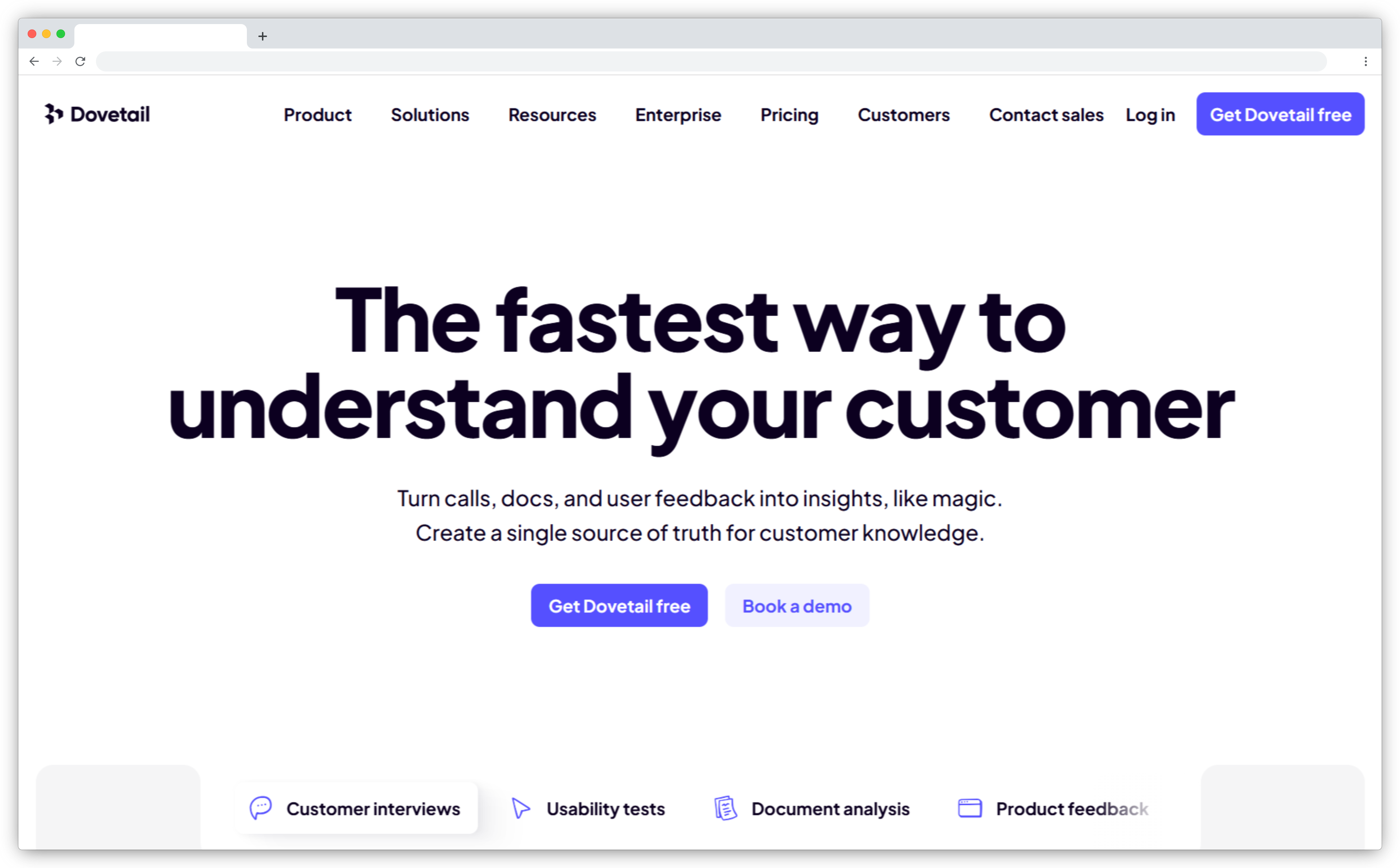
Dovetail is a qualitative research platform, not a survey creation tool. It's designed for teams who collect large volumes of open-text feedback from surveys, interviews, support tickets, and user testing, and need to analyze it together in one place.
The AI layer automatically tags themes, clusters similar responses, and generates summaries from uploaded data. Import survey responses from Typeform, SurveyMonkey, or any CSV, and Dovetail processes the open-text fields and surfaces recurring topics without manual coding. Highlight reels and AI-generated summaries let research teams share findings across the organization in a format stakeholders can actually read. For teams doing serious qualitative work, such as synthesis across hundreds of responses, video transcripts, and long-form interviews. Dovetail provides the research infrastructure that survey tools don't.
Key AI Features
- AI-powered thematic analysis that detects and clusters recurring topics automatically
- Survey and interview data import from Typeform, SurveyMonkey, Google Forms, and CSVs
- AI-generated summaries and highlight reels from transcripts and survey responses
- Voice of Customer repository for storing, tagging, and reusing research findings
- Collaborative annotations and shared views for cross-functional research sharing
Pros
- Strong AI clustering and tagging for large volumes of qualitative feedback
- Centralized research repository that scales with cross-functional usage
- AI summaries reduce the time from raw data to shareable insights
- Works well alongside survey tools for end-to-end qualitative workflows
Cons
- Does not support direct survey distribution or survey building
- Best paired with a survey collection tool, not a standalone feedback platform
Pricing
Starts at $29/user/month. Free version available.
G2 Rating
4.5/5 on G2 (based on 160+ reviews)
9. Anecdote AI: Best for Competitive Feedback Benchmarking
Best For: CX and product teams in fast-scaling companies who want to analyze their own feedback alongside competitor signals in the same platform.
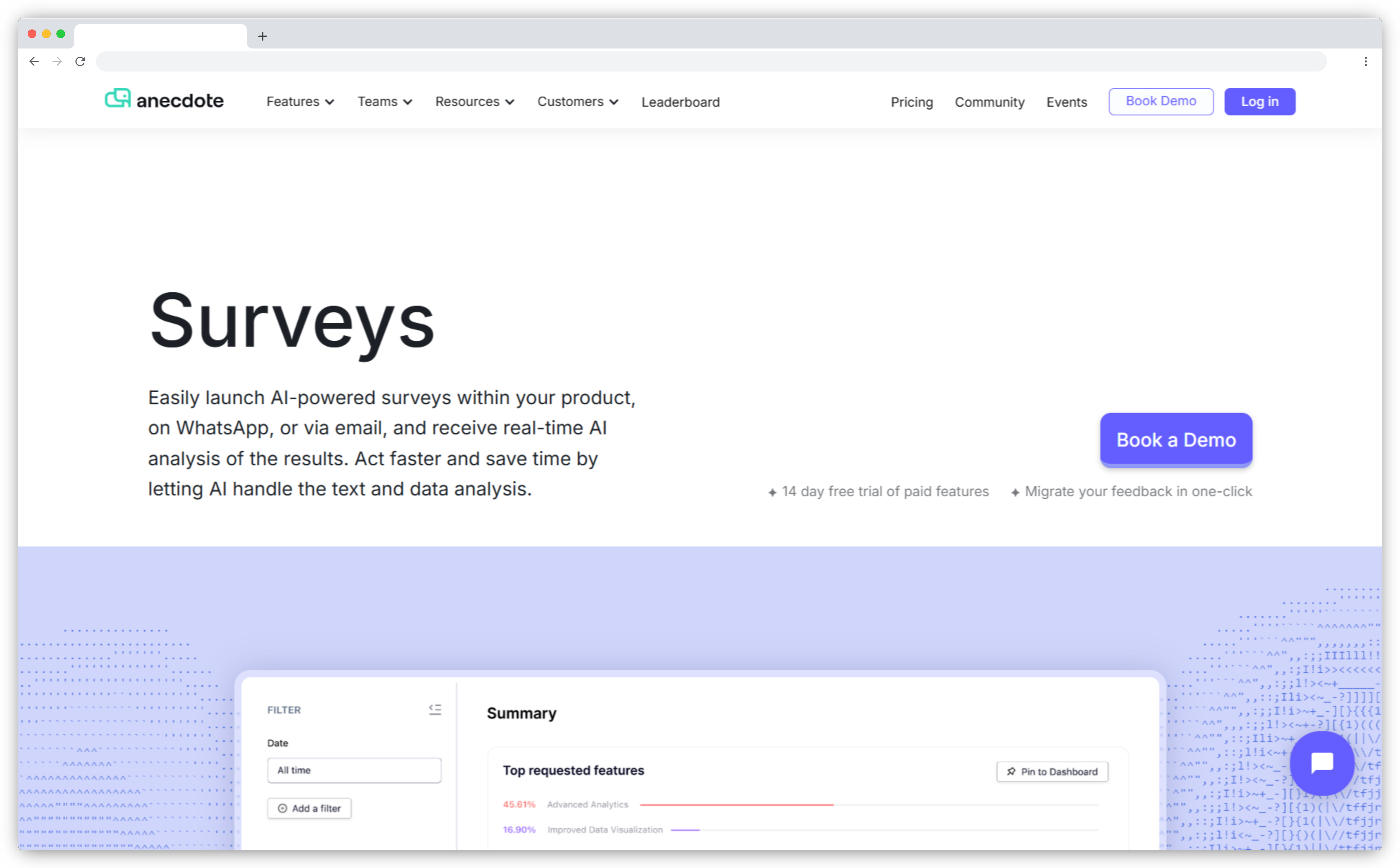
Anecdote AI does something most feedback tools don't: it pulls in competitor reviews from public sources and lets you run sentiment analysis side by side with your own feedback. Product teams can see not just what their customers are saying, but how that compares to what competitors' customers are saying, using the same theme taxonomy across both datasets.
Beyond competitive benchmarking, Anecdote connects to 125+ data sources (support tools, CRMs, app stores, social reviews) and centralizes the analysis in one searchable interface. Anomaly detection flags volume spikes in real time, so teams see a surge in complaints about a specific feature the day it starts happening, not the week after the monthly report. A built-in search interface lets anyone query the feedback database by topic and get instant summaries with sentiment scores and source attribution. For teams that want context on how their experience compares to competitors without running a separate research project, Anecdote is the only tool in this list that provides it natively.
Key AI Features
- Competitor review ingestion and side-by-side sentiment benchmarking
- Connection to 125+ feedback sources including support tools, CRMs, and app stores
- Real-time anomaly detection and alerts for feedback volume spikes
- Searchable insights database with topic queries and instant summaries
- Slack and project tool integrations for feedback-to-action workflows
Pros
- Only tool in this list that combines internal feedback analysis with competitor benchmarking
- Fast insights through a search-based interface rather than dashboards
- Wide source connectivity covers the full feedback landscape
- Real-time anomaly detection enables proactive response
Cons
- Pricing may be steep for smaller teams
- Survey design customization is limited compared to dedicated survey builders
Pricing
Contact sales for pricing. Two-week free trial available.
G2 Rating
10. SentiSum: Best for Support Ticket Analysis
Best For: Mid-size to enterprise support teams in e-commerce, SaaS, fintech, and travel where ticket volumes are high and issue resolution speed matters.
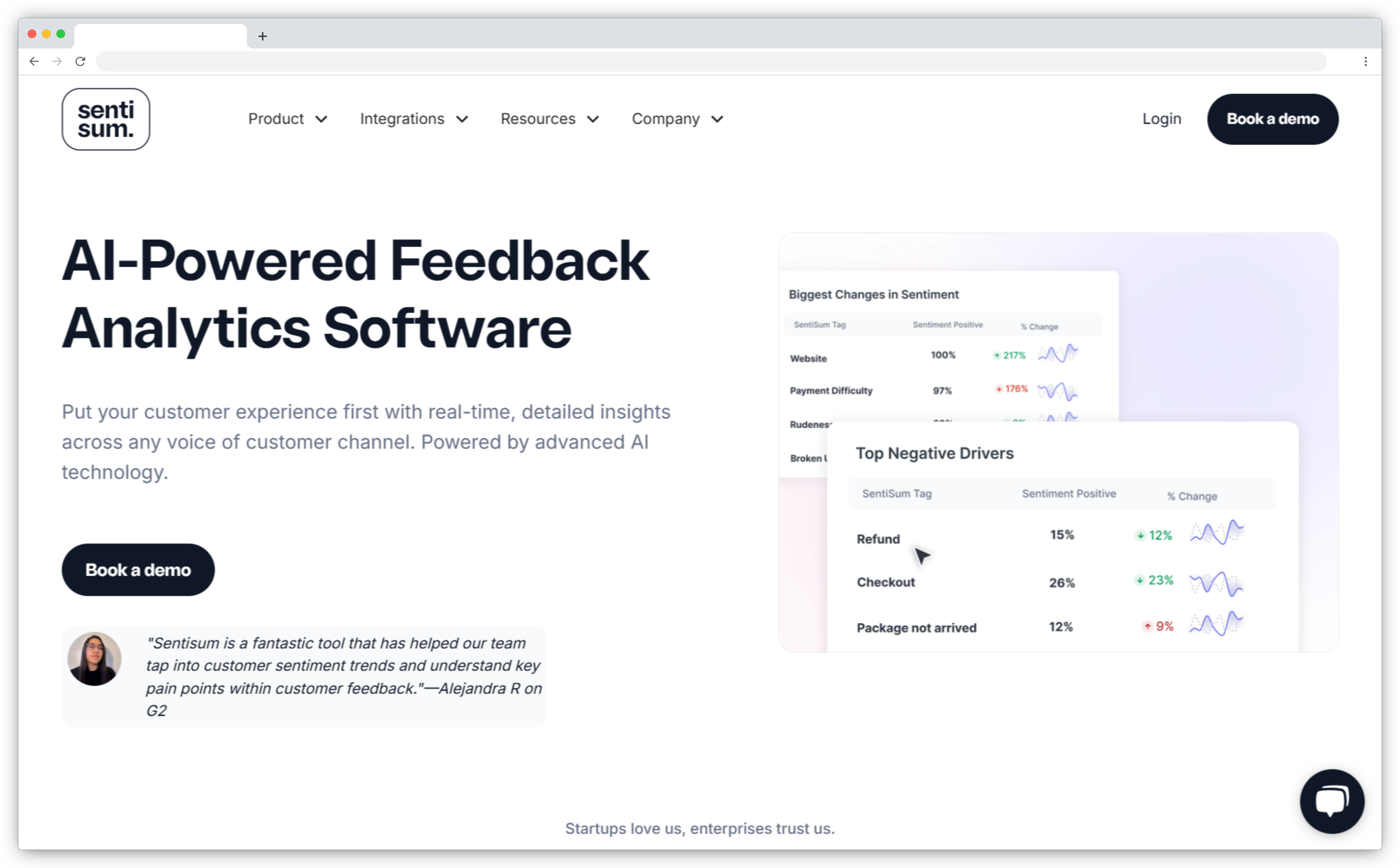
SentiSum is built for one job: turning support conversations into structured, actionable intelligence. It automatically tags support tickets, chat transcripts, and survey responses in real time using business-specific categories, not generic sentiment labels. "Refund delay," "checkout error," "pricing confusion" rather than just "negative." That specificity is what makes the analysis usable for support operations rather than just reportable to leadership.
What sets SentiSum apart is the operational integration. It connects directly to Zendesk and Intercom to auto-route tickets, set priority flags, and alert the right queue. Historical data analysis lets teams process up to six months of past support conversations during the trial period, so chronic issues surface before going live. For support managers trying to reduce ticket volume and improve CSAT software scores, SentiSum ties AI analysis directly to operational metrics rather than keeping insights in a separate reporting layer.
Key AI Features
- Real-time auto-tagging with business-specific categories across support tickets and chat
- Theme and trend detection for recurring issues, emerging problems, and churn triggers
- Direct helpdesk integration with Zendesk and Intercom for ticket routing and prioritization
- Multi-channel ingestion: surveys, emails, chats, and reviews in one dashboard
- Historical data analysis covering up to six months of past support interactions
Pros
- Purpose-built for support and operations teams, not generic CX
- Real-time tagging reduces manual triage significantly
- Connects AI analysis directly to support workflow automation
- Helps reduce ticket volume by identifying root causes systematically
Cons
- Not suited for product feedback analysis or broad survey creation
- Pricing scales with volume, which can add up for large datasets
Pricing
Contact sales for pricing.
G2 Rating
11. TheySaid: Best for Conversational AI Surveys
Best For: UX researchers, product managers, and customer success teams who want richer feedback from dynamic, conversation-style surveys rather than static forms.
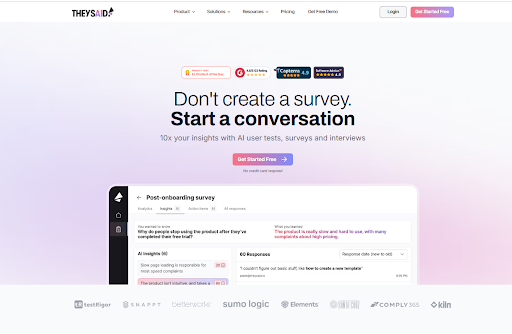
TheySaid replaces static survey forms with adaptive AI conversations. Instead of a fixed question set, the AI follows up in real time based on what each respondent says. If someone rates an experience poorly, the next question asks why, specific to what they wrote, not a generic "please explain" prompt. That dynamic makes responses more specific and reduces the need for follow-up research rounds.
The platform covers surveys, AI interviews, polls, and usability tests, all analyzed together in one dashboard. Voice feedback lets respondents speak naturally while the AI reads questions aloud, which works particularly well for mobile-first feedback programs and accessibility-focused research. For teams running user research at scale, the AI automatically detects themes, summarizes findings, and generates recommendations traceable back to specific responses, skipping the manual synthesis step that usually takes days. The AI Sidebar gives instant answers to questions like "what do users struggle with most?" without opening a separate analytics tool.
Key AI Features
- Conversational AI that asks adaptive follow-up questions based on each response in real time
- Two-way voice feedback with AI reading questions and processing spoken responses
- Usability testing with real user behavior capture during task completion
- Unified dashboard analyzing surveys, interviews, polls, and usability tests together
- AI Sidebar for instant theme summaries and suggested next steps
Pros
- Adaptive question logic creates richer feedback than fixed-format surveys
- Voice-enabled feedback expands accessibility and increases response quality
- Combines multiple research formats in one platform
- Recommendations are fully traceable to source responses
Cons
- Conversational survey format may feel unfamiliar to teams used to traditional surveys
- Heavy AI involvement means some nuance in complex scenarios may be missed
Pricing
Free plan available. Paid plans from $49/month.
G2 Rating
12. SurveyMonkey Genius: Best for Fast AI Survey Creation
Best For: Small to mid-size teams, marketers, and HR departments who need to create well-structured surveys quickly without deep research experience.
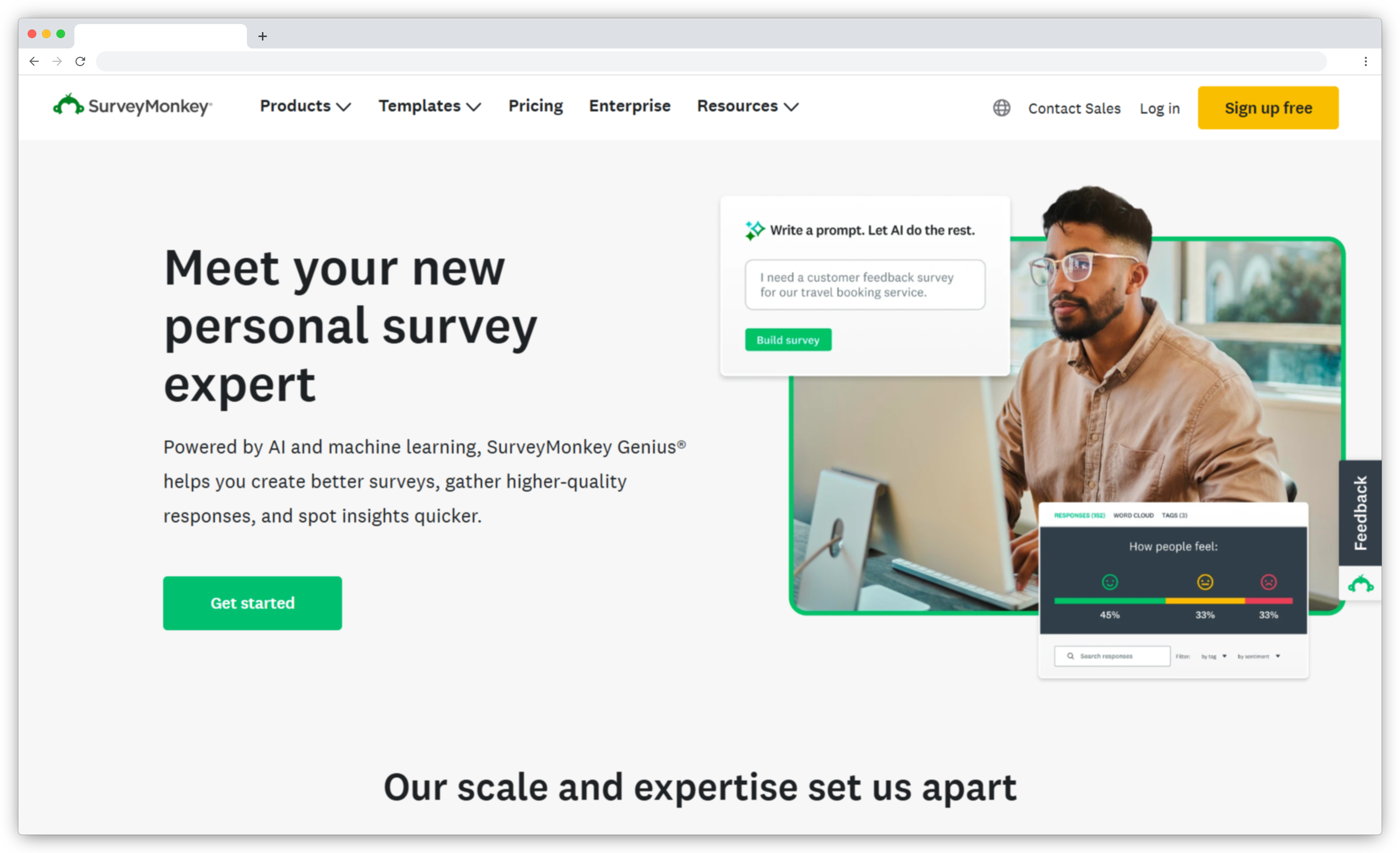
SurveyMonkey Genius is the AI layer built into SurveyMonkey's survey builder. It sits inside the creation flow and makes the process faster at every step. Describe your goal in a text prompt and it builds a complete survey in seconds. Then it runs quality checks: it flags leading questions, ambiguous wording, and potential bias before the survey goes out.
The analysis side uses AI to tag sentiment in open-text responses and surface frequently mentioned themes. It is not as deep as dedicated feedback intelligence platforms — the open-text analysis gives you sentiment labels and keyword clusters rather than structured themes with impact scores. For teams running NPS, CSAT, or market research surveys who need results without exporting to a spreadsheet, it covers the creation-to-insight loop reliably.
Key AI Features
- AI survey generator that builds complete surveys from a goal prompt in seconds
- Bias and clarity detection that flags leading questions and ambiguous wording before launch
- Survey performance benchmarking against millions of similar surveys for completion rate prediction
- AI-powered open-text analysis with sentiment tagging and keyword identification
- Response quality optimization to reduce abandonment and improve data reliability
Pros
- Easiest setup and fastest time to first survey in this list
- Built-in quality checks improve survey design before launch
- AI benchmarking shows expected completion rates before sending
- Free version covers core AI features for small teams
Cons
- Open-text analysis stops at keyword tagging, with no structured theme detection or impact scoring
- Advanced customization limited compared to enterprise tools
- AI analysis is strongest at the creation stage, less deep on the analysis side
Pricing
From $18/user/month. Free version available.
G2 Rating
4.4/5 on G2 (based on 22,000+ reviews)
13. Typeform: Best for Conversational, Design-First Surveys
Best For: Marketing teams, product teams, and researchers who want high completion rates through engaging, conversation-style survey experiences.
Typeform built its reputation on form design: one question at a time, clean layouts, and a conversational flow that feels less like filling out a form and more like answering a few questions from a colleague. In 2025, it added two AI layers: Creator AI, which builds a complete survey from a prompt, and Responses AI, which analyzes collected responses and surfaces key themes and sentiment patterns.
The design-first approach has a practical impact on data quality. Typeform consistently reports higher completion rates than traditional multi-question forms, which means more responses from the same number of sends. For teams where survey experience and response quality matter as much as analysis depth, it covers both the creation and insight jobs well. It is not the right choice for enterprise-scale feedback intelligence or closed-loop workflows, but it is the strongest option in the builder category for engagement-focused programs.
Key AI Features
- Creator AI that generates complete, logic-mapped surveys from a single text prompt
- Responses AI that analyzes open-text responses and surfaces key themes and sentiment
- Conditional logic and adaptive question flows for personalized survey paths
- Logic jumps and branching based on previous answers for more relevant experiences
- Integrations with HubSpot, Salesforce, Slack, and 500+ tools via Zapier
Pros
- Highest-quality survey experience in the builder category, with proven completion rate lift
- Creator AI reduces survey setup time significantly
- Clean, professional design without needing a designer
- Strong integration ecosystem for CRM and marketing tools
Cons
- Responses AI is useful but not deep, suited for theme summaries, not impact analysis
- Costs increase quickly with volume on paid plans
- Not designed for enterprise-scale feedback intelligence or closed-loop workflows
Pricing
From $29/month. Free version available.
G2 Rating
4.5/5 on G2 (based on 750+ reviews)
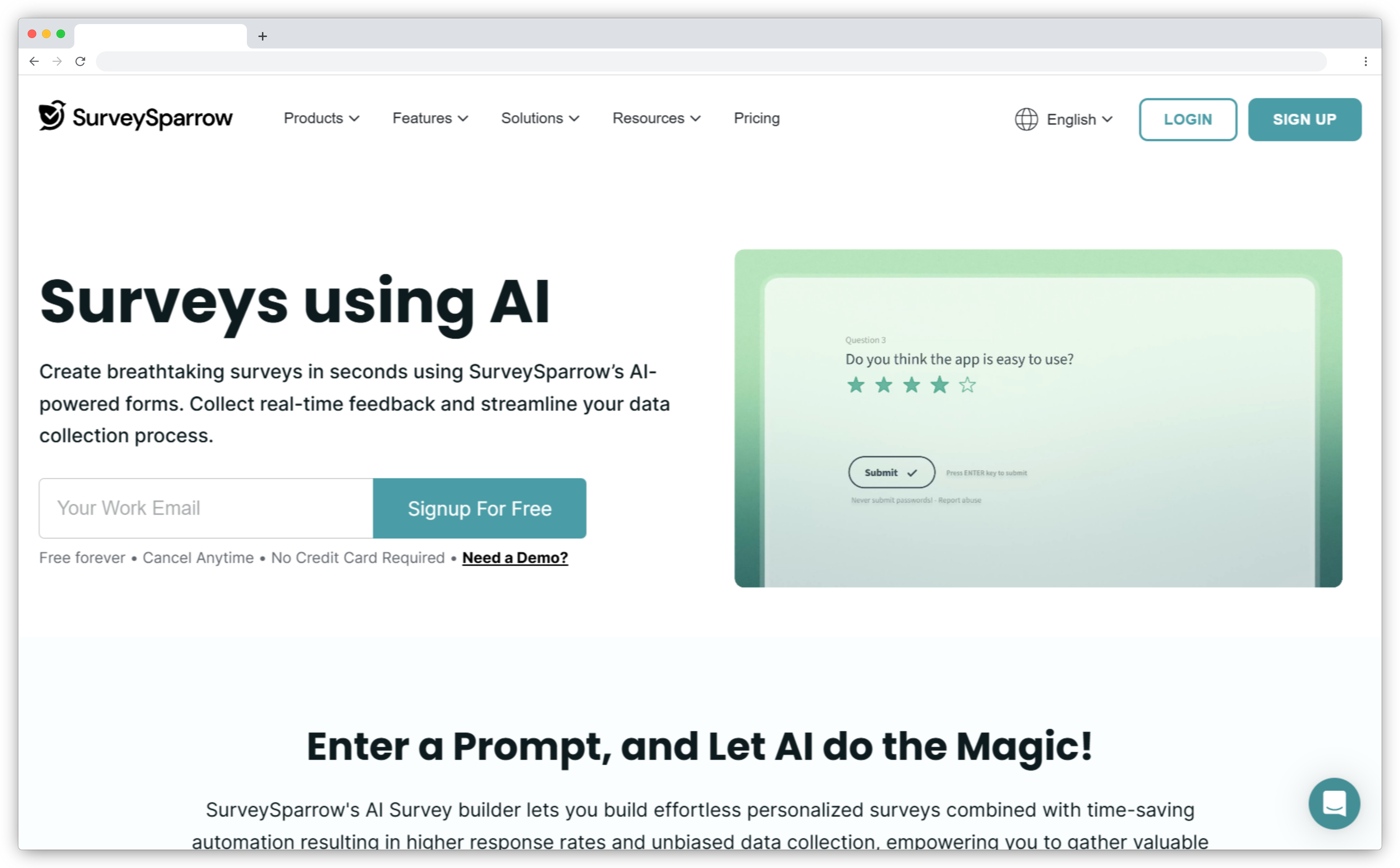
14. SurveySparrow: Best for Automated Survey Insights
Best For: Growing businesses and CX teams that want fast survey creation and AI-generated analysis without manual interpretation.
SurveySparrow combines an AI survey builder with CogniVue, its in-house analysis engine. The builder turns a text prompt into a complete, structured survey in seconds, including question types, skip logic, and branching paths. CogniVue processes the responses: it detects sentiment, identifies key drivers behind satisfaction scores, and produces narrative summaries rather than raw charts.
The conversational UI (mobile-first, chat-style) keeps response rates higher than traditional grid-format surveys, which matters for ongoing feedback programs where respondent fatigue is a real problem. Automation handles recurring surveys and follow-up reminders without manual scheduling. For teams running customer satisfaction programs, employee pulse checks, or market research who want results they can act on without being data analysts, SurveySparrow covers the full loop from creation to insight without requiring a technical team.
Key AI Features
- AI survey builder that generates surveys from prompts with question types and logic included
- CogniVue AI analysis engine for sentiment detection, key driver identification, and narrative summaries
- Smart skip logic for personalized survey paths based on previous answers
- Survey automation for recurring programs and follow-up reminder scheduling
- Mobile-first, chat-style UI for higher engagement and completion rates
Pros
- Fast survey creation with AI handling structure, logic, and question wording
- CogniVue produces readable analysis summaries rather than raw data
- Strong respondent experience through chat-style format
- Works well for both customer and employee feedback programs
Cons
- CogniVue's analysis depth is limited for enterprise use cases requiring structured theme hierarchies
- AI-generated surveys sometimes need manual refinement for niche or technical topics
Pricing
From $18/user/month. Free version available.
G2 Rating
4.4/5 on G2 (based on 2,000+ reviews)
15. BlockSurvey: Best for Privacy-First AI Surveys
Best For: Organizations in regulated industries, nonprofits, and research institutions where respondent data privacy and anonymity are non-negotiable.
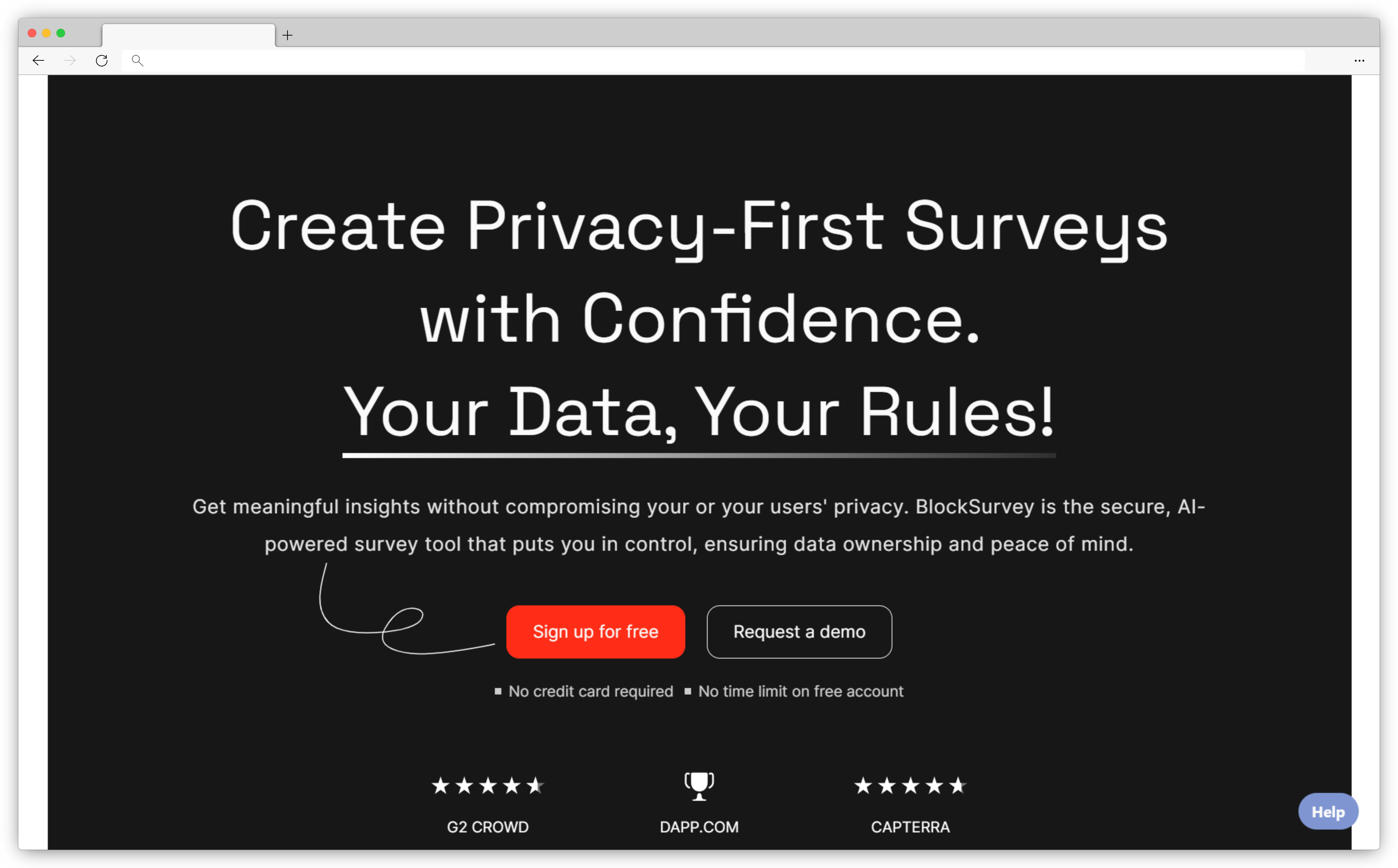
BlockSurvey takes a fundamentally different approach to survey data: end-to-end encryption, zero tracking, and respondent anonymity by design. The survey creator is the only person who can access responses. The platform itself cannot. For healthcare, legal, HR, and sensitive research use cases where data handling requirements are strict, this architecture matters in a way that standard security certifications don't fully address.
The AI capabilities sit on top of that privacy-first foundation. An AI survey generator builds complete surveys from prompts. Adaptive questioning personalizes the flow in real time for each respondent. Built-in sentiment analysis tools and thematic analysis process open-text responses without moving data to external servers. For teams who've avoided AI-powered survey tools because of data sovereignty concerns, BlockSurvey makes it possible to get intelligent analysis without compromising respondent confidentiality.
Key AI Features
- AI survey generator creating structured surveys from natural language prompts
- Adaptive questioning that personalizes question flows in real time per respondent
- Built-in sentiment and thematic analysis for open-text responses
- Anomaly detection to flag inconsistent or irregular response patterns
- End-to-end encryption with zero tracking, and no data accessible outside the survey creator
Pros
- Only tool in this list built with privacy as the core architecture, not an add-on
- Adaptive AI surveys improve data quality and reduce drop-offs
- Built-in sentiment and thematic analysis without external data processing
- Flexible templates and question types across survey types
Cons
- Fewer third-party integrations compared to open-architecture tools
- Login process requiring a key can be cumbersome for non-technical respondents
- Limited workflow automation features compared to enterprise platforms
Pricing
Contact sales for pricing based on requirements.
G2 Rating
16. forms.app: Best for Quick AI Form and Survey Building
Best For: Businesses, marketing teams, and HR teams that need to build forms, surveys, and quizzes fast without technical overhead.
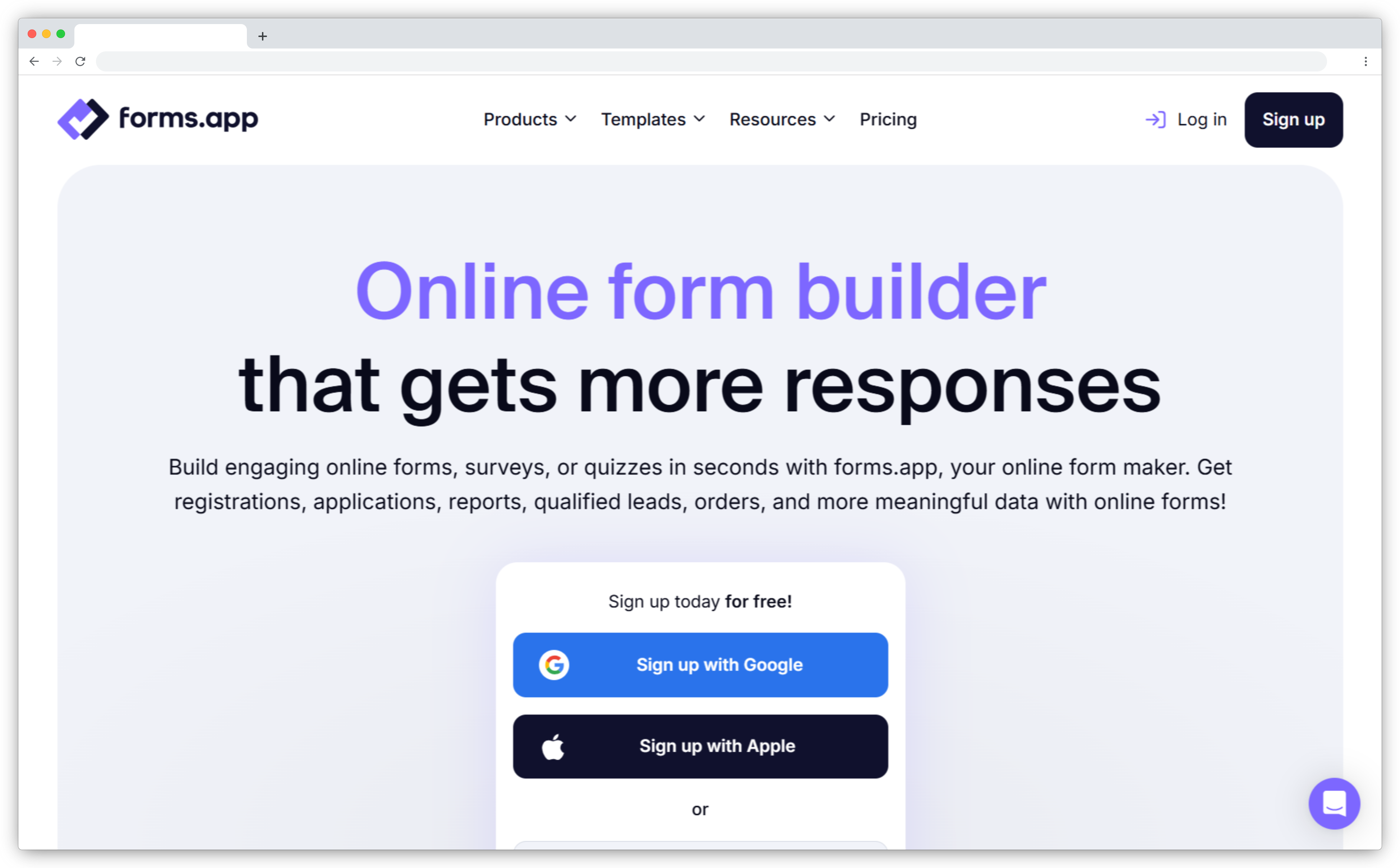
forms.app is a form and survey builder where AI handles the heavy lifting at creation. Describe what you need in a text prompt and the tool builds a complete, styled form or survey in seconds, including question types, logic, and design. An AI question helper refines individual questions for clarity and response rate optimization. An AI option generator suggests answer choices for multiple-choice questions when you're not sure how to structure them.
Once responses come in, built-in AI insights identify patterns and trends automatically. For teams that need forms for multiple use cases like lead capture, customer feedback, employee surveys, application forms, and want a consistent tool that handles all of them without requiring a data analyst, forms.app covers the creation-to-insight loop simply and quickly. It won't replace a dedicated feedback intelligence platform, but for teams where speed and accessibility matter most, it's a practical choice.
Key AI Features
- AI form generator building complete forms and surveys from text prompts
- AI question helper suggesting better question wording to improve response rates
- AI option generator creating multiple-choice answer sets for any topic
- AI insights identifying patterns and trends from collected responses automatically
- Multilingual support with automatic localization across languages
Pros
- Fastest creation experience in this list: complete form from a text prompt in seconds
- Clean, intuitive interface that requires no technical skills to navigate
- Handles multiple form types: surveys, quizzes, lead forms, and application forms
- Free plan available with core AI features for small teams
Cons
- No built-in sentiment analysis for open-ended responses
- Not designed for high-volume enterprise feedback programs or complex analytics
Pricing
From $25/month. Free plan available.
G2 Rating
17. piHappiness: Best for Multi-Location CX and Employee Experience
Best For: Multi-location businesses in retail, hospitality, and healthcare that need consistent feedback measurement across physical locations with minimal setup.
piHappiness is designed for operations that run across many physical locations (stores, clinics, branches, hotel properties) where collecting feedback at the point of experience matters. Emoticon-based surveys reduce response friction for customers who are standing at a kiosk, scanning a QR code, or on a tablet at a checkout. The format is fast enough that frontline staff can hand it to a customer for ten seconds and get a valid data point.
NLP-powered sentiment analysis processes open-text responses from any channel (kiosk, QR, SMS, email, or web) and feeds the results into a unified dashboard. Location managers see their own location's data. Regional managers see trends across locations. Automated alerts flag negative feedback in real time so the relevant team knows before the customer walks out the door. For businesses that run employee experience (EX) programs alongside customer experience, piHappiness handles both in the same platform.

Key AI Features
- Emoticon-based feedback surveys optimized for high-traffic physical locations
- Omnichannel feedback collection from kiosks, QR codes, tablets, SMS, email, and web
- NLP-powered sentiment analysis converting open-text responses into structured data
- Real-time dashboards with NPS and CSAT trends across all locations
- Automated alerts for negative feedback triggering immediate team notification
Pros
- Omnichannel collection from a single platform covering physical and digital touchpoints
- Location-level dashboards give managers the right data without filtering through everything
- Automated alerts enable same-day response to negative experiences
- Handles both CX and EX programs in one platform
Cons
- Limited customization for complex survey workflows compared to enterprise platforms
- Advanced features have a learning curve for non-technical users
Pricing
Basic plan starts at $49/month.
G2 Rating
Not yet rated on G2. Check Capterra for current reviews.
18. Blix: Best for Open-Ended Survey Response Analysis at Scale
Best For: Market research agencies and insights teams processing large volumes of open-ended survey responses who need accurate, consistent coding at speed.
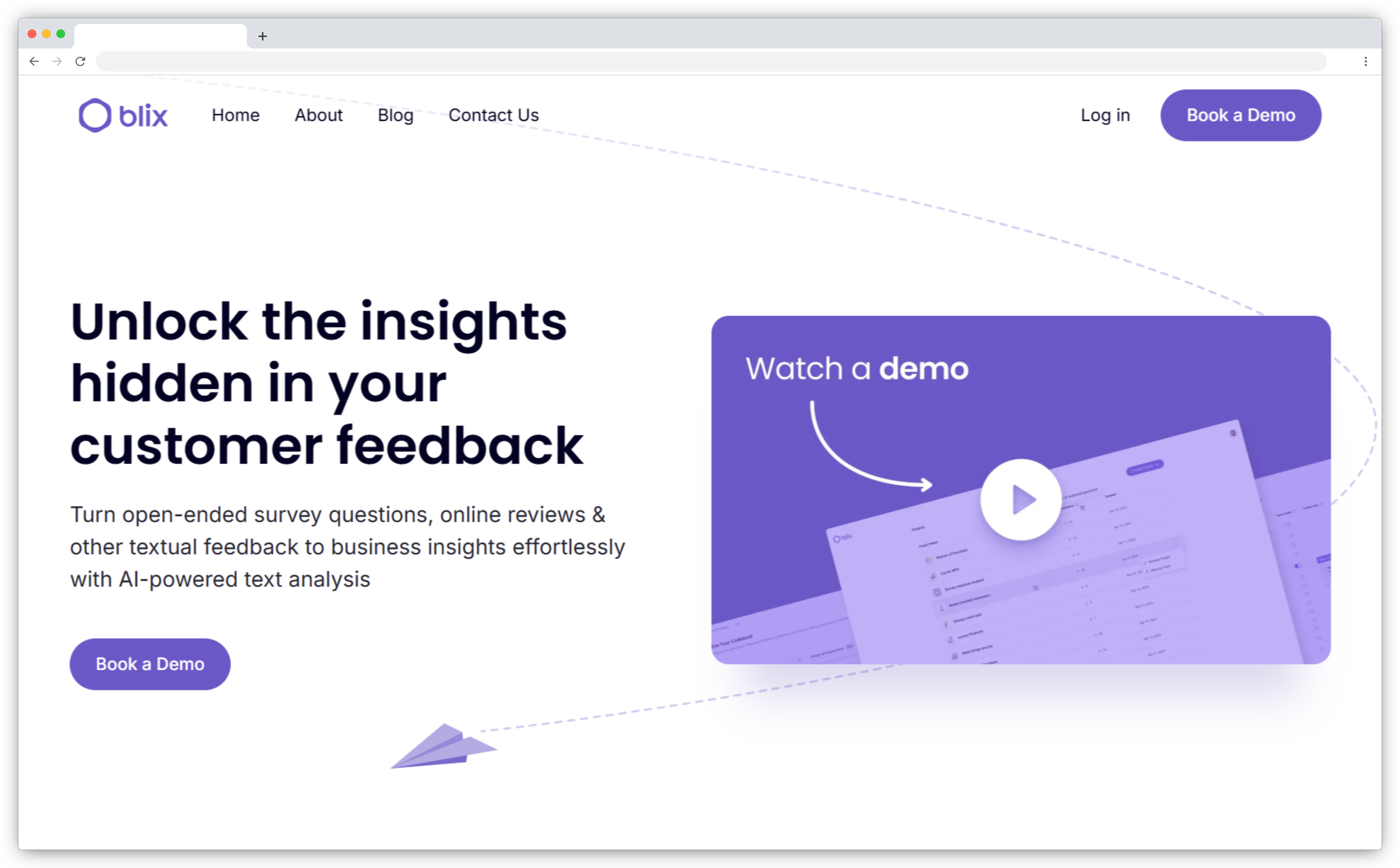
Blix is a text analysis tools platform built specifically for market research open-ends. The job it solves is one every research team knows: you collect 5,000 survey responses with open-text fields and need to code them into a structured taxonomy for analysis. Manually, that takes days. Blix does it in minutes.
The AI processes responses based on meaning, not keyword matching. Results reflect how a professional human researcher would categorize the data, capturing nuance, intent, and context rather than surface-level phrase detection. Codebooks are reusable and refineable: analysts control the classification logic, adjust it per project, and apply the same codebook to future datasets. Clean, structured data exports to Excel, CSV, or SPSS for integration with existing BI and research tools. Blix is not a survey creation or distribution platform. It is the analysis layer for research teams that already collect their data elsewhere.
Key AI Features
- Automated open-text coding based on response meaning, not keyword pattern matching
- Reusable and refineable codebooks that analysts control and adjust per project
- Multi-language analysis for global research studies and multi-market trackers
- Flexible exports to Excel, CSV, and SPSS for BI and research tool integration
- Pay-per-use credit model for teams with variable project volumes
Pros
- Produces human-quality coding at scale, significantly faster than manual analysis
- Full analyst control over codebook structure, unlike black-box AI classifiers
- Multi-language support handles global studies without separate processing
- Credit-based pricing suits agency and project-based work
Cons
- Not suited for support ticket or call center analysis
- Does not support interview transcripts or non-survey text formats
Pricing
Credit-based pricing. Contact for custom plans.
G2 Rating
Not yet rated on G2. Verify current reviews on the Blix website.
From Survey Responses to Action: Closing the Feedback Loop
Collecting feedback is the easy part. Most teams have data. The problem is what happens to it afterward.
In a typical setup, survey responses go into a dashboard. Someone runs a report at the end of the month. The report circulates. A few people read it. Action items get noted in a meeting. Most of them don't get done.
The tools that deliver real results are the ones that close the gap between insight and action. That means routing a complaint to the right support agent the moment it comes in. Creating a Jira ticket from a bug report without anyone manually logging it. Sending an automated follow-up to a detractor before they've decided whether to churn.
What to look for in this layer: automated routing based on feedback type, integration with your helpdesk and project management tools, alert thresholds that notify specific teams, and a way to track whether the loop was actually closed, not just whether the feedback was collected.
The tools with the strongest closed-loop capabilities in this list are Zonka Feedback (intent-based routing with task creation and loop tracking), Qualtrics (automated workflows with CRM and helpdesk triggers), Medallia (Medallia Act for real-time action automation), and SentiSum (helpdesk integration for support ticket prioritization). If closing the feedback loop is a priority, and not just collecting more of it, filter for this capability first when evaluating AI feedback analytics tools.
What Most AI Survey Tool Lists Get Wrong
After reviewing dozens of lists for this guide, three mistakes show up consistently.
First, they compare form builders to intelligence platforms as if they're interchangeable. Evaluating a form builder and an enterprise CX platform on the same criteria helps no one. The use cases are different. The buyers are different. The price points are different.
Second, they ignore the analysis gap. Most tools create surveys well. Far fewer analyze the responses with any real depth. A team that picks a tool based on creation speed alone will end up exporting open-ended responses to a spreadsheet the first time they need to understand what customers actually said.
Third, they skip the closed-loop question. What happens after the insight surfaces? Does the tool route it to the right person? Does it trigger a follow-up? The tools that close this gap are the ones that deliver measurable returns from feedback programs.
How Do You Choose the Right AI Survey Tool for Your Team?
1. Start with your primary use case
The right tool depends on what problem you're actually trying to solve. If you need to build and send surveys fast, a builder like SurveyMonkey Genius or Typeform gets you there. If you need to understand what 10,000 open-text responses are saying, Qualtrics, Medallia, or Zonka Feedback are the right tier. If your team runs qualitative research, Dovetail or Blix are built for that job specifically.
2. Match the AI depth to your analysis needs
Some tools use AI to create surveys (SurveyMonkey Genius, Typeform, forms.app). Some use AI to analyze responses (SentiSum, Enterpret, Dovetail). Some do both (Zonka Feedback, Qualtrics, Medallia). Know which job you're hiring for before evaluating features.
3. Check what happens after the insight
Most tools surface insights. Fewer help you act on them. If closing the feedback loop, including routing feedback to the right team, creating tasks, and triggering automated follow-ups, is important to your workflow, evaluate that capability explicitly. Don't assume it's included because the tool has a dashboard.
4. Consider volume and team size
Budget-conscious teams or smaller organizations get real value from SurveyMonkey Genius, SurveySparrow, and forms.app, which start between $18–$25/month and include free plans. Mid-market and enterprise teams managing customer feedback tools across multiple locations, roles, or high response volumes should look at Zonka Feedback, Qualtrics, and Medallia, where custom pricing reflects the platform's full capabilities.
Key Trends Shaping AI Survey Tools in 2026
- Sentiment analysis is becoming table stakes. The real differentiator is now intent detection, specifically understanding whether a response signals churn risk, a feature request, a complaint, or advocacy. Tools that stop at positive/negative are losing ground to those that can classify customer intent and route it accordingly.
- Agentic AI is replacing passive dashboards. Rather than waiting for users to pull reports, leading platforms now push alerts, recommend actions, and trigger automated responses when feedback patterns shift. The tool acts. The team responds.
- Real-time analysis is replacing batch reporting. Static monthly reports are being replaced by continuous analysis. AI detects emerging themes and sentiment shifts as feedback arrives, enabling same-day responses to issues that previously took weeks to surface.
- Privacy and governance are moving up the priority list. With GDPR, HIPAA, and expanding regional data regulations, encrypted survey architecture and role-based access controls are no longer differentiators. They're baseline requirements for enterprise procurement.
Which AI Survey Tool Is Right for Your Team?
For most teams, the decision comes down to three questions: what's your primary feedback use case, how much open-text analysis do you need, and how tightly does feedback need to connect to your existing workflows.
If your priority is fast survey creation, SurveyMonkey Genius, SurveySparrow, and Typeform get you there quickly. If you need deep qualitative analysis or product-level intelligence, Enterpret, Dovetail, and Blix are built for that. If you need score analysis, Perspective AI is your go-to tool. For enterprise CX programs with closed-loop requirements, Qualtrics, Medallia, and Zonka Feedback offer the broadest capabilities.
Start by mapping your feedback volume, your analysis needs, and the teams who need access to insights. Then test before you commit. Most tools on this list offer free trials or free plans.
Want to see how AI feedback intelligence works in practice across survey creation, analysis, and closed-loop workflows? Schedule a demo with Zonka Feedback to explore how survey creation, AI analysis, and closed-loop workflows come together in one platform.